
GitHub Actions builder
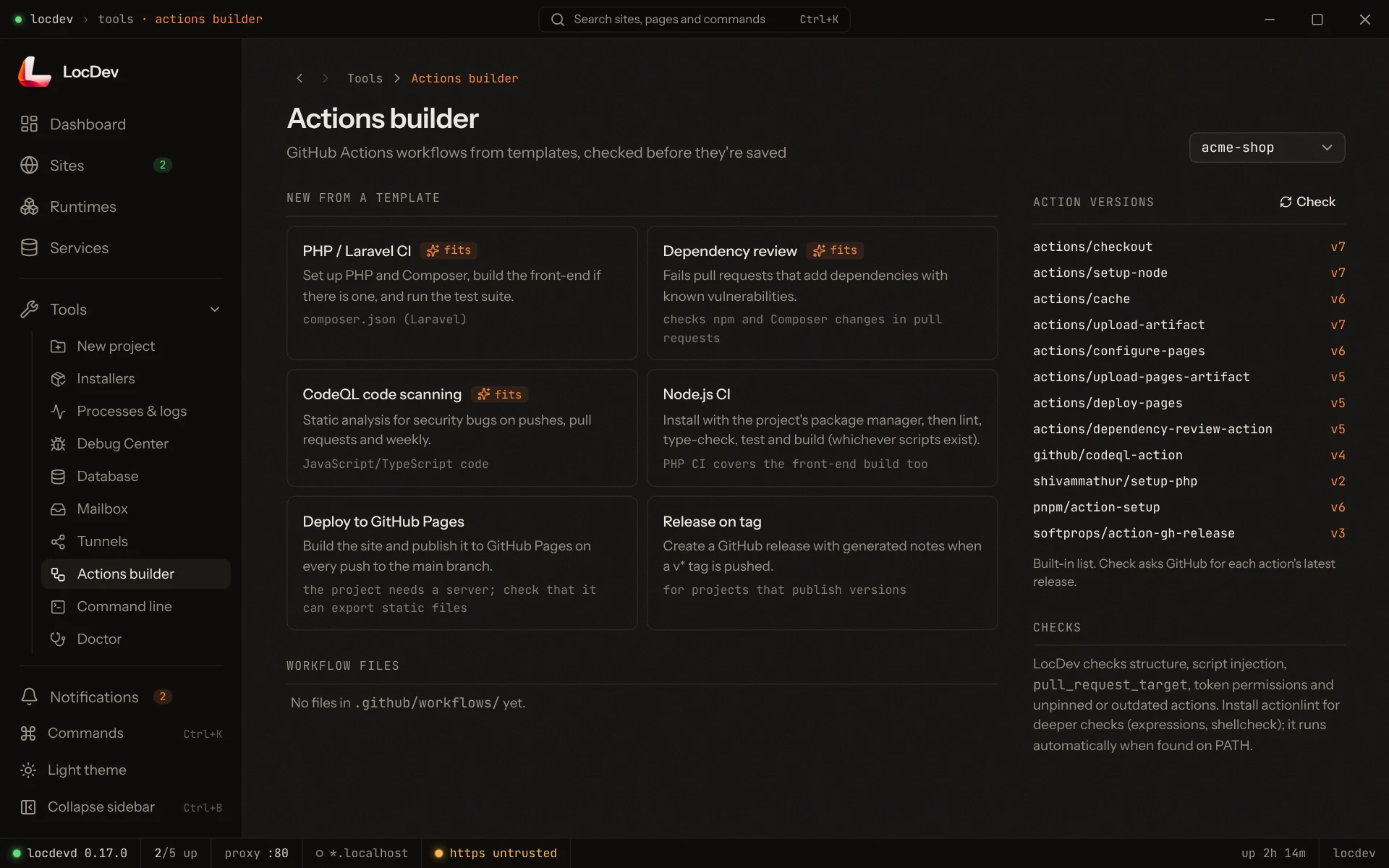
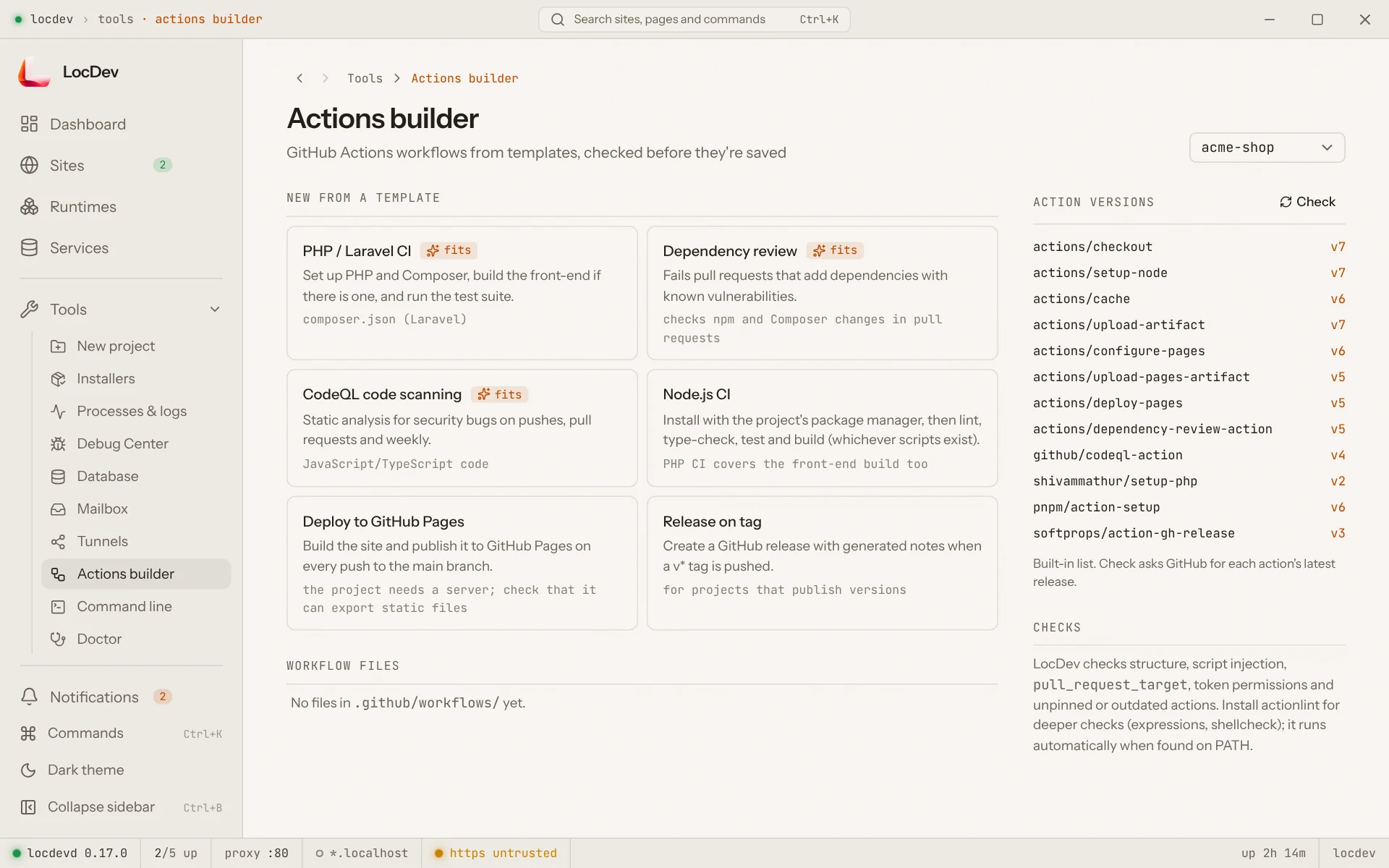
In Tools → Actions builder you create and edit a site's GitHub Actions workflows. The result is saved in .github/workflows/ in the site's folder. For GitHub to run the workflow, you commit and push (through the Git tab or in the terminal).
Templates
Templates are built from what LocDev finds in the project's files. Nothing from the project runs. The ones that match the site show first, marked fits, with the reason.
| Template | What it generates |
|---|---|
| Node.js CI | installs with the project's manager (npm, pnpm, Yarn 1 or Berry, Bun) and runs the lint, typecheck, test and build scripts that exist. The Node version comes from .nvmrc/.node-version or engines |
| PHP / Laravel CI | setup-php with the version from composer.json, composer install, a front-end build when there's a package.json, then php artisan test, Pest or PHPUnit |
| Deploy to GitHub Pages | build and publish to Pages (two jobs; only the deploy job has pages: write) |
| Dependency review | blocks pull requests that add dependencies with known vulnerabilities |
| CodeQL | static analysis of JavaScript/TypeScript on push, PR and once a week |
| Release on tag | creates a release with generated notes when a v* tag is pushed |
| Docker image | builds the Dockerfile on PRs; builds and pushes to GHCR on the main branch and on tags |
They all start with permissions: contents: read at the top, and each job gets only what it needs.
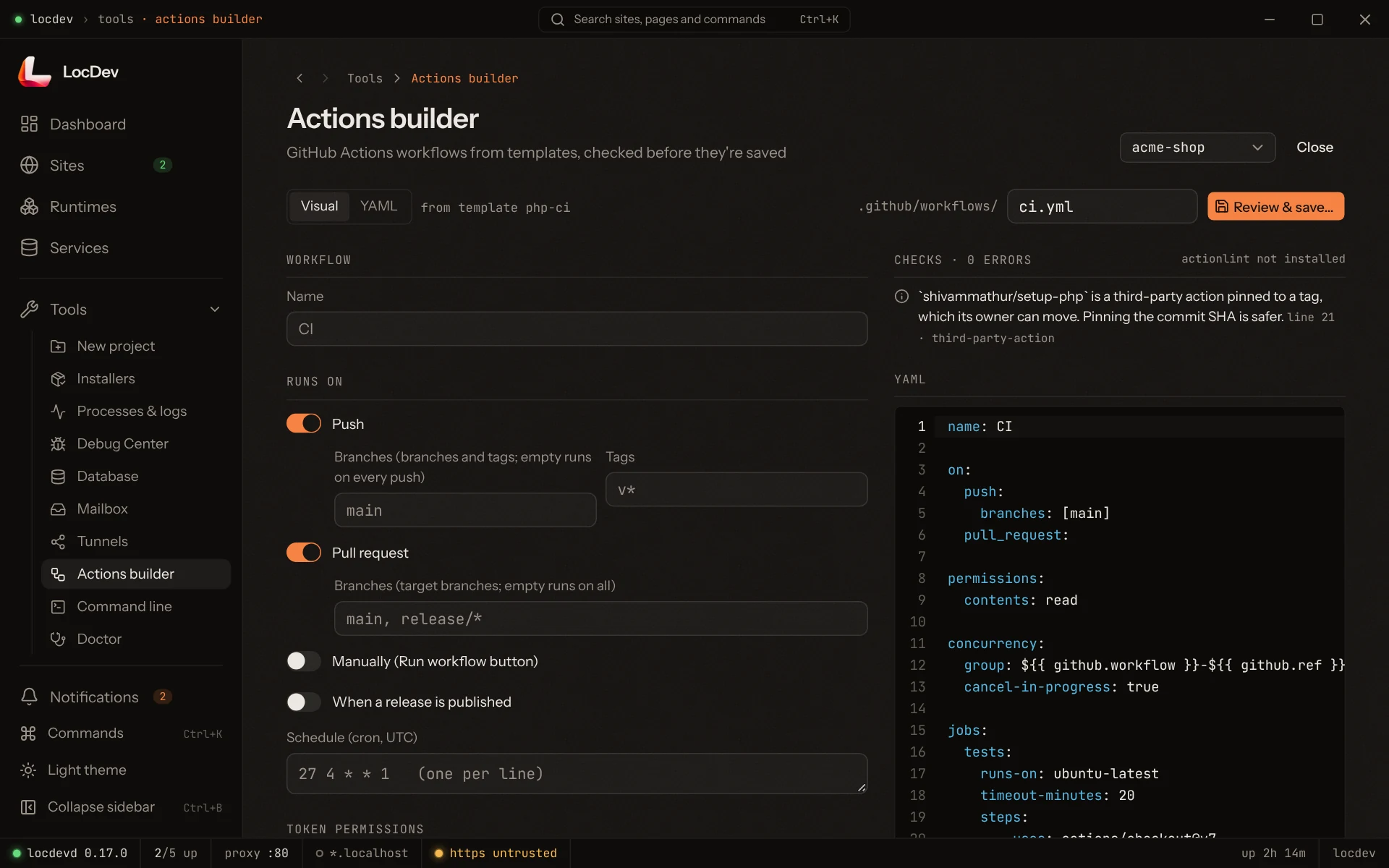
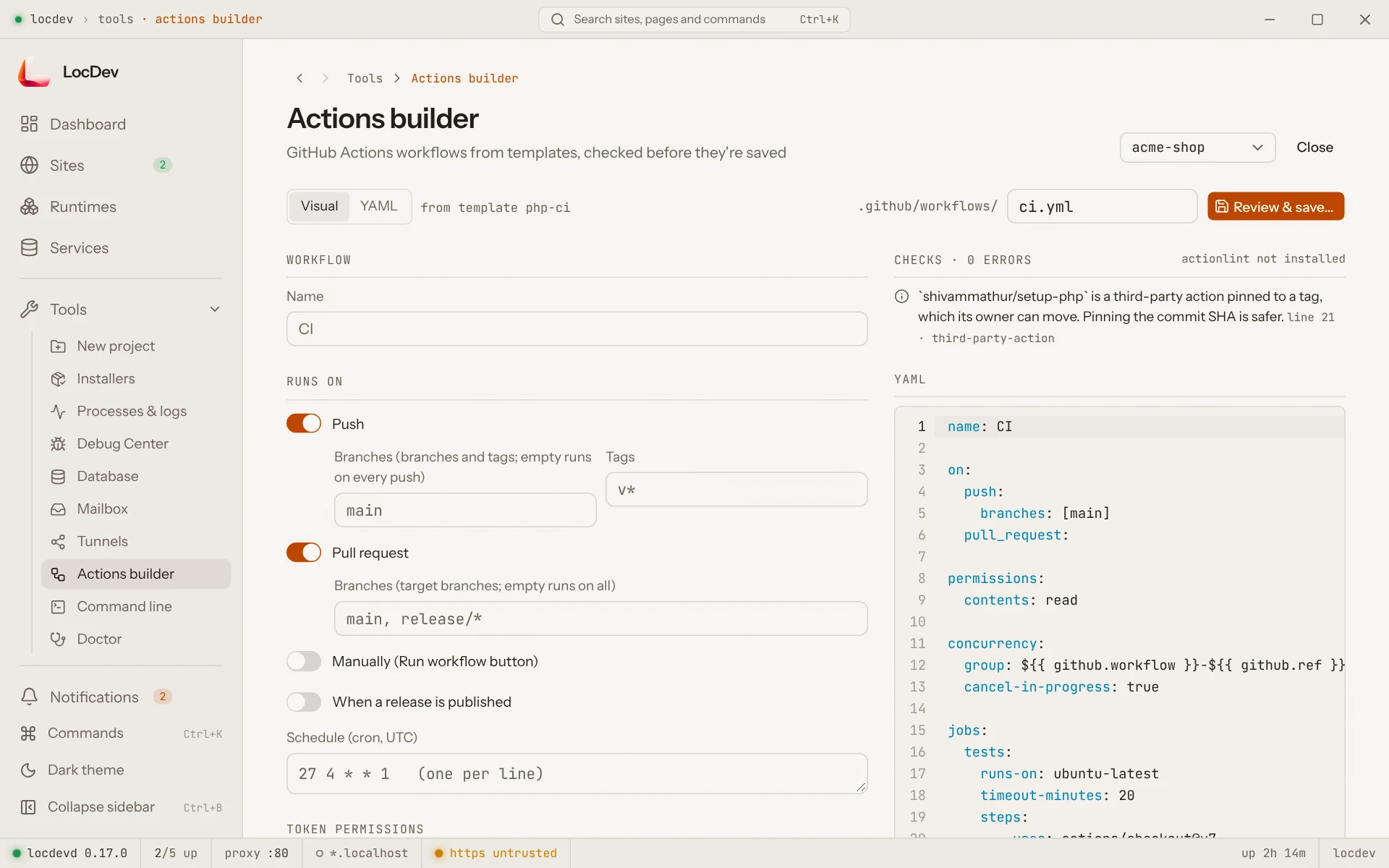
Visual editor and YAML
The visual editor covers:
- the workflow name;
- triggers: push and pull request with branches and tags, manual (
workflow_dispatch), schedule (cron) and published release; - token permissions, at the top and per job;
- cancelling old runs;
- jobs: runner, timeout, environment, dependencies between jobs (
needs) and steps, with name, action or commands,with,envandif.
Steps can be reordered, and the Add step menu lists the known actions at their current version.
The YAML beside it is generated by the daemon on every change. The YAML tab lets you edit the text directly. To go back to the visual editor, the file must only use what the editor covers. Files with other features (workflow_dispatch with inputs, matrix with include, reusable workflows…) open in YAML mode, with the reason, and nothing is dropped.
Checks
LocDev checks the YAML while you edit:
| Rule | Level |
|---|---|
syntax, on:, jobs without runs-on or without steps, a step with both uses and run, a missing or cyclic needs, an invalid cron | error |
script injection: ${{ github.event.pull_request.title }}, github.head_ref, issue/comment body… pasted inside run: | error |
pull_request_target/workflow_run that checks out the PR's code | error |
an action without a version (uses: owner/action) | error |
an action following a branch (@main) | warning |
no permissions: (the token keeps the repository default) or write-all | warning |
| a major version older than the current one of a known action | warning |
a third-party action pinned by tag instead of SHA; a secret interpolated in run: | info |
If actionlint is on PATH, it runs too: the YAML goes through standard input, nothing is written, and its findings show marked actionlint. Without it, only the rules above apply.
LocDev's errors prevent saving. Warnings and actionlint findings show but don't block, because actionlint also flags style and shellcheck notes.
Saving without surprises
Review & save… shows the diff of what will be written and the checks:
- New file: created only if nothing with that name exists (atomic creation).
- Existing file: you have to tick "Replace the existing file". The daemon only replaces it if the file still has the same content (SHA-256) you reviewed. If someone changed the file in the meantime, the write is refused and you review again. The swap is atomic (temporary file + rename).
- Names only in the
name.yml/name.yamlformat. LocDev doesn't write outside.github/workflows/or through symlinks.
Action versions
Templates use each action's current major version, from a built-in list. Check queries each one's latest release on GitHub, with the connected account if there is one, otherwise anonymously. The result is kept in data/state/action-versions.json. The query respects offline mode.
On the command line
locdev actions list                     # matching templates and existing files
locdev actions new node-ci              # print the workflow and the checks
locdev actions new php-ci --save        # create the file (asks first; never replaces)
locdev actions validate                 # check every workflow; exits 1 on errors
locdev actions versions --refresh       # query GitHub
To replace a file that already exists, use the app, which shows the diff.
Checking every workflow
Tools → GitHub Actions checks every file in .github/workflows/ when it opens (locdev actions validate does the same in the terminal). Besides structure and security, LocDev suggests what the community recommends to avoid failed or stuck runs, each with the YAML that fixes it:
| Check | Why |
|---|---|
missing-setup | pnpm, bun or deno in a run: without its setup action: they aren't on GitHub's runners |
practice-timeout | A job without timeout-minutes runs for up to 6 hours when a step hangs |
practice-concurrency | Pull request workflows without concurrency: keep superseded runs going |
practice-cache | setup-node or setup-python without cache: downloads everything on each run |
practice-npm-ci | npm install can change the lockfile on the runner; npm ci installs exactly what it says |
practice-composer | composer install on CI should use --no-interaction --no-progress |
practice-credentials | actions/checkout leaves the token in .git/config unless persist-credentials: false |
Suggestions never block saving; only LocDev's own errors do. LocDev's templates already follow them.
actionlint
When actionlint isn't installed, Install actionlint (or locdev actions install-actionlint) downloads it from rhysd/actionlint's latest GitHub release into LocDev's data folder, only when the SHA-256 in the release's checksums file and GitHub's own digest of the file agree. Validation uses it from then on.
Local versions
LocDev keeps a copy of a workflow file when it reads one that changed outside it, before replacing it and after saving (the last 50 per file, in data/state/workflow-history/). The history button next to each file lists them; opening one loads it into the editor, and saving it goes through the usual review.
locdev actions history ci.yml
locdev actions history ci.yml --show 1763900000000-saved