
Code editor
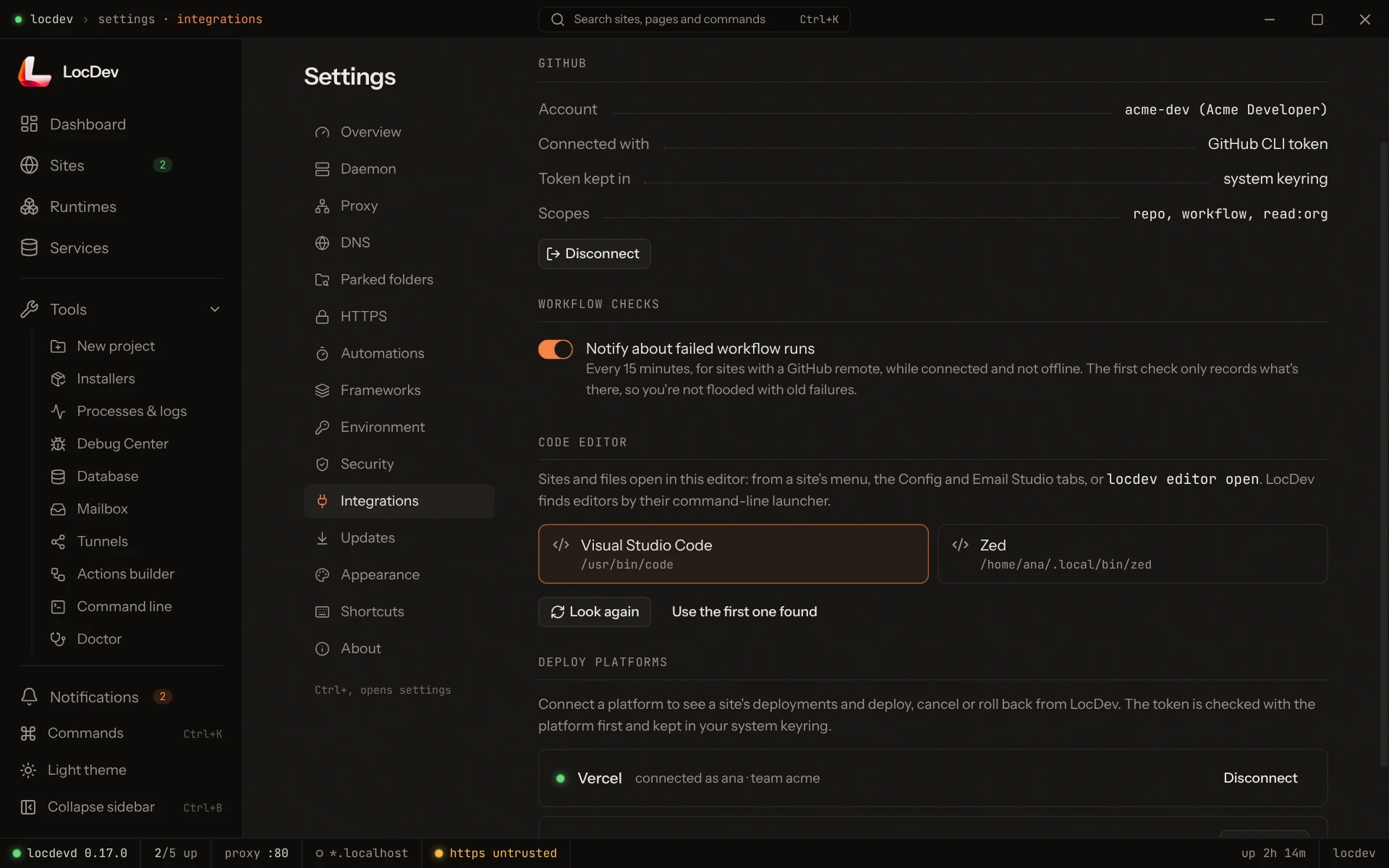
LocDev opens a site, or one of its files at a line, in your code editor: from a site's menu (Open in VS Code, named after the chosen editor), with Ctrl E on the Sites page, from the buttons in the Config and Email Studio tabs, or with locdev editor open.
Editors
LocDev looks for each editor's command-line launcher on PATH, in the folders installers use (/usr/local/bin, Homebrew, ~/.local/bin, /snap/bin, JetBrains Toolbox scripts) and in their usual install locations.
| Editor | Command | Open at a line |
|---|---|---|
| Visual Studio Code | code | code --goto file:line:column |
| Cursor | cursor | like VS Code |
| Windsurf | windsurf | like VS Code |
| VSCodium | codium | like VS Code |
| Zed | zed (zeditor on some Linux distributions) | zed file:line:column |
| Sublime Text | subl | subl file:line:column |
| PhpStorm, WebStorm, IntelliJ IDEA, PyCharm, RustRover | phpstorm, webstorm, idea, pycharm, rustrover | --line N --column M file |
Sources: VS Code command line, Zed CLI, Sublime Text command line, opening files from the command line in JetBrains IDEs.
Editor missing? Check its command works in a terminal. On Linux and Windows, the installers of VS Code and its forks already put it on PATH; on macOS, use the editor's command palette → Shell Command: Install 'code' command in PATH. For JetBrains IDEs, the scripts come from the JetBrains Toolbox (an option in its settings generates shell scripts). Then Look again (or locdev editor list --refresh).
Choosing the editor
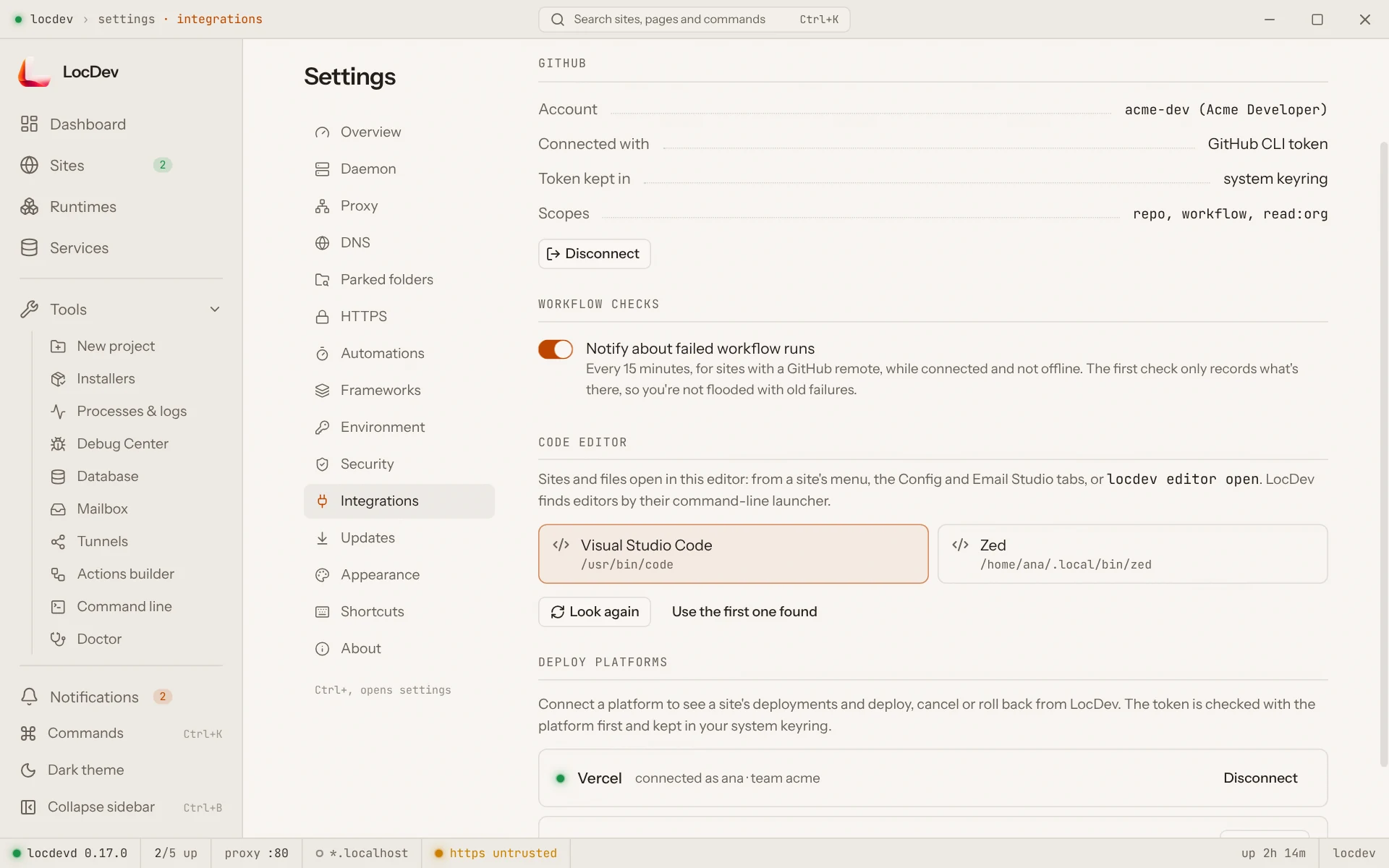
In Settings → Integrations → Code editor, click the editor. With none chosen, the first one found (in the table's order) opens. The choice is [editor] preferred in settings.toml; if the chosen editor is uninstalled, LocDev uses the first one found and says so.
locdev editor list
locdev editor set zed
locdev editor open shop
locdev editor open shop app/Http/Kernel.php:42
locdev editor set none goes back to the first one found, and --editor cursor opens in another editor just that once.
Safety
- Only the site's folder or a file inside it: a relative path, no
..and no links leading out of the folder (the daemon checks the real path). - The editor runs without a shell, with the arguments it documents, on its own: LocDev doesn't wait for it to close.
- Only the editors in the table: there's no custom command.
Limitations
- The daemon starts the editor in its own environment. If the daemon was started at login (without the graphical session in its environment), a graphical editor may not open; restart the daemon from the app.
- Terminal editors (Vim, Neovim, Helix, Emacs in a terminal) aren't listed, since they need a terminal to run.
- Tested on Linux with a stand-in editor and by detecting VS Code installed as a snap; Windows and macOS weren't tested for real.