
.test domains (DNS)
How it works
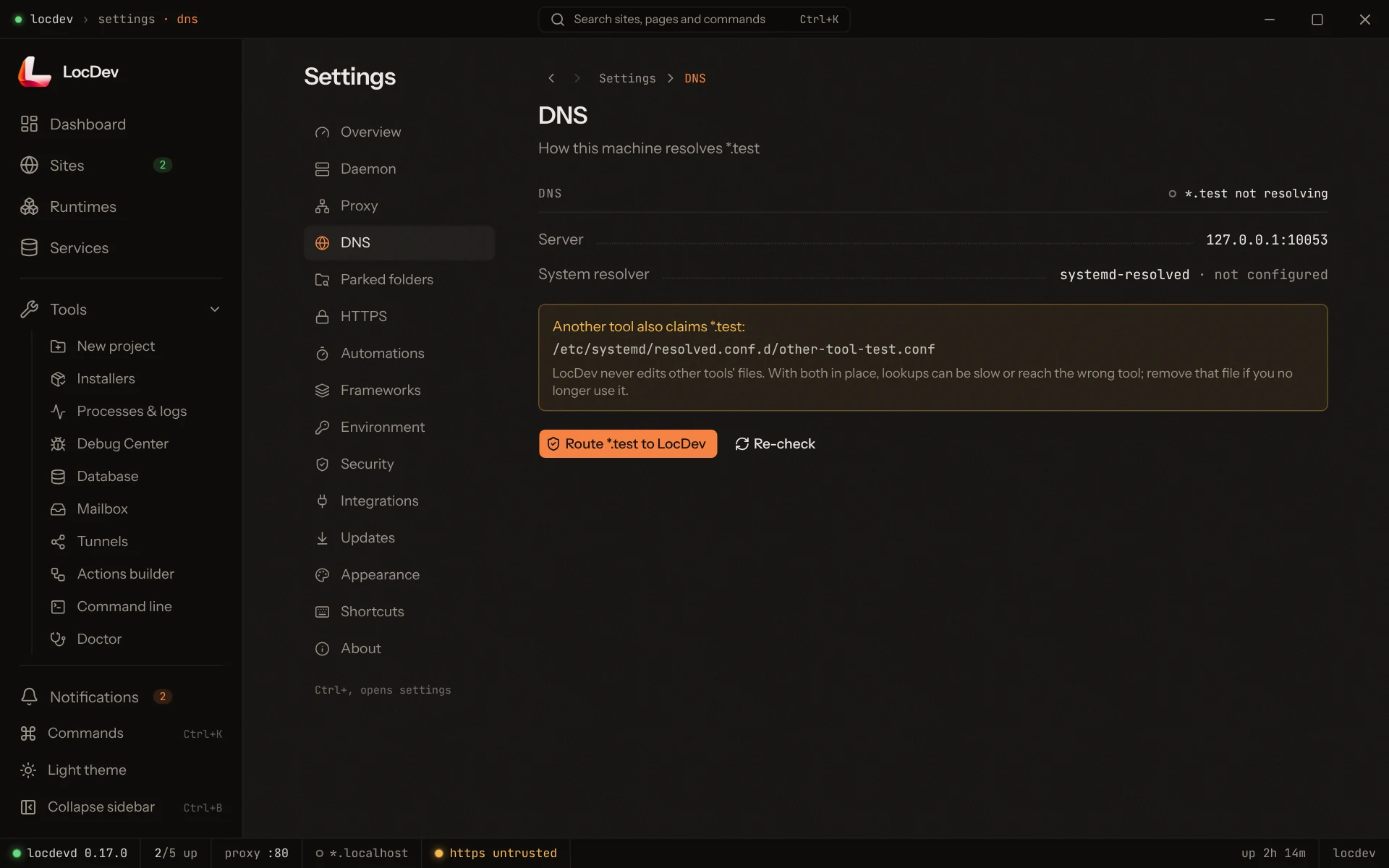
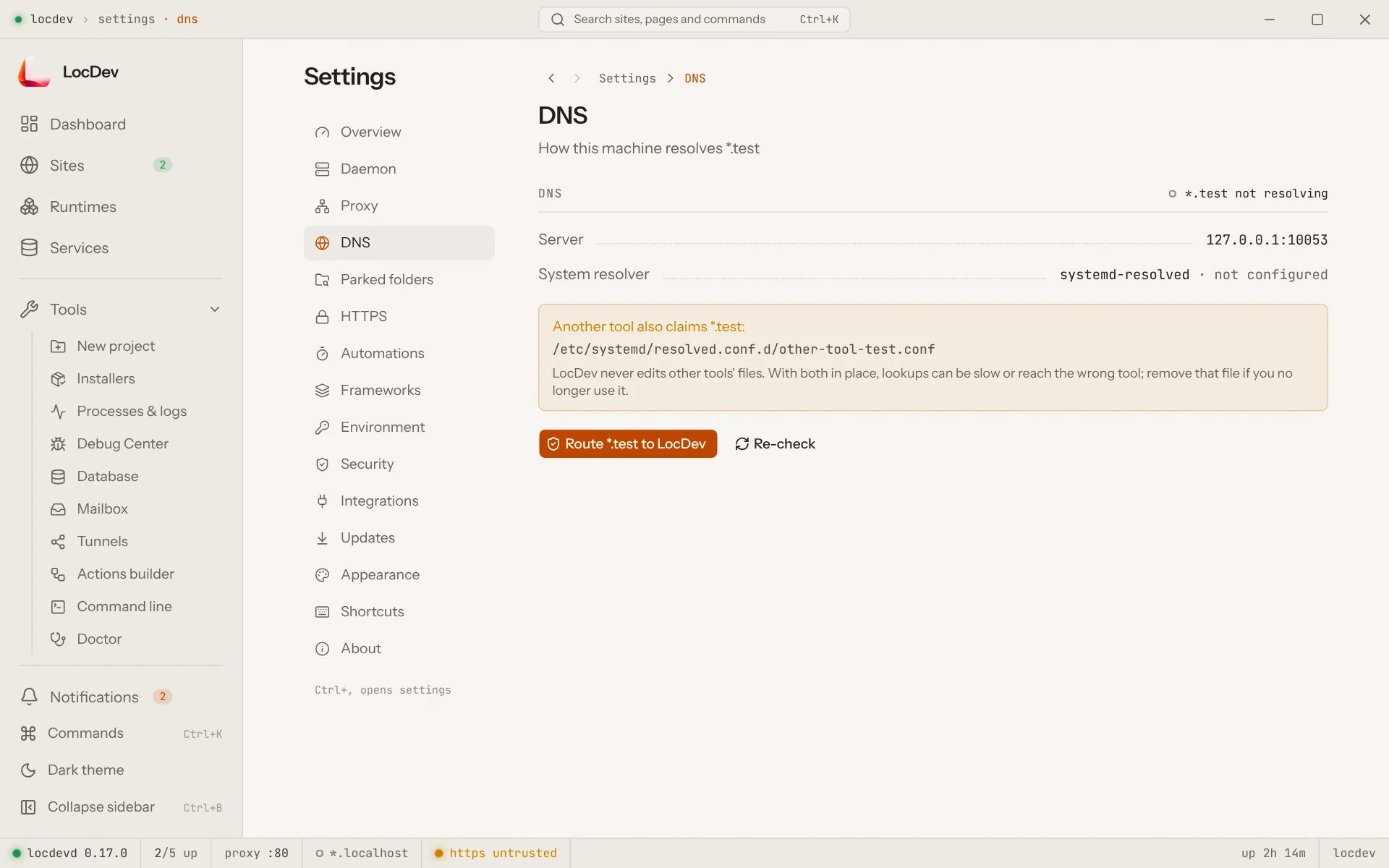
The daemon runs a minimal DNS server on 127.0.0.1:10053, on loopback only. It answers *.test → 127.0.0.1 at any depth (blog.test, api.blog.test, client1.tenants.blog.test) and refuses every other zone. To make the operating system ask it only for .test, LocDev uses each OS's native mechanism:
| OS | Mechanism | Where |
|---|---|---|
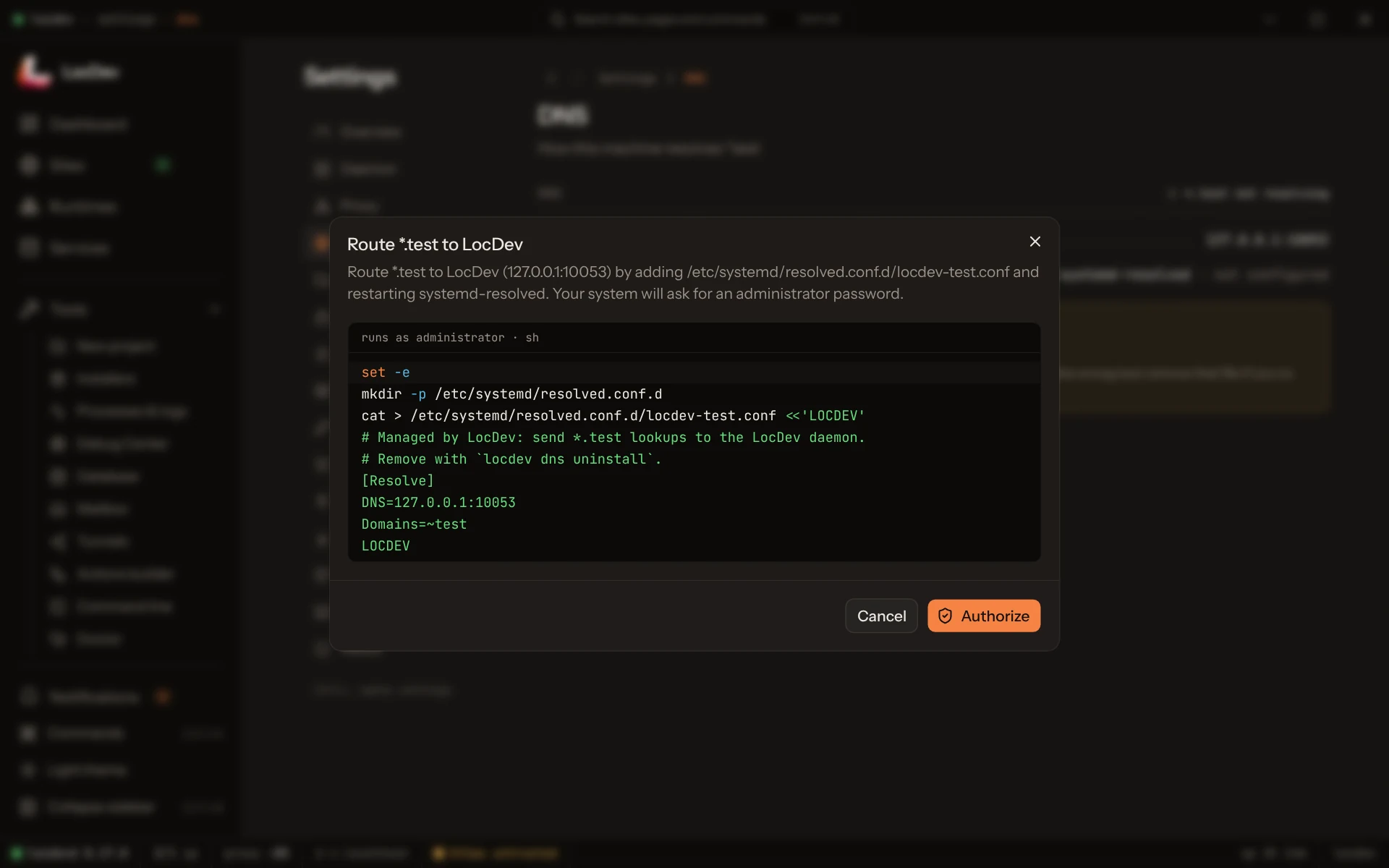
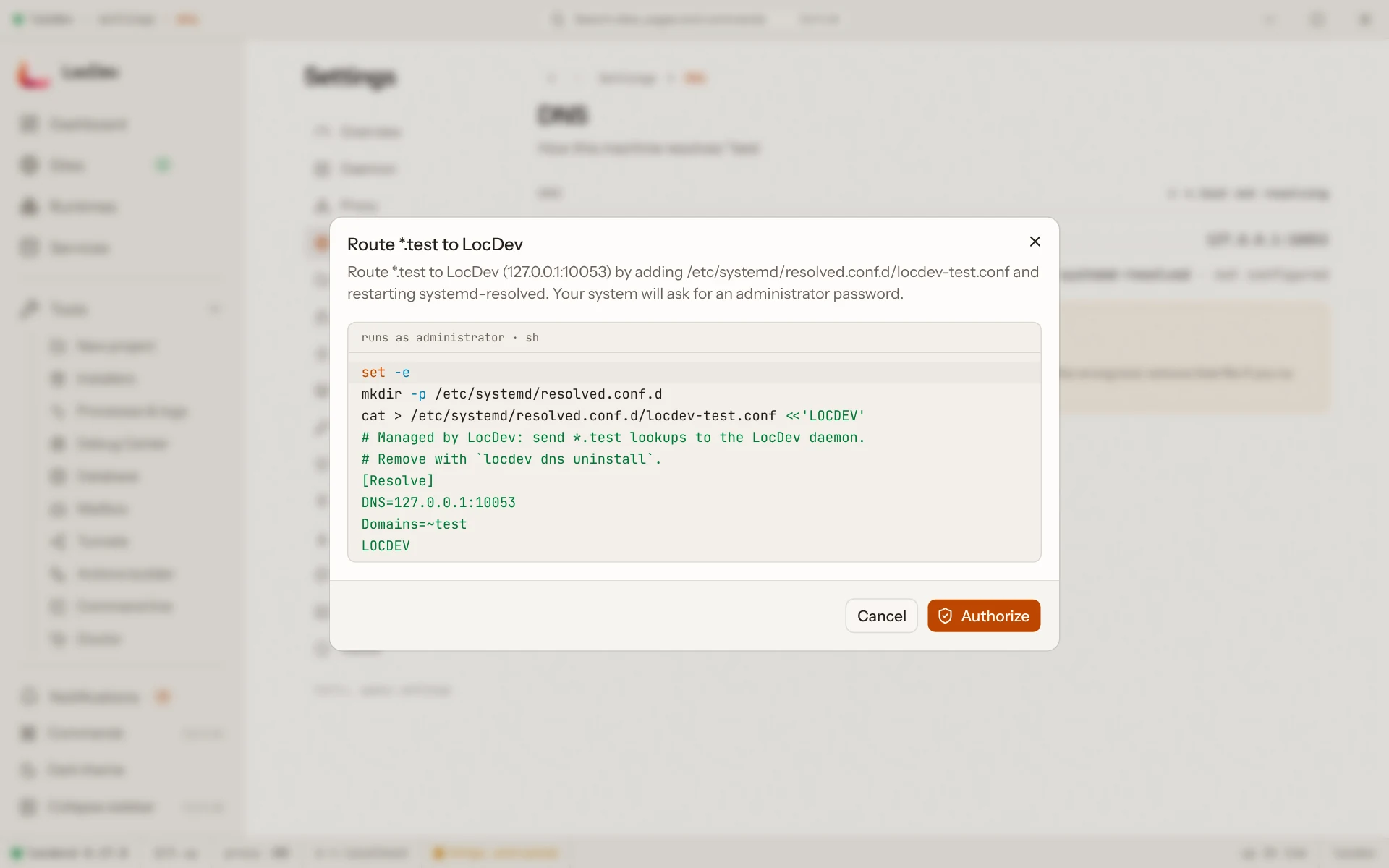
| Linux (systemd-resolved) | routing domain ~test | /etc/systemd/resolved.conf.d/locdev-test.conf |
| macOS | per-domain resolver | /etc/resolver/test |
| Windows | NRPT rule | rule with the comment Managed by LocDev |
A hosts file won't do, because it has no wildcard: every new site and subdomain would need another edit as administrator. LocDev never edits it.
DNS and routing are two different things. DNS brings the name to this machine; the proxy decides which site and port each name goes to (Subdomains). locdev route <host> shows both steps and a name's certificate.
Turning it on
locdev dns install
The command shows the exact script and runs it only after you confirm, through sudo. In the app, the same lives in Settings → dns, using the system's authorization prompt.
To undo:
locdev dns uninstall
Uninstall only removes what carries the Managed by LocDev mark.
With nothing set up: .localhost
While *.test doesn't resolve, site URLs use .localhost, which Chrome, Firefox, Safari and Edge resolve to the local machine on their own. The proxy serves both suffixes: blog.test and blog.localhost reach the same site.
Conflicts with other tools
If another tool also claims .test (for example a yerd-test.conf or valet.conf in systemd-resolved), LocDev shows the file as a conflict, but never edits it. With two servers for the same domain, lookups can get slow or land on the wrong tool; remove the other tool's file if you no longer use it.
Proving it works
doctor resolves a random name (locdev-probe-<n>.test) through the system and checks that it reached LocDev's server. That way it tells three situations apart:
*.test → LocDev: all good;*.test → another tool: it resolves, but through another tool;not resolving: not set up yet.
Vite blocks unknown hosts by default. In the processes LocDev starts, it allows the site's names (
blog.testand.blog.test) through the__VITE_ADDITIONAL_SERVER_ALLOWED_HOSTSvariable, without touchingvite.config. If you run Vite outside LocDev, addserver: { allowedHosts: [".test"] }..localhostis always allowed.
Windows
On Windows the strategy is NRPT (Name Resolution Policy Table), the system's own per-domain routing:
- One rule for
.testcovers every subdomain, at any depth. That's what thehostsfile can't do, and the reason other tools struggle with wildcards on Windows. - Only
.testis affected: the rest of the machine's DNS stays as it was, and no network adapter is changed. - The rule takes no port, so LocDev's DNS server listens on port 53, which on Windows doesn't need administrator rights. It tries
127.0.0.1:53and, if another program already holds that address (another local DNS server, for example), moves to its own loopback address,127.53.0.1:53. The rule points to the address that actually bound. - If the two later drift apart,
doctorwarns andlocdev dns installrewrites the rule. Other tools' NRPT rules for.testshow up as conflicts and are never changed. - Chrome and Edge detect NRPT rules and, because of them, stop using their own resolver and go through Windows'. This is in the Chromium source (
net/dns/public/win_dns_system_settings.ccanddns_config_service_win.cc). If the browser has "Secure DNS" pointed at a fixed provider, or Firefox uses DNS over HTTPS, addtestto the exceptions (in Firefox,network.trr.excluded-domains). - Installing the rule needs administrator rights. The app and the CLI show the PowerShell script (
Add-DnsClientNrptRule) before running it, and Windows asks for authorization (UAC).
The Windows behavior was checked in the code and in tests on Linux (the address fallback runs the same). It hasn't been tested on a real Windows machine yet.