
Tutorial: a Node.js project you already have
In this tutorial you bring an existing project (Vite, Next.js, Nuxt, Astro, Express…) into LocDev, with the Node.js version it asks for, and open it at https://<name>.test. Nothing in the project is changed.
1. Register the folder
In the app, Ctrl N (or the + of the site list) and pick the folder. From the terminal, inside it:
locdev add . --start
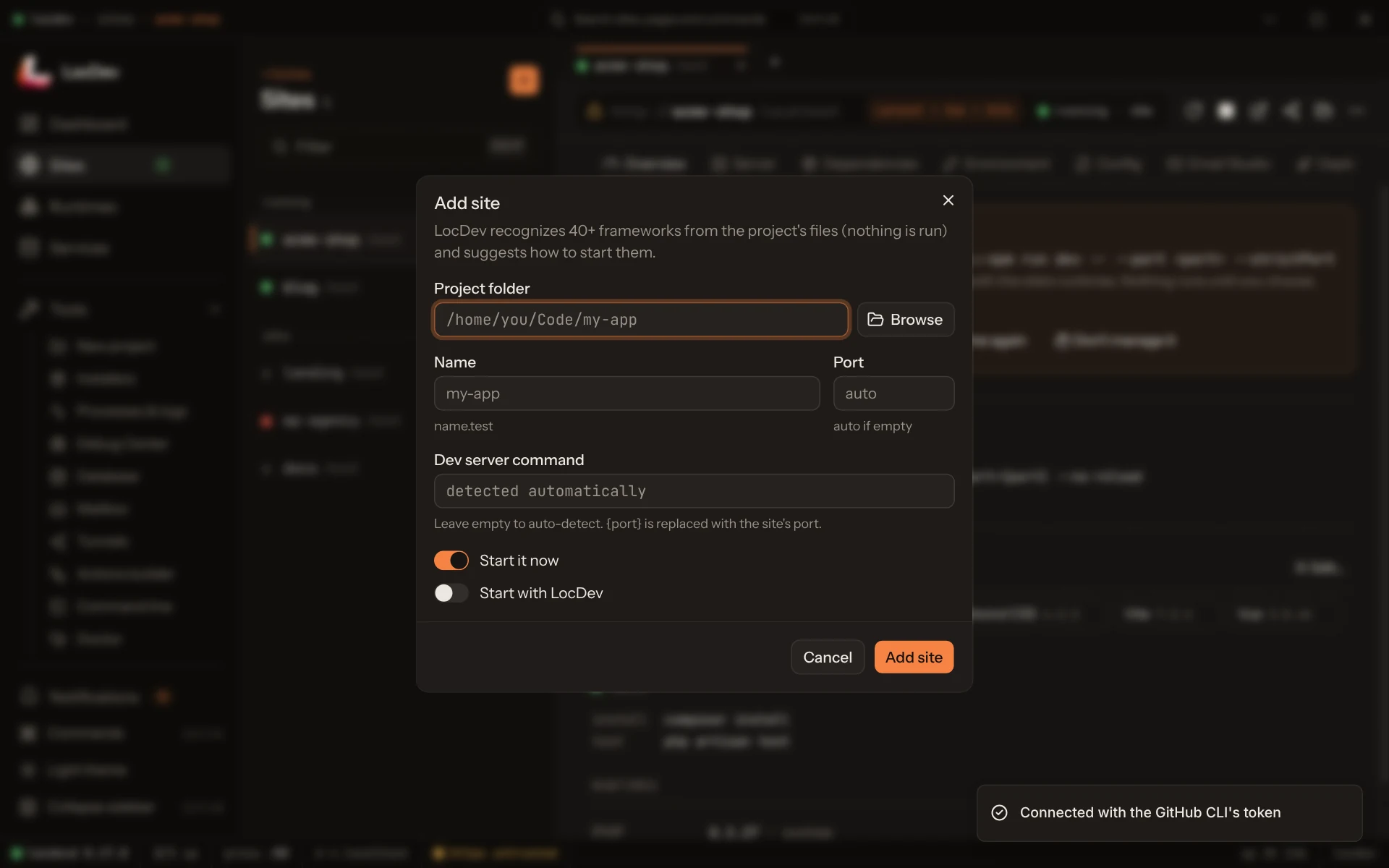
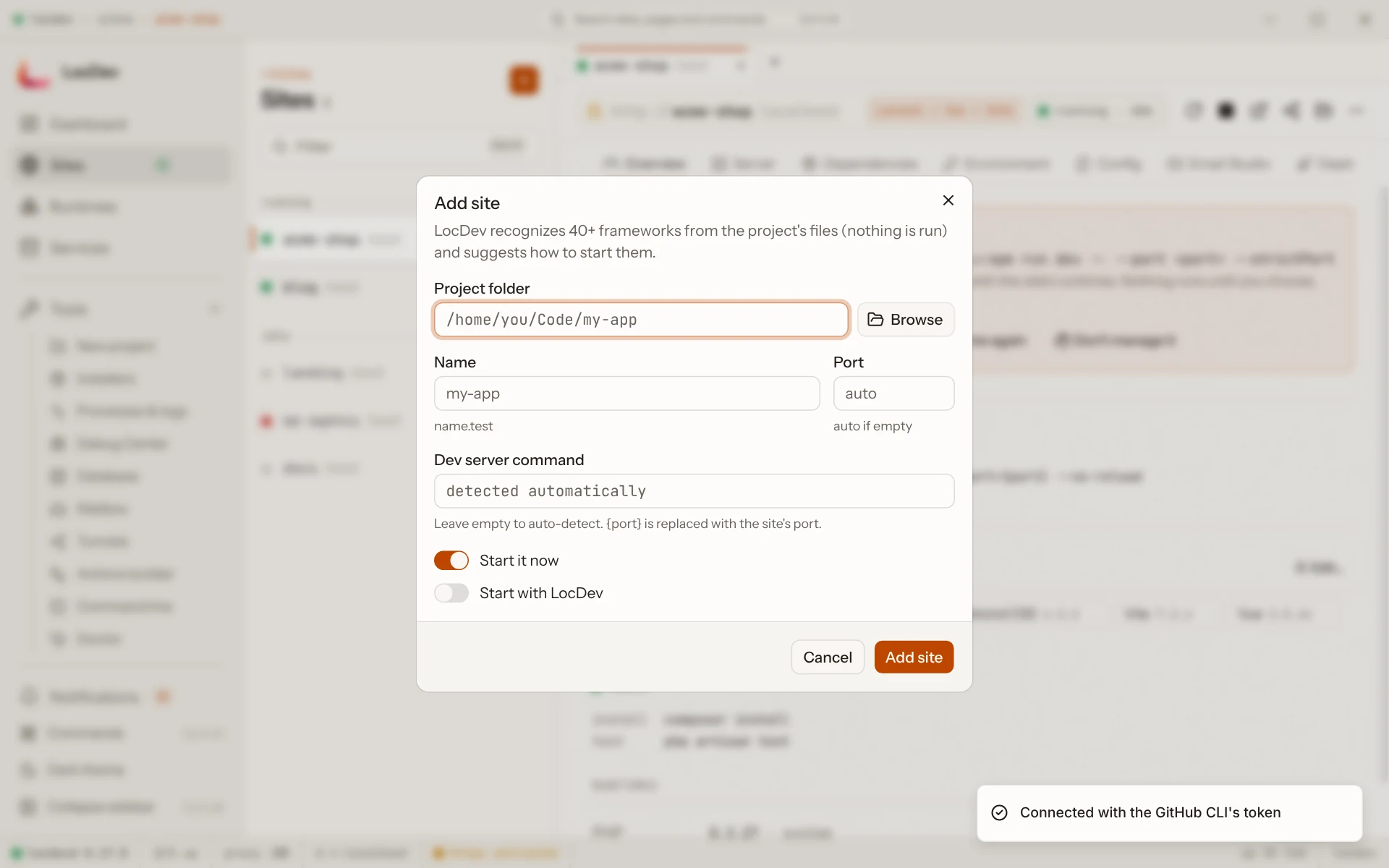
LocDev recognizes the framework from its files (package.json, vite.config.*, next.config.*…), without running anything from the project, and suggests the dev command with the site's port ({port}). It also passes PORT and HOST=127.0.0.1 to the process, and allows the .test host in Vite.
2. The project's Node.js version
If the project has .nvmrc, .node-version, .tool-versions, engines.node or volta in package.json, LocDev uses that version. If it isn't installed, the site doesn't start and the error names the command that fixes it:
locdev runtime install node 20
locdev reload <name>
To pin a version without touching the project, use the site's Settings tab or:
locdev edit <name> --node 22
locdev reload <name>
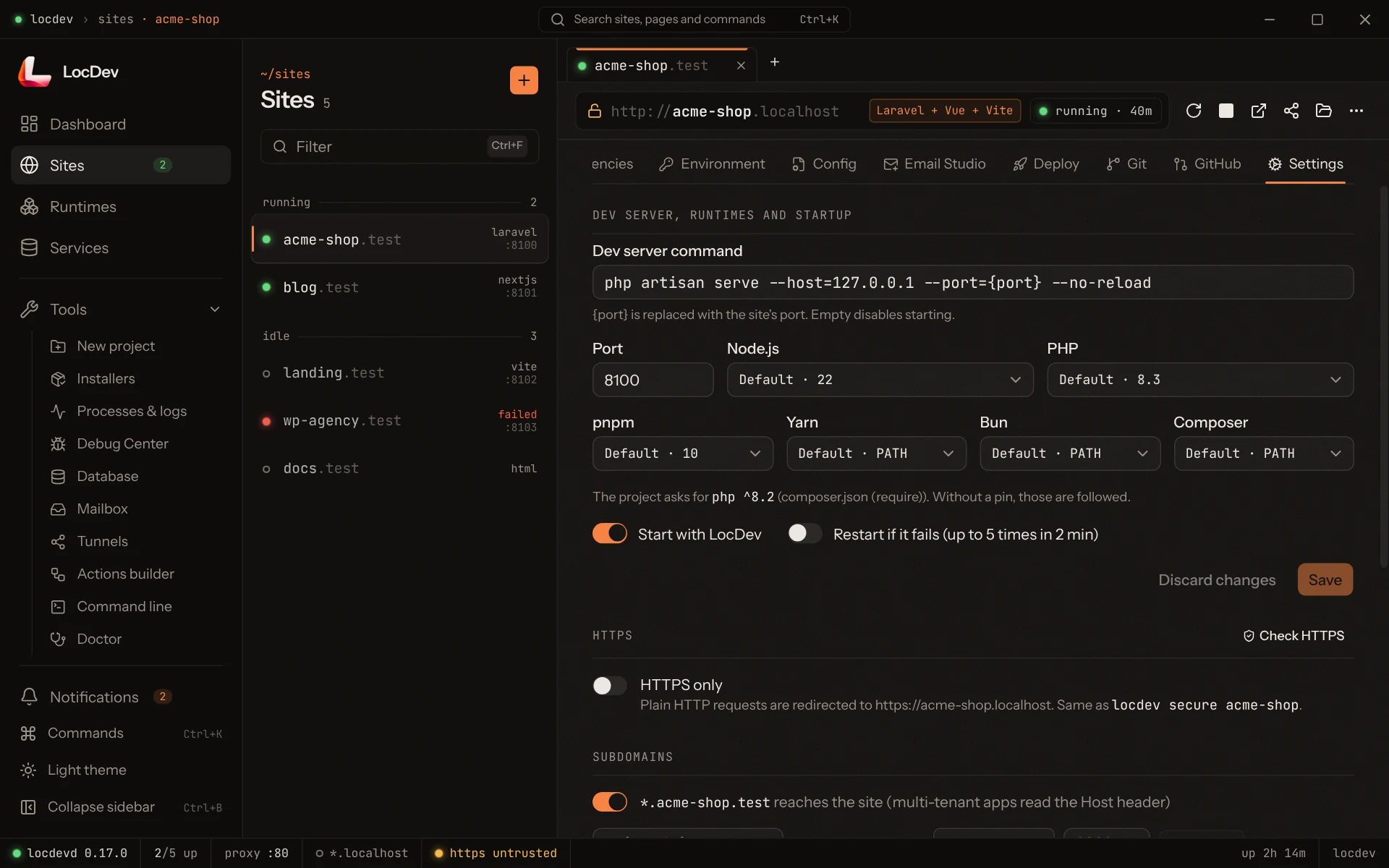
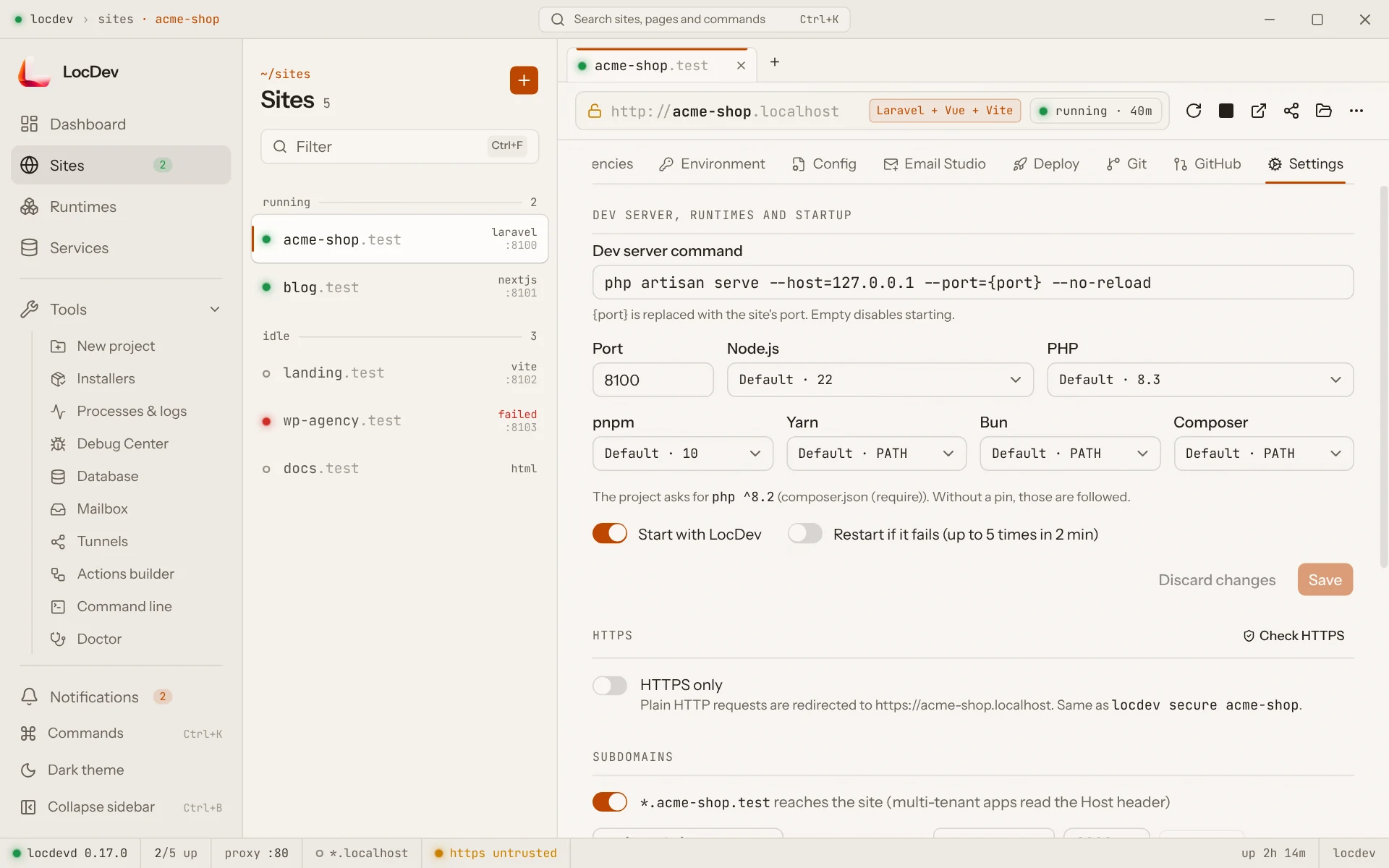
The package manager follows the same path: packageManager in package.json (pnpm, Yarn, Bun) or locdev edit <name> --pnpm 10.
3. Follow the server
locdev logs <name>       # the dev server's output
locdev info <name>       # addresses, resolved versions and where they came from
In the app, the Server tab shows the output live, and the Debug Center gathers every site's errors.
4. Show it to someone (optional)
To share the running site with someone outside your network:
locdev tunnel start <name>
LocDev uses a Cloudflare Quick Tunnel, with no account, and shows the public address. The tunnel ends when you stop the site. See Tunnels.
Next steps
- Shared variables: secrets injected into the process, no
.envin the repository. - Subdomains:
api.<name>.testfor another process or port. - Dependencies: the project's versions, updates and vulnerabilities.