
Keyboard shortcuts
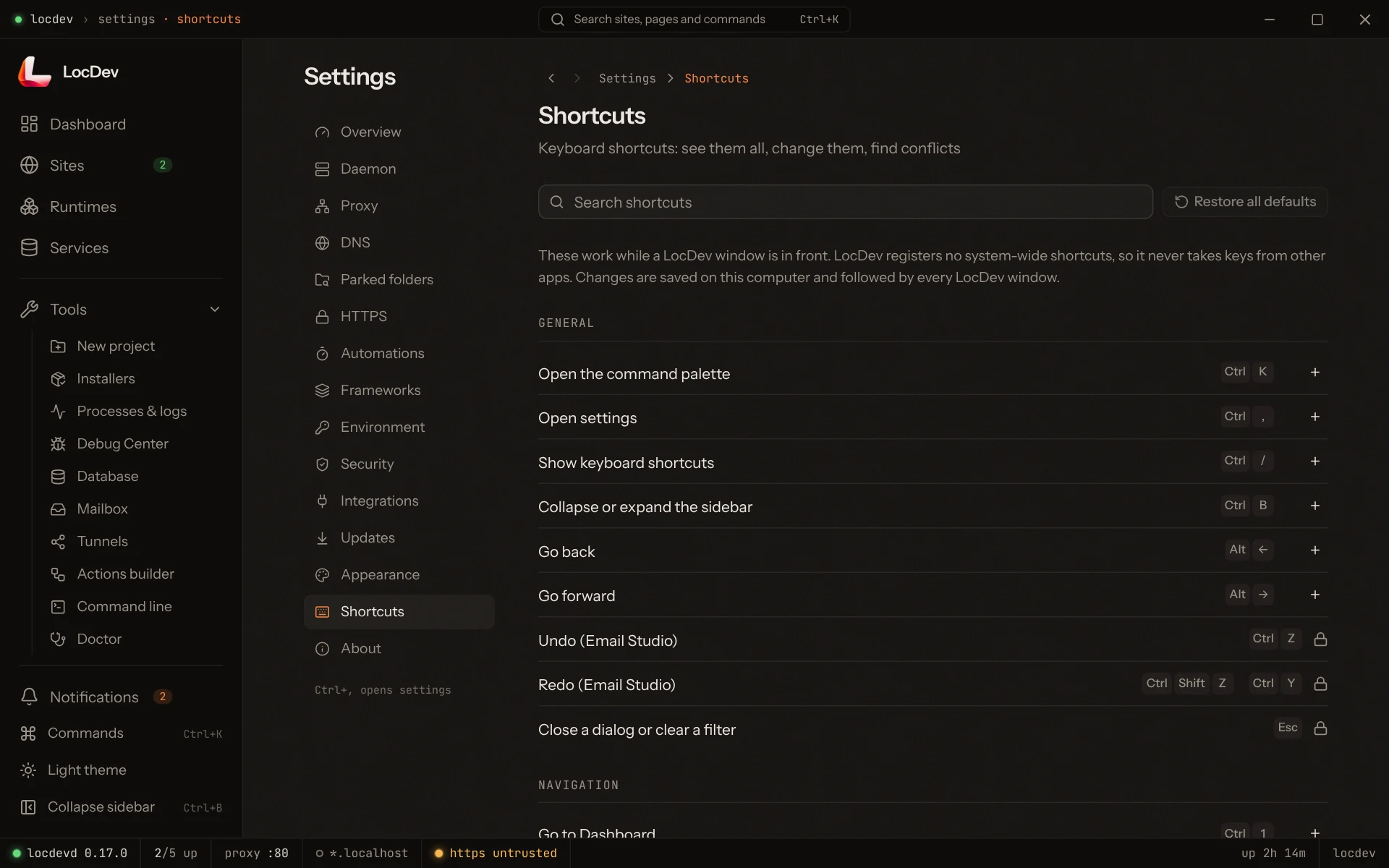
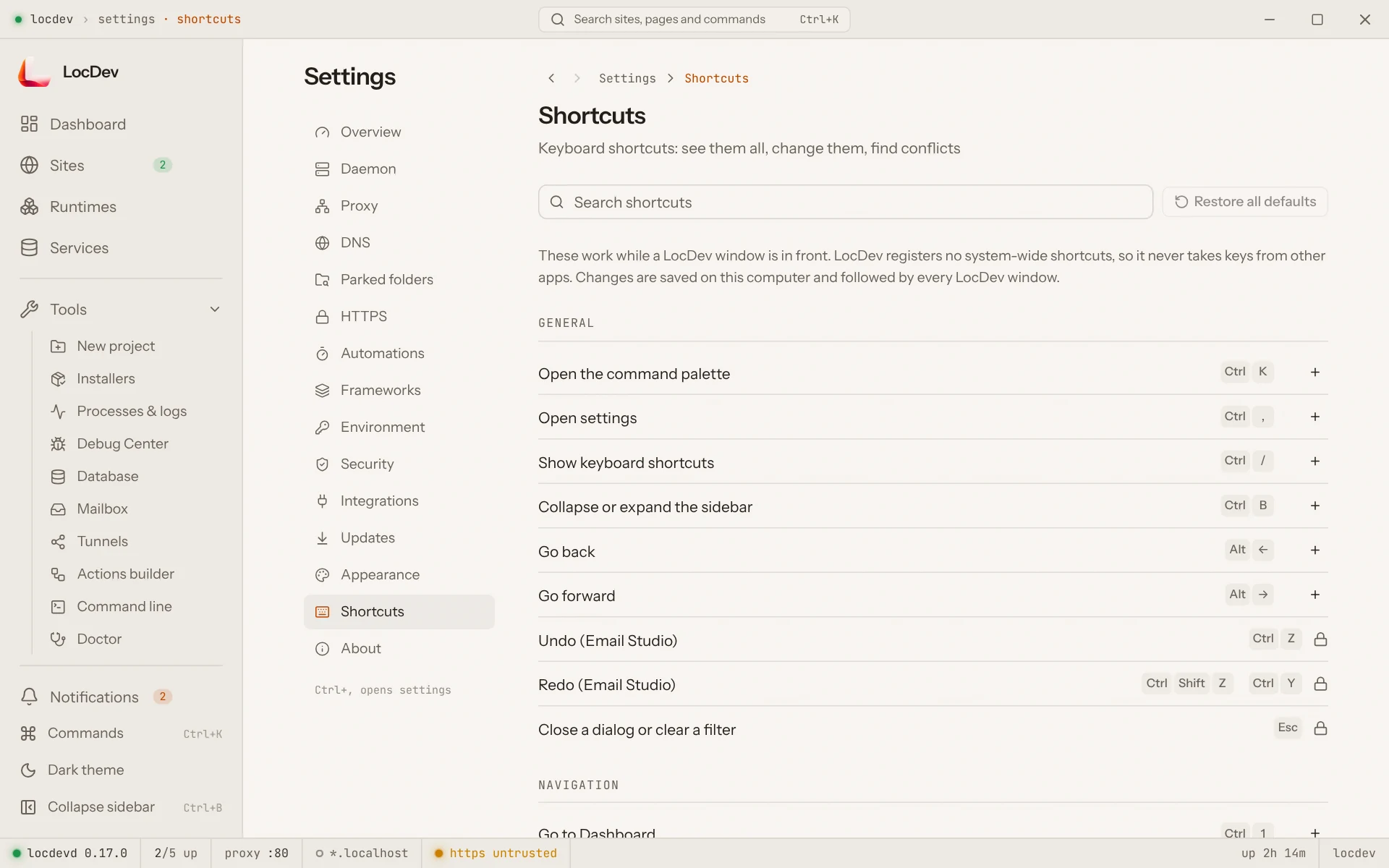
Settings → Shortcuts lists every shortcut in the app, grouped by category: search them, change them, add a second combination, remove one or go back to the default. Ctrl / opens that page.
How they work
- Only inside LocDev. Shortcuts work while a LocDev window is in front. LocDev registers no system-wide shortcuts, so it never takes keys from other apps.
- On macOS,
Ctrlbecomes⌘. Except for switching site tabs (CtrlTab), because⌘Tabswitches apps on macOS and never reaches LocDev. - In text fields only combinations with
Ctrl/⌘fire;Altwith the arrows and plain keys keep editing the text. - Where they apply: some shortcuts only exist on one page (marked on Sites): site tabs, the filter and the actions on the site in the front tab.
- Where they're saved: on this computer, in the app's storage (not in
settings.toml). A change applies at once to every LocDev window.
Changing a shortcut
- Click + next to the action and press the combination.
Esccancels. - It needs
Ctrl,⌘orAlt(or a function key,F1…F12), so typing never triggers a shortcut. - If another action already uses it, LocDev says which and asks: Use it here takes it away from the other action.
- Hover a combination to remove it (×); the restore button brings back that action's default, and Restore all defaults undoes everything.
A combination marked in amber has a warning:
- Conflict: two actions share it; only one runs (the one earlier in this list).
- Reserved: the system or text editing uses it, and it may never reach LocDev. For example
AltF4andAltTab(Windows and Linux),CtrlAltT(terminal on Ubuntu),⌘Q,⌘Hand⌘Tab(macOS), combinations with the Windows/Super key, andCtrlC/V/X/A/Zin text fields.
Built-in shortcuts (with a lock) are listed for reference only: undo and redo in Email Studio, and Esc to close a dialog or clear a filter.
Defaults
| Category | Action | Shortcut |
|---|---|---|
| General | Command palette | Ctrl K |
| General | Settings | Ctrl , |
| General | Keyboard shortcuts | Ctrl / |
| General | Collapse or expand the sidebar | Ctrl B |
| General | Back / forward | Alt ← / Alt → |
| Navigation | Go to Dashboard, Sites, Runtimes, Services, Tools, Notifications, Settings | Ctrl 1 … Ctrl 7 |
| Projects | Add a site | Ctrl N |
| Projects | Create a new project | Ctrl Shift N |
| Projects | Filter sites (on Sites) | Ctrl F |
| Projects | New tab / close the tab (on Sites) | Ctrl T / Ctrl W |
| Projects | Next / previous site tab (on Sites) | Ctrl Tab / Ctrl Shift Tab |
| Projects | Open the site in the editor (on Sites) | Ctrl E |
| Logs and diagnostics | Open the Debug Center | Ctrl Shift D |
Unset by default, for you to choose: open the site in the browser, reveal the site's folder, start or stop, restart and share the site (on Sites), and open each tool (Command line, New project, Installers, Database, Mailbox, Tunnels, Actions builder, Processes and logs, Doctor).
The command palette, menus and button hints always show the current combination, including one you changed.
Limitations
- There are no global shortcuts (outside LocDev), nor one to bring the window up from another app.
- The TUI (
locdevin a terminal) has its own keys, which don't change here. - On Linux, the terminal and workspace shortcuts depend on the desktop environment; the reserved list covers the most common defaults (GNOME/Ubuntu), not all of them.