
Dependencies, jobs and notifications
Site dependencies
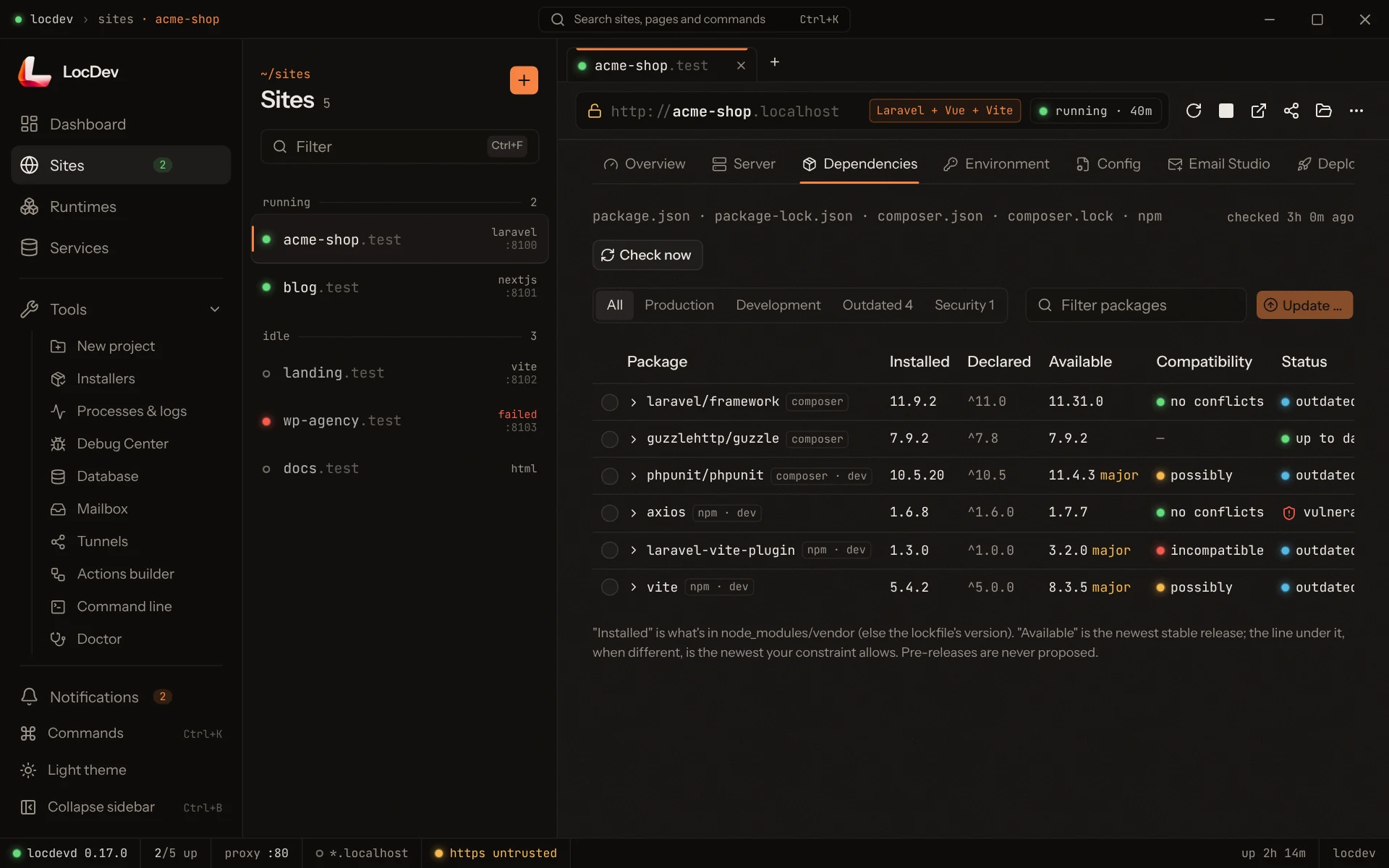
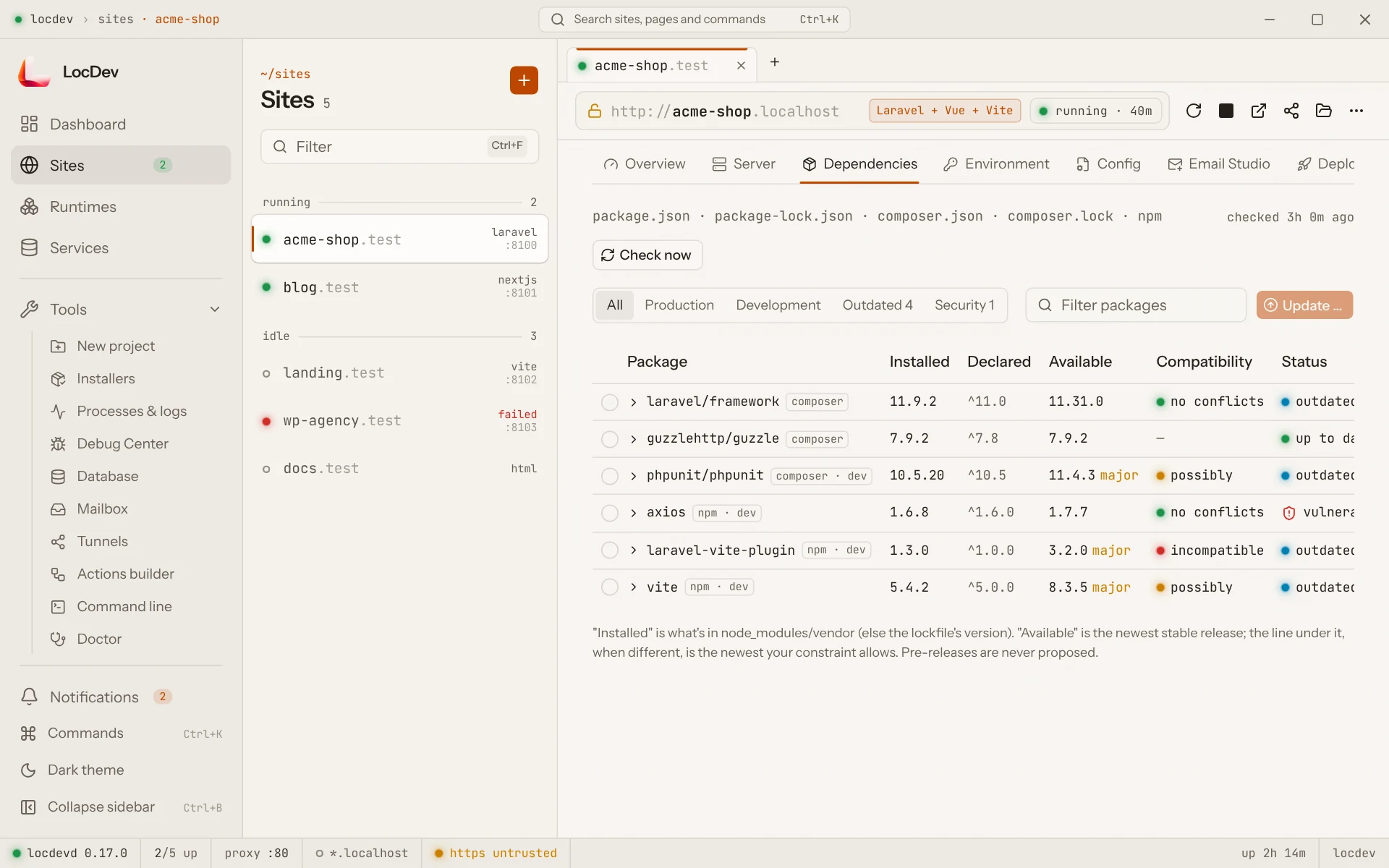
Each site's Dependencies tab (or locdev deps list) reads the project's files: package.json with package-lock.json, pnpm-lock.yaml, yarn.lock (Yarn 1 and 2+) or bun.lock, and composer.json with composer.lock. For each package it keeps three versions apart:
| Column | Where it comes from |
|---|---|
| Declared | the manifest range (^1.2.0) |
| Installed | what's in node_modules/vendor; without that, the lockfile's (a * marks when the two differ) |
| Available | the newest stable version; below it, the newest your range allows |
Listing never uses the network: registry data comes from the last check. The old bun.lockb is binary and isn't read (Bun 1.2+ writes a text bun.lock).
Checking
Check now (or locdev deps check) queries the npm registry, Packagist and osv.dev (which gathers GitHub, npm and PHP advisories). Pre-releases (alpha, beta, RC, nightly) are never suggested.
An update's compatibility is classified, never guaranteed:
| Result | When |
|---|---|
| no conflicts | no check found a problem (engines, peers, PHP); not a guarantee |
| possibly | a new major (or a 0.x minor), something that couldn't be checked, or a version marked deprecated |
| incompatible | a requirement isn't met: engines.node against the site's Node, a peer against the installed version, require.php against the site's PHP |
| unknown | data is missing |
The Node.js and PHP used in this analysis are the ones the site really uses (pin, version files, default or PATH).
Updating
Select packages and click Update (or locdev deps update <package>…). Before anything runs, LocDev shows:
- current → proposed version, the kind of jump and the compatibility with its reasons;
- links to the release notes, the repository and the registry page;
- the exact command that will run, with the project's manager and lockfile;
- the files that should change.
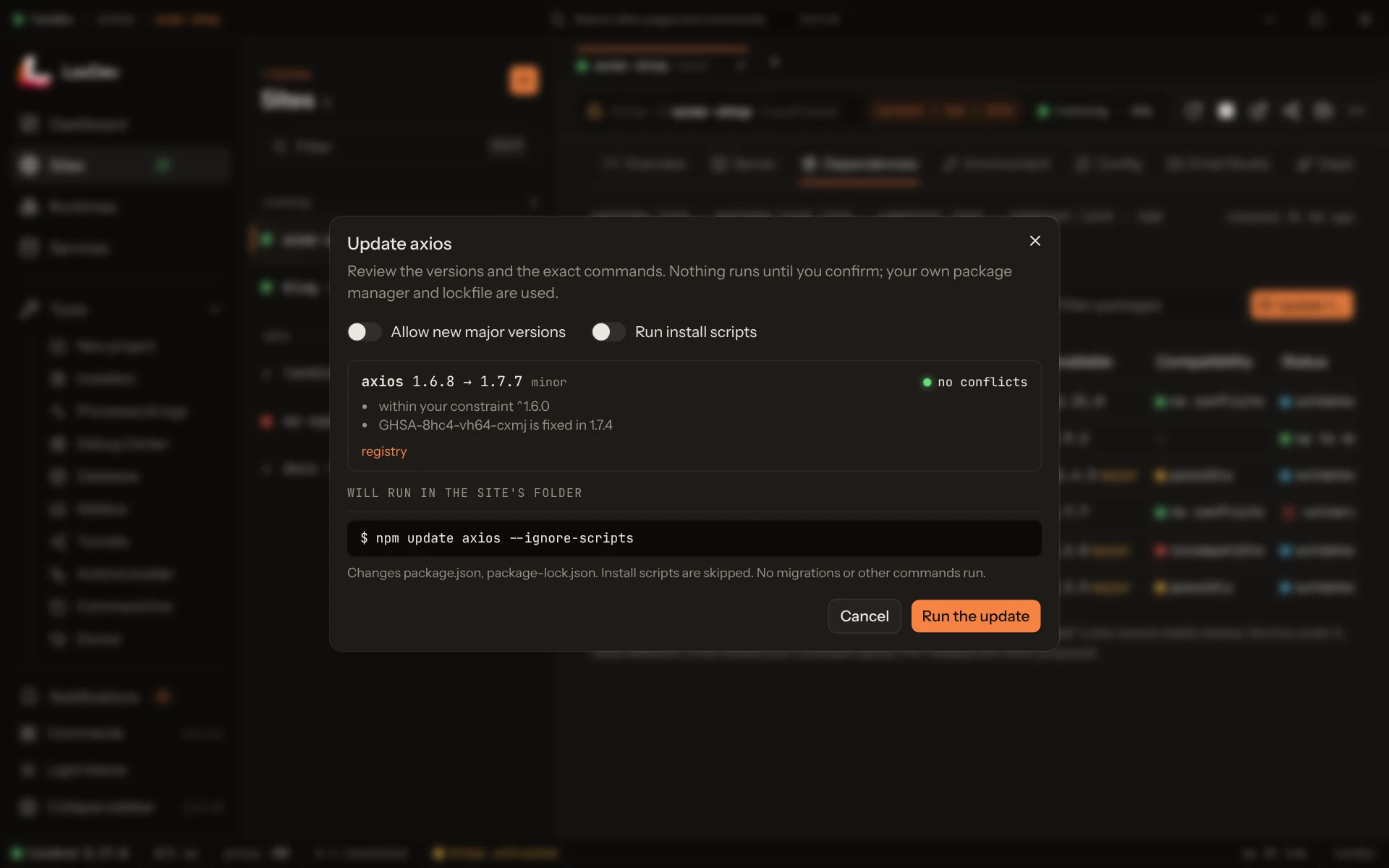
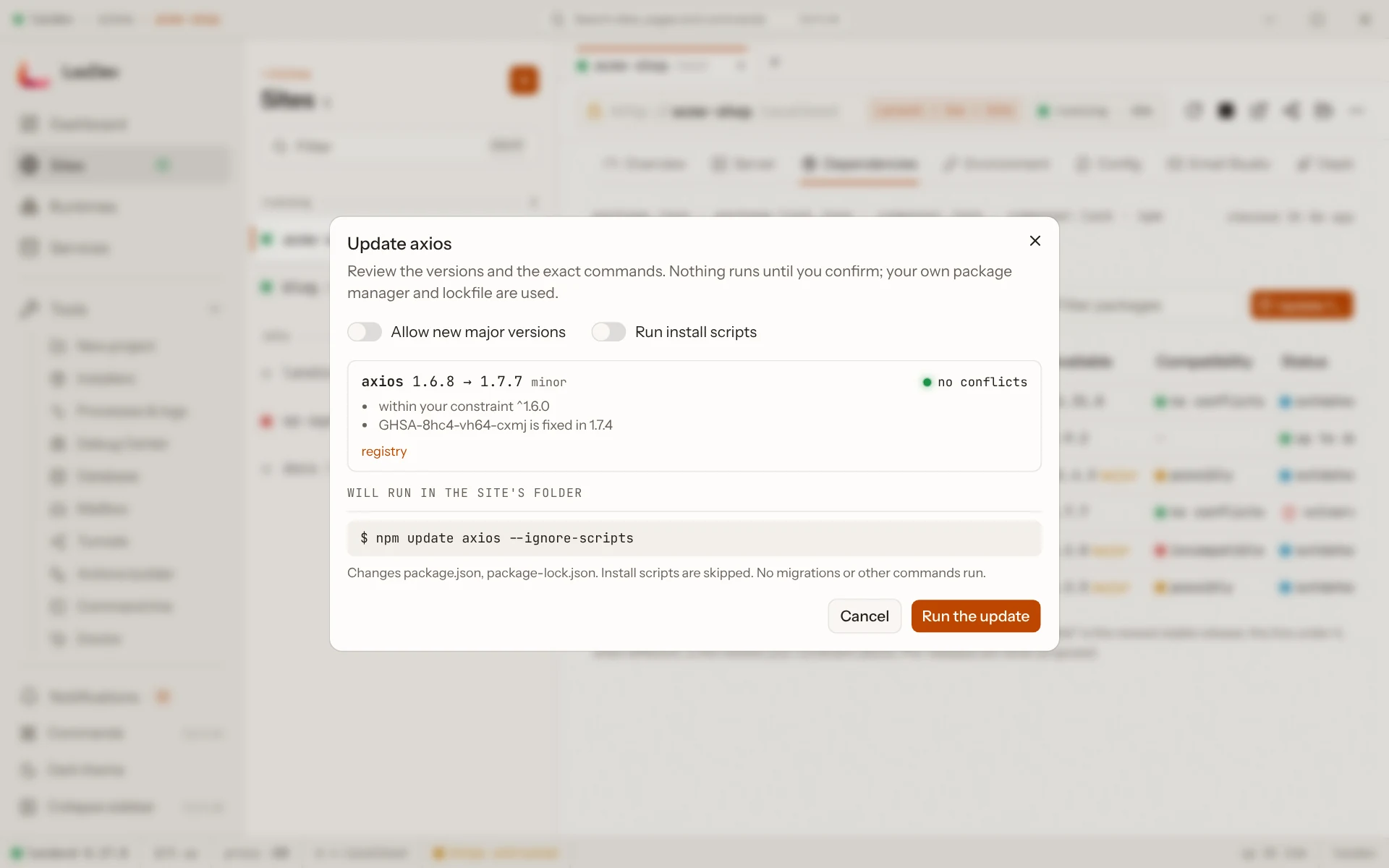
By default, the update stays inside your range (npm update, pnpm update, composer update --with-dependencies). Allow majors changes the range in the manifest, keeping its style (^, ~ or exact). Install scripts (postinstall…) don't run unless you tick the option; no migration or other command runs. The result shows the manager's output and the files that changed.
Commands run without a shell (program and arguments kept apart), in the site's folder and with the site's runtimes on PATH.
Automatic monitoring
In Settings → Automations (or locdev settings set automation.audit <value>) you pick: off, manual only, every 6 or 12 hours, daily (default) or weekly.
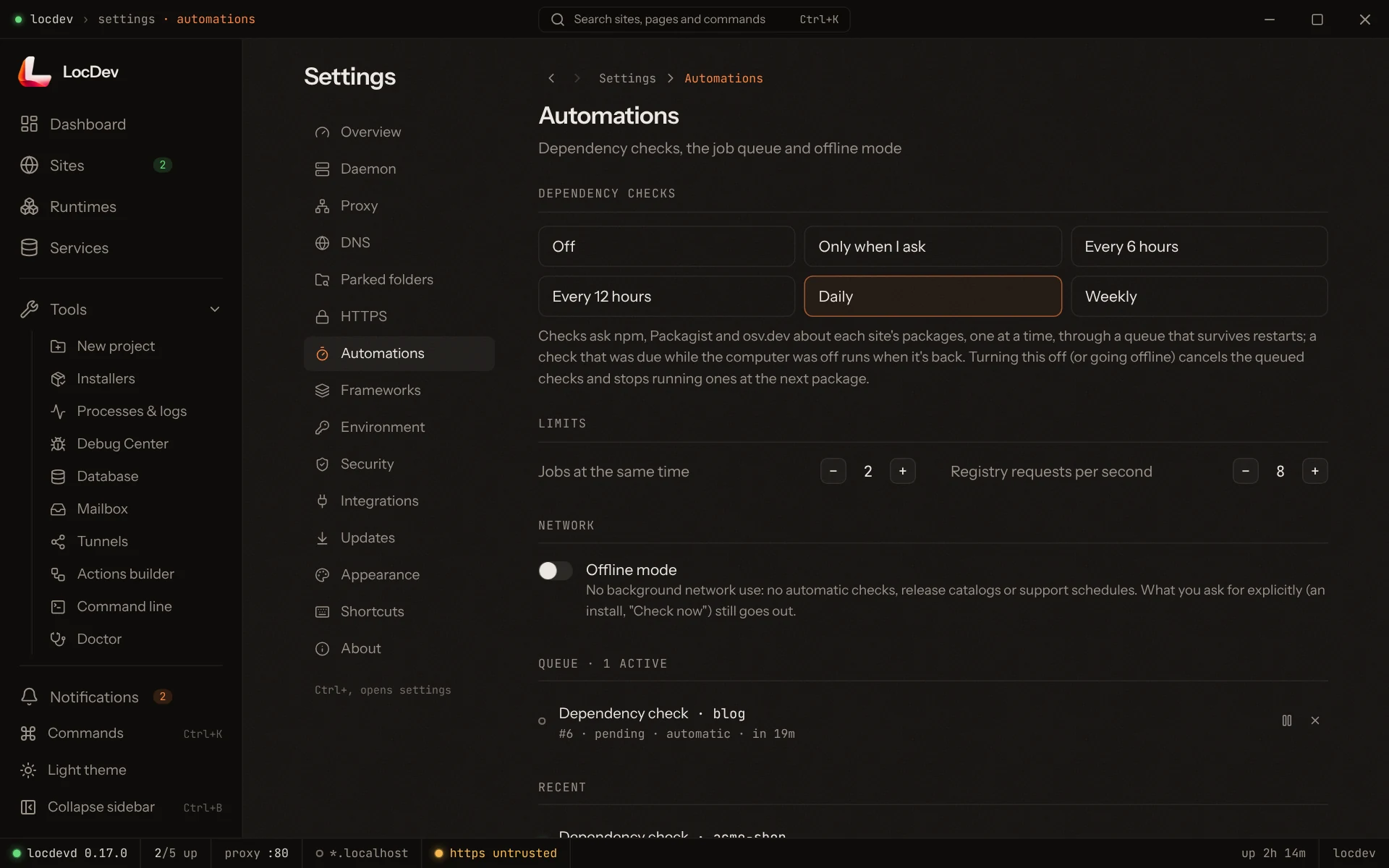
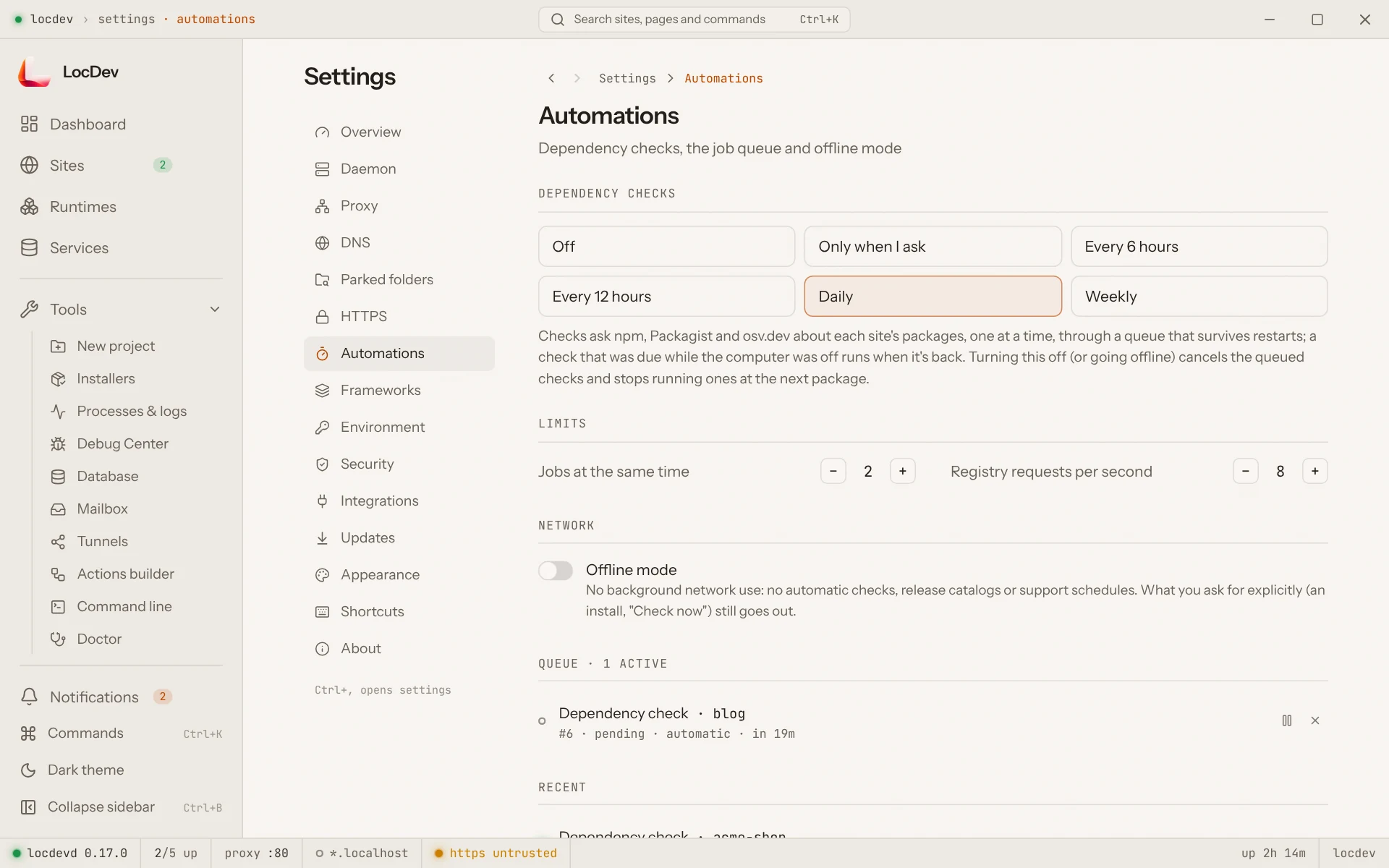
- Checks go into a persistent queue (
data/state/jobs.json). If the computer was off at the time, it runs when it comes back; a job interrupted halfway goes back into the queue. - Sites are staggered (they don't start together), each queries its packages one at a time, and there's a requests-per-second limit across all jobs.
- Registry data is cached for 6 hours. Network failures and
429are retried with growing waits (or the registry'sRetry-After). - A check already queued isn't duplicated.
- When you turn it off (or turn on offline mode), queued automatic jobs are cancelled and a running one stops at the next package. No monitoring query keeps going.
- "Check now" keeps working with monitoring off: it's your request, not monitoring.
locdev jobs lists the queue; locdev jobs cancel|pause|resume|retry <id> controls a job. The same queue runs runtime installs.
Notifications
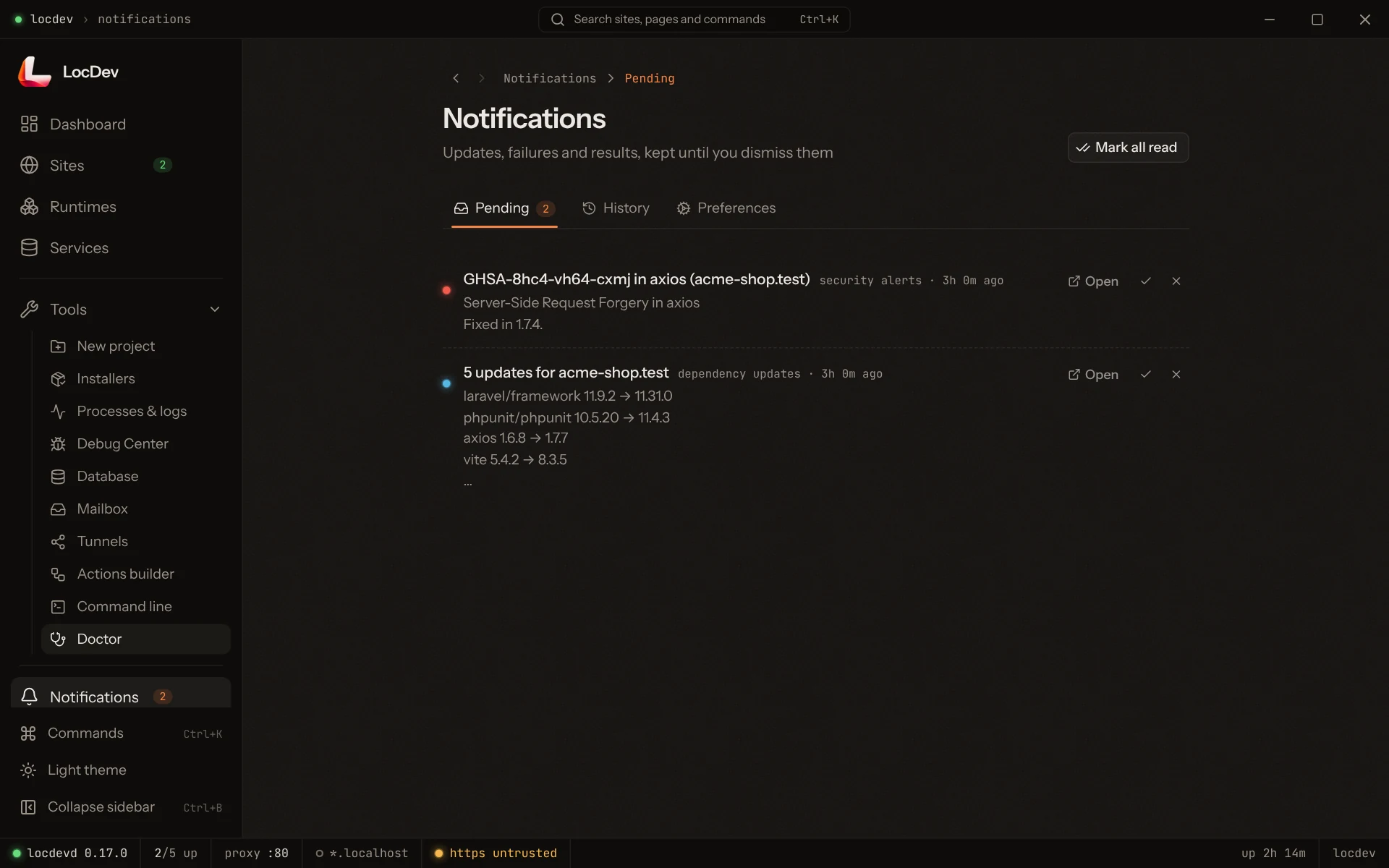
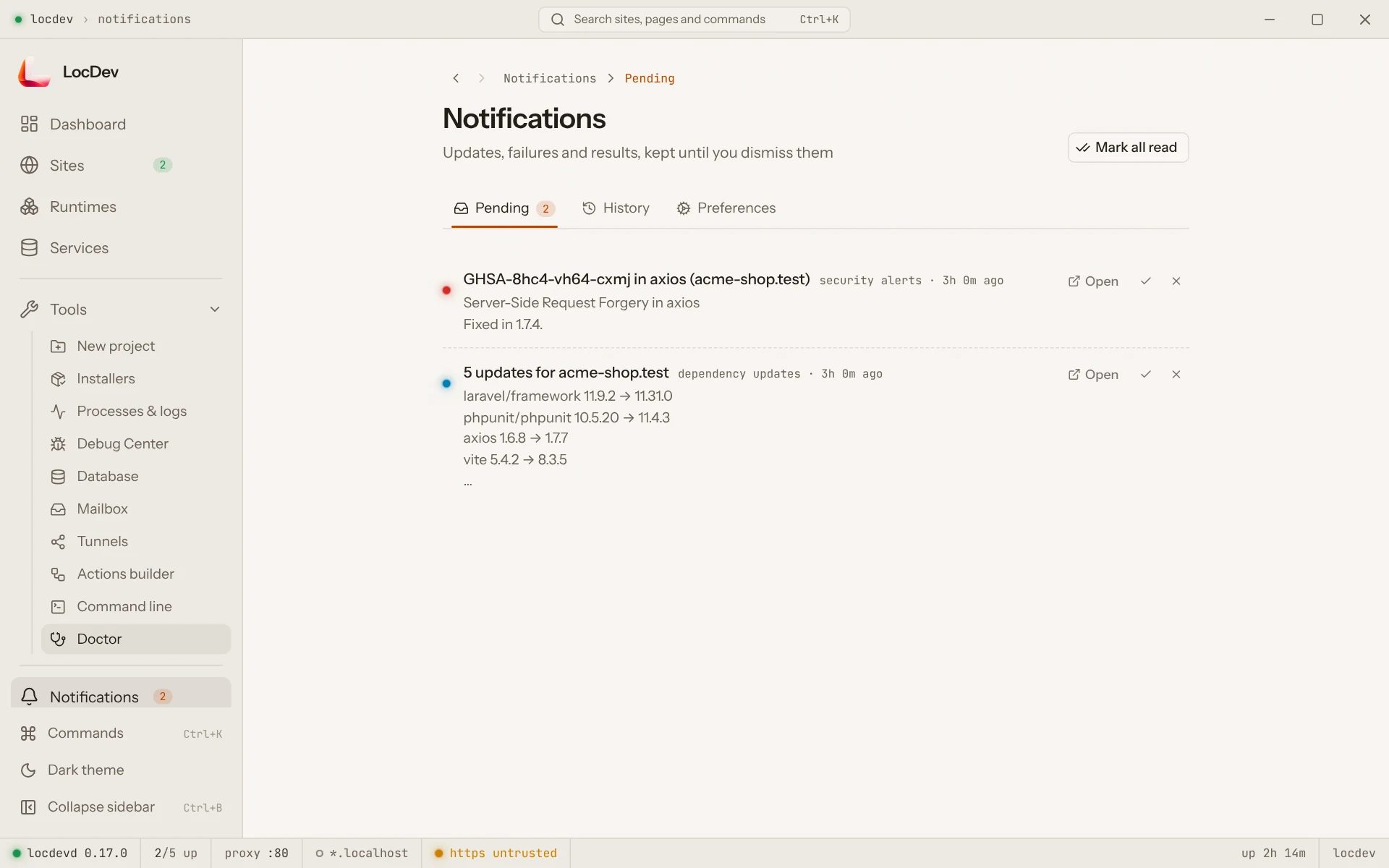
LocDev tells you about available updates, vulnerabilities, servers that fail and the result of what you started. Notifications are stored on disk: they survive closing the app and restarting the daemon and the computer, until you dismiss them. Each has a key: the same update or warning never shows up twice (a newer version makes another one).
- Pending / History: mark as read, dismiss, open the resource (the site, the dependencies tab or the server output).
- Preferences: the categories that create notifications (including emails captured by the Mailbox) and system notifications, on by default. The daemon itself shows them whenever no LocDev window is in front: the app hidden in the tray, closed or behind other windows. What arrived while nothing could show them appears when the computer comes back (several at once become a summary). On Linux, clicking one opens the app on what it's about (the site's tab, the Mailbox message, the update), like clicking it in the list; a summary opens the list.
- With the app window in front, new ones show as toasts inside it, never both: the app tells the daemon when it's focused.
- The colored dot in the tray shows what's unread.
- Everything is local: no notification goes through an external service.
locdev notifications            # pending
locdev notifications --all      # include dismissed
locdev notifications read       # mark all read
locdev settings set notifications.native on
locdev notifications test