
Git, GitHub and protection
Local Git
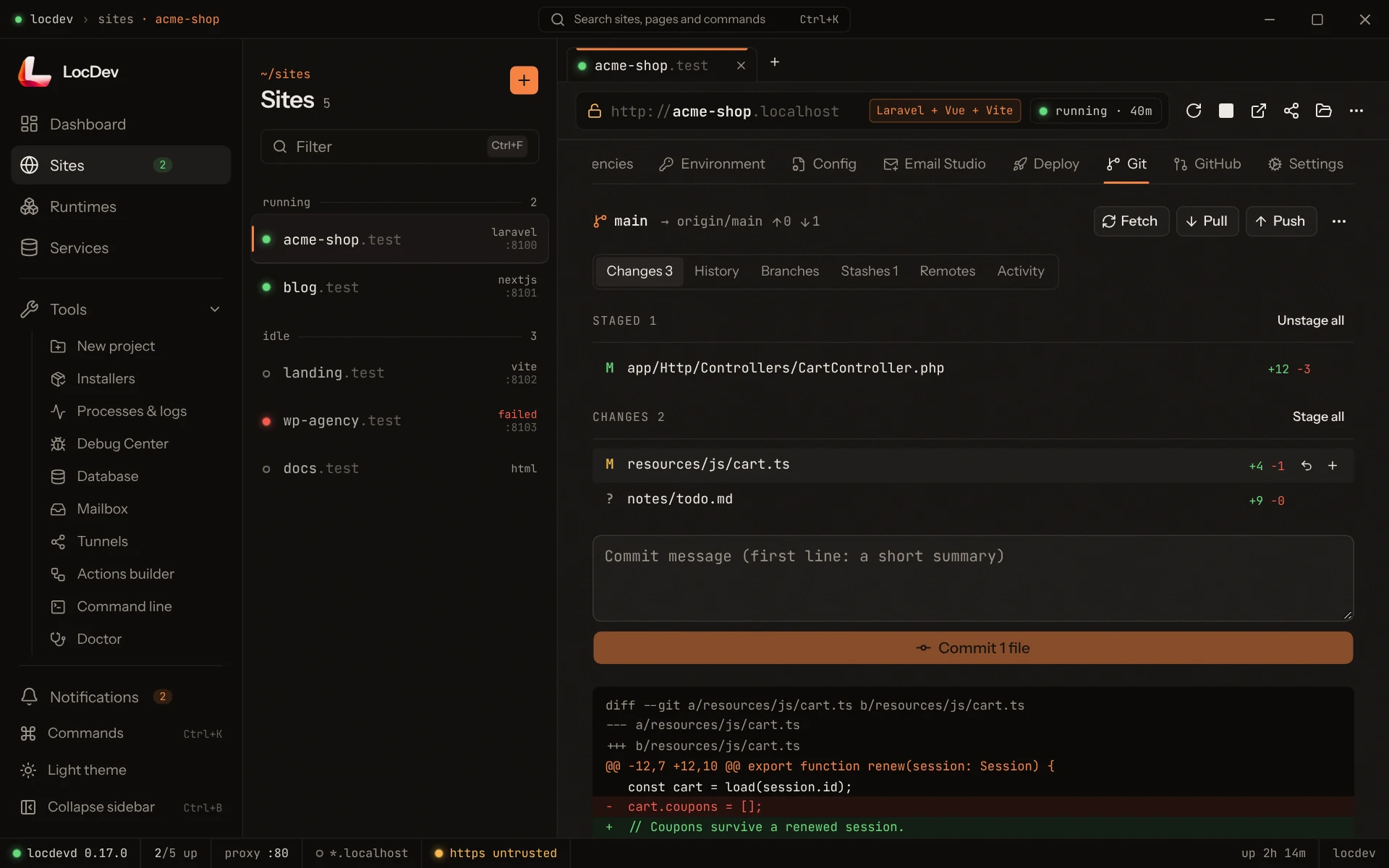
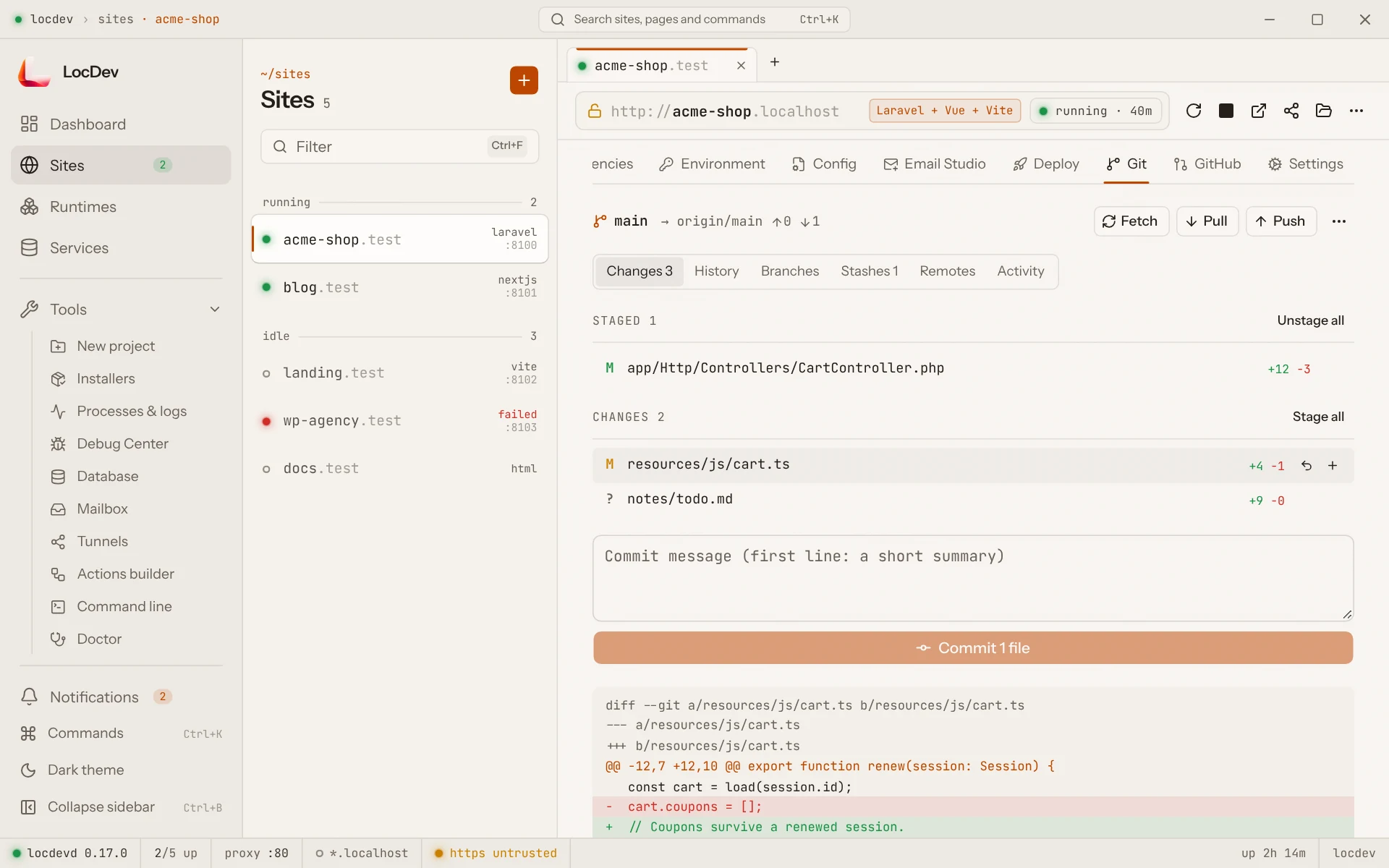
Each site's Git tab works on the repository in the site's folder, using the git installed on the machine (it has to be on PATH). It has six parts:
| Part | What it does |
|---|---|
| Changes | changed files, split into staged and not staged, with each one's diff; stage/unstage, discard and commit |
| History | paged history; each commit shows its files and diff, and the actions from it |
| Branches | local and remote, with upstream and ↑/↓; create, switch, merge into the current one and delete |
| Stashes | stash changes (with or without untracked files), apply, pop and drop |
| Remotes | add, change the URL and remove |
| Activity | what LocDev ran (and refused) in that repository, and HEAD's reflog |
Fetch, Pull and Push are at the top. Pull is always --ff-only: it never creates a merge by itself. If the branch diverged, it fails and you decide (merge, rebase) in the terminal or in the Branches tab. During a merge with conflicts, a notice shows the state and offers Abort merge.
Every command runs without a shell, with separate arguments, --end-of-options before user-supplied names and branch name validation (git check-ref-format). Remote URLs with ext:: or starting with - are refused. Git never asks for a password interactively (GIT_TERMINAL_PROMPT=0; SSH in BatchMode): use the SSH agent or the credential helper you already use.
Going back: three different operations
In a commit's detail, the options show side by side, each explaining what it does:
| Operation | What happens | History |
|---|---|---|
| Revert | creates a new commit that undoes that one | preserved; safe on shared branches |
| Restore files | the ticked files go back to that commit's version, as uncommitted changes | untouched |
| Reset | the current branch points to that commit (soft: changes stay staged; mixed: they stay in the tree; hard: they're discarded) | later commits leave the branch (the reflog still keeps them) |
There's also New branch here, which only creates a branch at that point.
Destructive operations
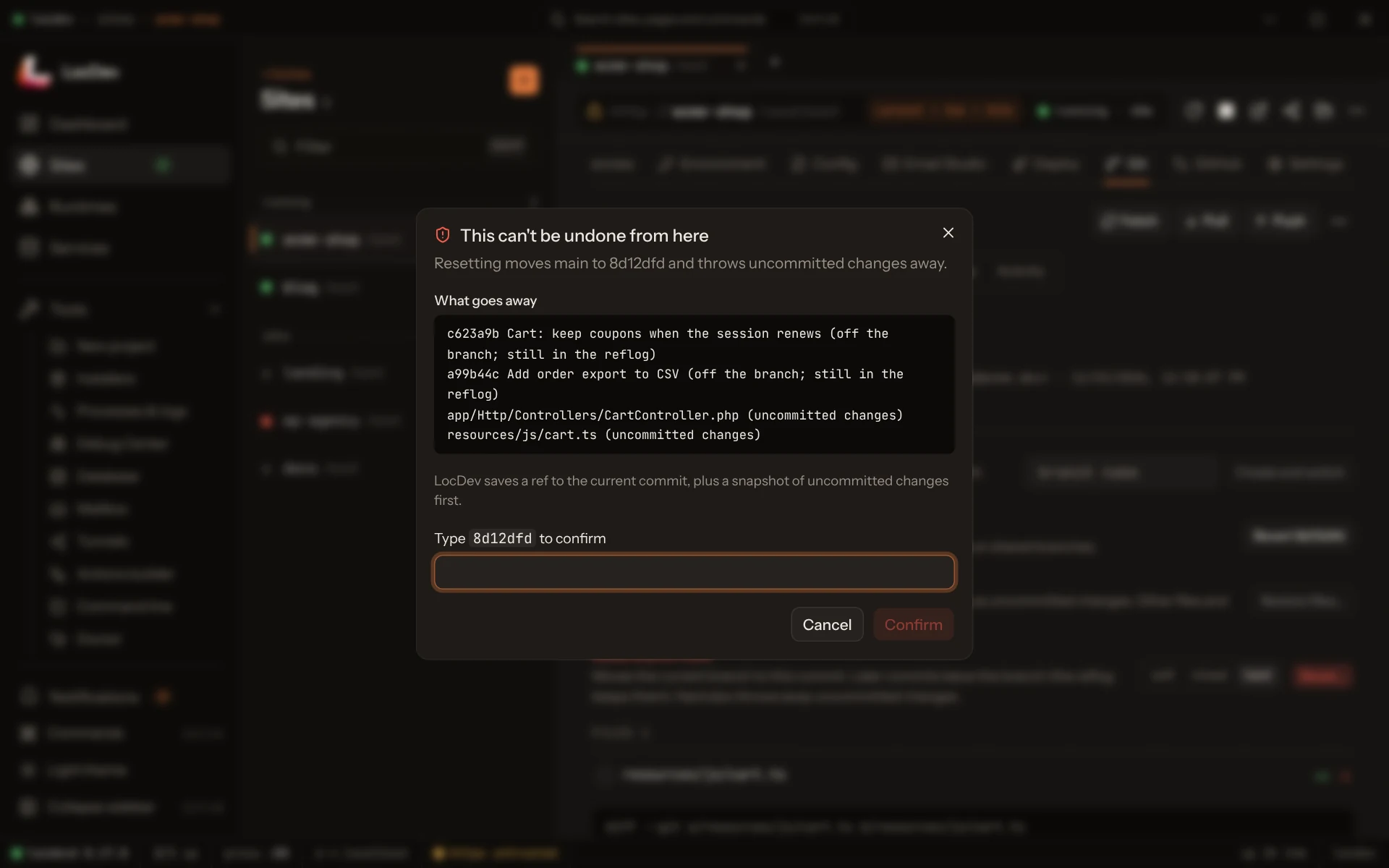
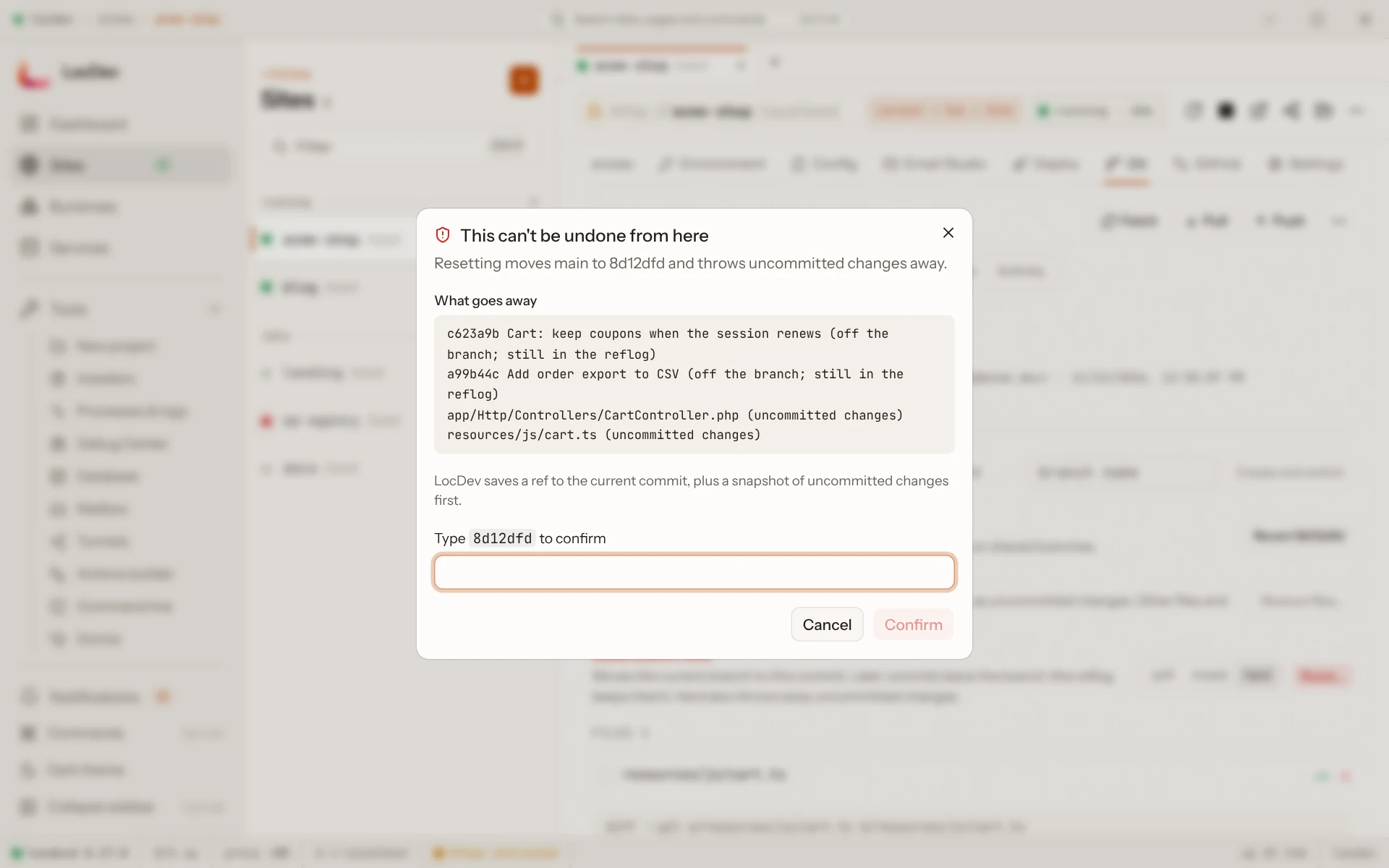
These operations ask for explicit confirmation before running:
- discarding changes (including deleting untracked files);
reset(any mode;hardalso lists the files that lose changes);- force push (always
--force-with-lease; lists the remote commits that disappear); - deleting a branch that wasn't merged;
- dropping a stash;
- restoring files that have changes;
- aborting a merge;
- removing a remote.
The daemon computes the preview: what will be lost (files, commits, the stash), what will be saved first and whether the operation is blocked (for example, reset during a merge, or deleting the current branch). To confirm, you type a phrase that depends on the operation (the branch name, the reset target's short SHA, discard, drop…). There's no --yes that skips this step. The check happens again in the daemon, so a client can't get around it.
Backups
With Back up first on (the default), before a destructive operation LocDev:
- writes a snapshot of the tracked changes (
git stash create) and a ref to the commit the branch leaves, inrefs/locdev/backups/<date>-<operation>; - copies the untracked files that would be deleted to
~/.local/share/locdev/backups/<site>/<date>/(LocDev's data folder on each OS).
To recover: git log refs/locdev/backups/... or git stash apply <sha> in the terminal, or create a branch from the reflog in the Activity tab. Backups aren't deleted automatically.
LocDev password
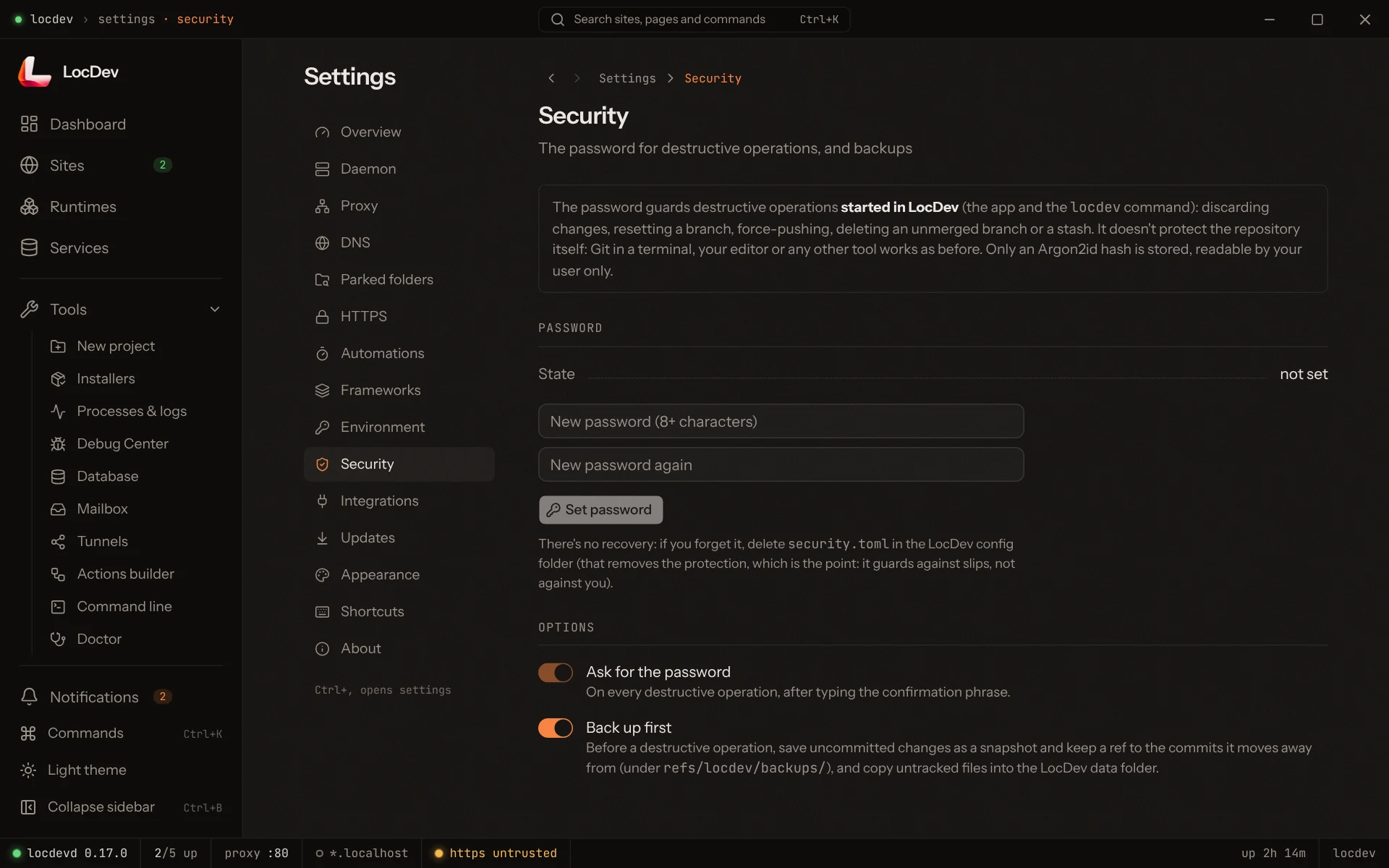
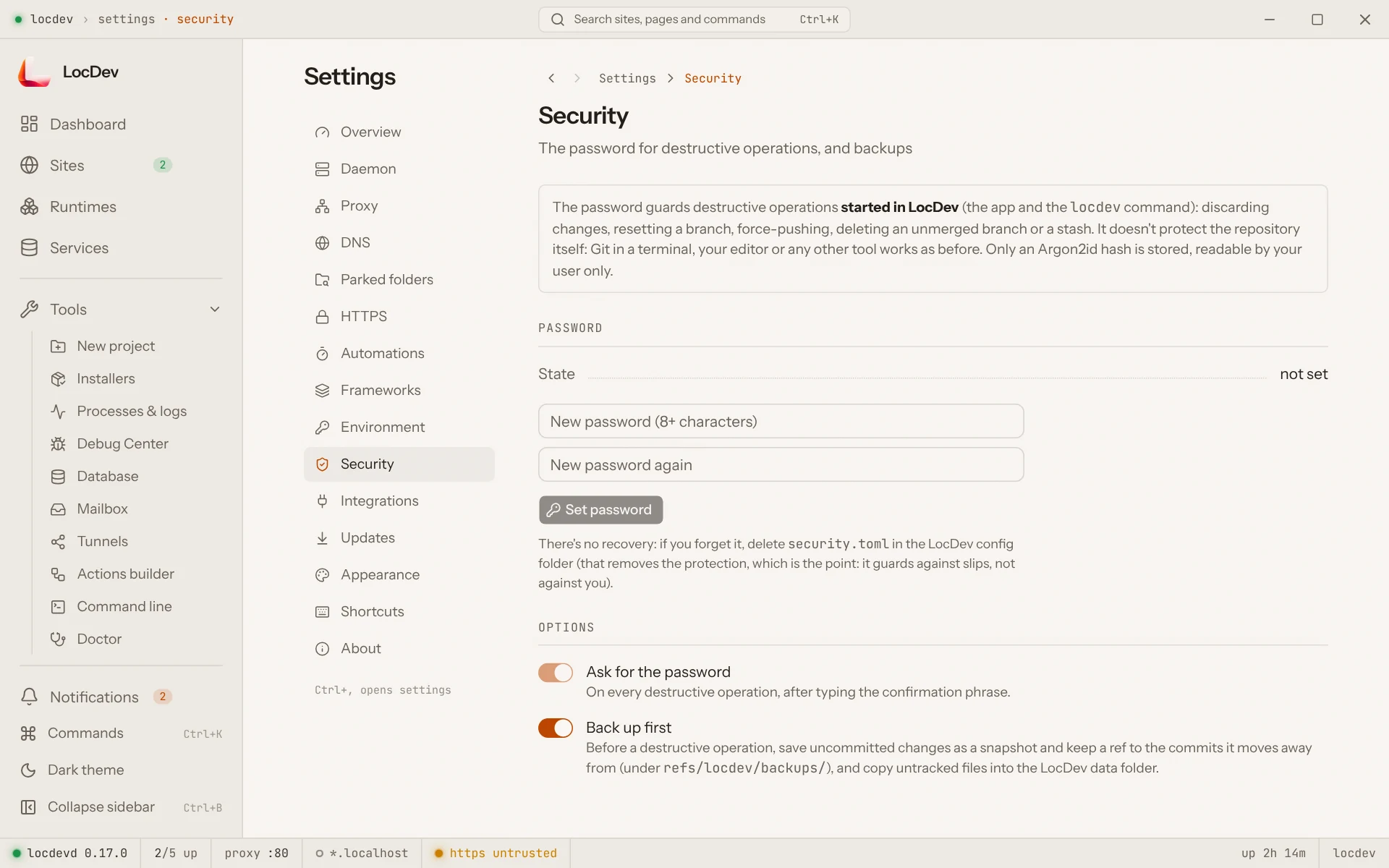
In Settings → Security (or locdev security password) you can set a password for destructive operations.
- Only the Argon2id hash is stored, in
security.tomlin the config folder, with0600permissions. The password isn't kept in memory between requests. - After 5 errors, new attempts are blocked for 1 minute, doubling with each error up to 1 hour. The lockout survives a daemon restart.
- Changing or removing the password, or turning off "Ask for the password"/"Back up first", needs the current password.
- There's no recovery. If you forget the password, delete
security.toml. That removes the protection, which matches its purpose: it protects against slips, not against you.
Important limit: the password protects operations started by LocDev (app and CLI). It doesn't protect the repository.
gitin the terminal, the editor or any other tool keep working normally.
GitHub
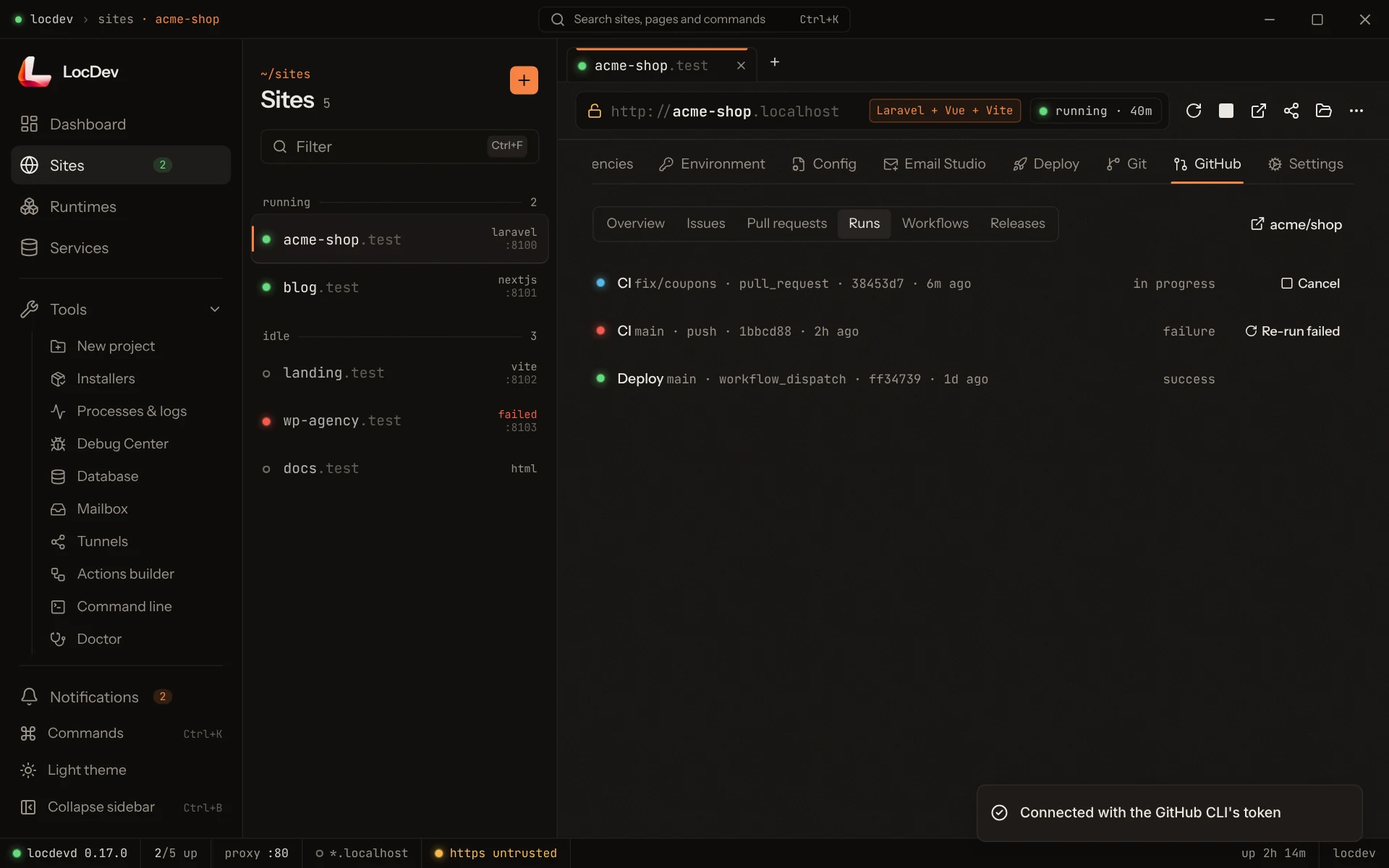
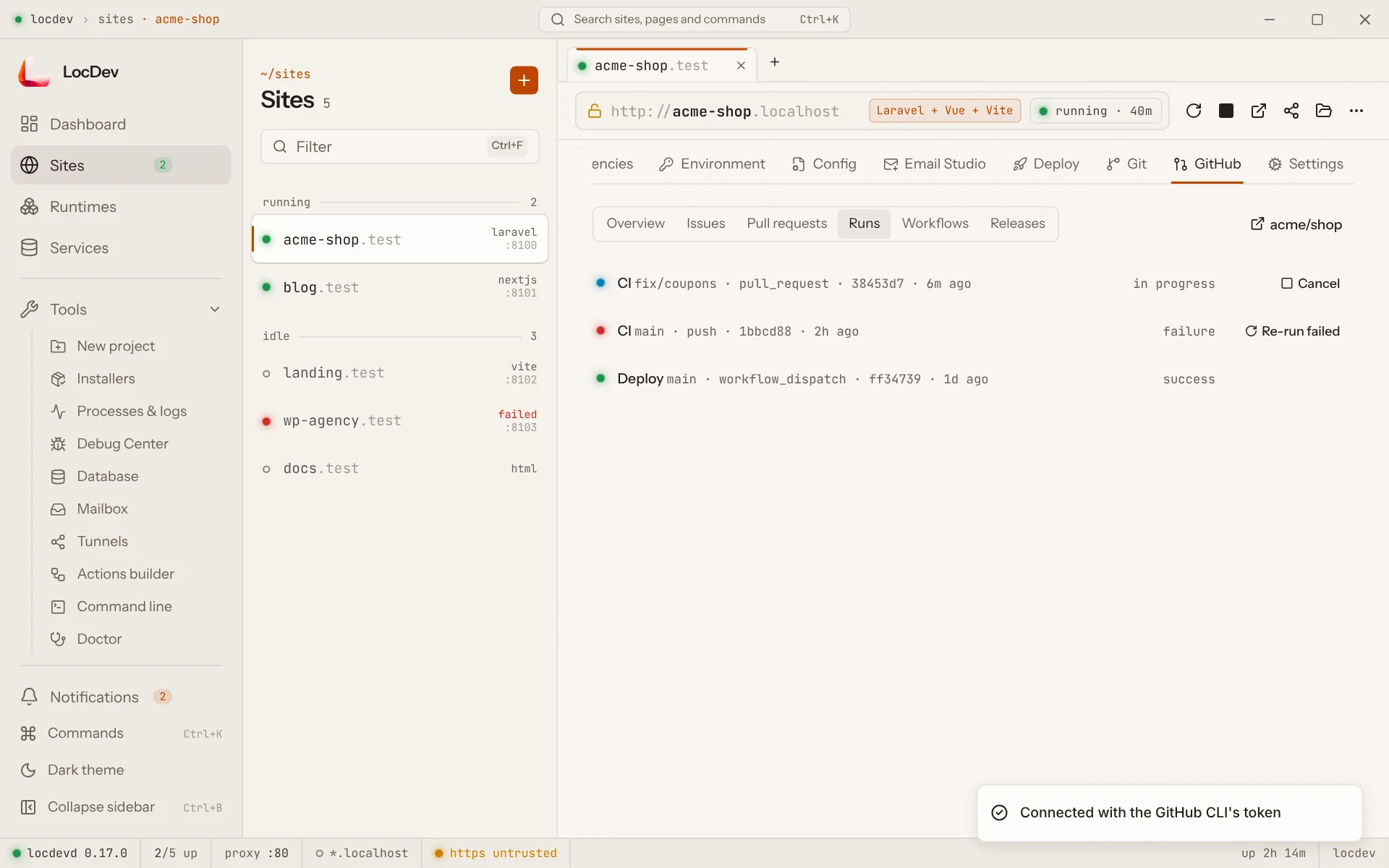
The GitHub tab shows up on sites whose remote points to github.com. It shows an overview (visibility, default branch, the current commit's checks), issues, pull requests, workflow runs, workflows and releases. Items open in the browser.
Actions that change something on GitHub always ask for confirmation and say which account they'll run as:
- Re-run failed: runs the failed jobs again;
- Cancel: cancels a run in progress;
- Run workflow: triggers a workflow with a
workflow_dispatchtrigger on a branch or tag.
Connecting an account
In Settings → Integrations (or locdev github connect), there are three ways:
| Way | How |
|---|---|
| Personal token | paste a fine-grained token (recommended, limited to the repositories you pick) or a classic one. In the CLI, it's read from standard input, never from an argument |
| GitHub CLI | copies once the token of a logged-in gh (gh auth token) |
| Browser | the OAuth device flow. Needs the client id of your own OAuth App with device flow enabled; LocDev doesn't ship one |
For the fine-grained token, grant read on Metadata, Issues, Pull requests and Actions. To re-run, cancel or trigger workflows, also grant write on Actions.
The token is validated on GitHub and stored only in the system keyring: Secret Service on Linux (GNOME Keyring, KWallet), Keychain on macOS and Credential Manager on Windows. It never goes into a file or a log. Without an available keyring, connecting fails instead of falling back to a file. The daemon only makes requests to api.github.com, and Disconnect deletes the token from the keyring.
Workflow failures
With the account connected, every 15 minutes the daemon checks the runs of sites with a GitHub remote and creates a notification (the Workflow failures category) for each new failed run. The first check only records what already exists, so it doesn't produce a flood of old failures. It can be turned off in Integrations and stops in offline mode.
On the command line
locdev git status            # branch, upstream and changed files
locdev git log -n 50
locdev git branches
locdev git history           # what LocDev ran + reflog
locdev security password     # set/change the password
locdev github connect --gh   # use the GitHub CLI token
locdev github status
The CLI only reads the repository. To change it, use git itself or the app.
Worktrees
Git → Worktrees (or locdev git worktree) checks a branch out in its own folder, next to the repository as <repo>-<branch>, so two branches run at the same time.
- Register it as its own site: the folder becomes a site (
<repo>-<branch>.test) with its own port and process. - Copy the .env files it lacks: the untracked
.env*files of the main folder (they aren't in Git) are copied; nothing is overwritten.
locdev git worktree add feature/login --create --site-for-it --copy-env
locdev git worktree list
locdev git worktree remove ../shop-feature-login
locdev git worktree prune
Removing one is guarded like the other destructive Git operations: the preview lists the folder and every uncommitted change, asks for the folder's name (and the LocDev password when one is set), saves a snapshot of tracked changes under refs/locdev/backups/ and removes the site registered for that folder. Uncommitted changes block it unless you remove it with force. The branch and its commits stay in the repository.