
Tunnels
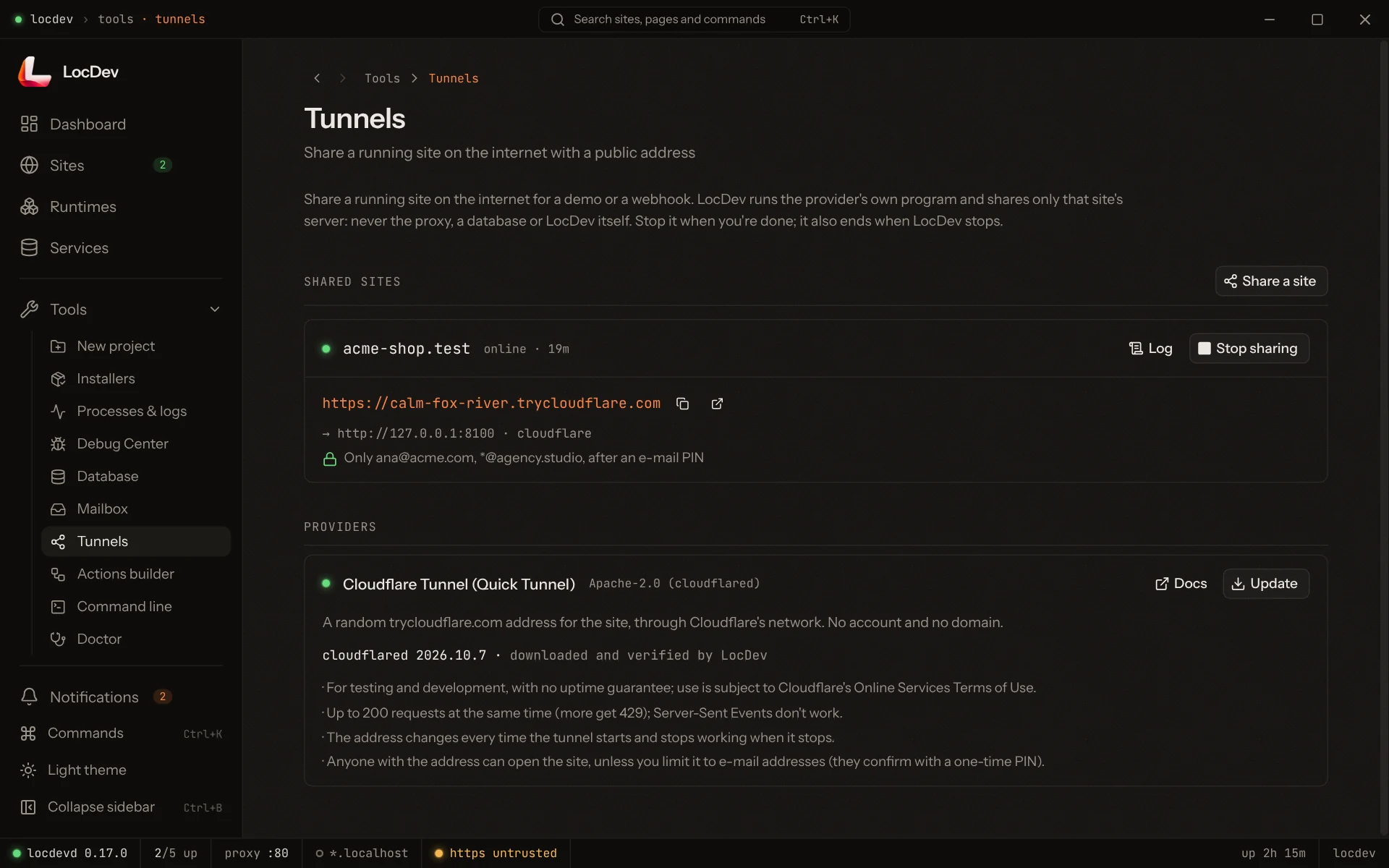
In Tools → Tunnels, from a site's menu (Share on the internet…) or with locdev tunnel, you give a running site a temporary public address, to show it to someone or receive a webhook.
How it works
LocDev doesn't run tunnel infrastructure of its own: it runs the provider's program (cloudflared) for one site, under the supervisor (@tunnel:<site>), and reads the public address from the program's local metrics server. Only that site's server is shared (http://127.0.0.1:<site's port>, with the site's domain as Host): never the proxy, a database, the dashboard or LocDev itself. The site must be running.
Tunnels end when you stop them, when the site is removed and when LocDev stops. They don't come back on their own after a restart, because the address changes on every start.
Provider: Cloudflare Tunnel (Quick Tunnel)
| Account | not needed (nor a domain) |
| Address | random, https://….trycloudflare.com, changes on every start |
| Program | cloudflared, Apache-2.0 |
| Limits | up to 200 requests at the same time (more get 429); Server-Sent Events don't work; no uptime guarantee |
| Use | for testing and development; subject to Cloudflare's Online Services Terms of Use |
Source: Quick Tunnels documentation.
Why this one first: it's free, needs neither an account nor a domain, the program is open source and has official builds for Linux, macOS and Windows. Other open-source projects (frp, zrok) need your own server or an account with the service; LocDev's provider architecture is open to them, but only Cloudflare is available today.
E-mail protection
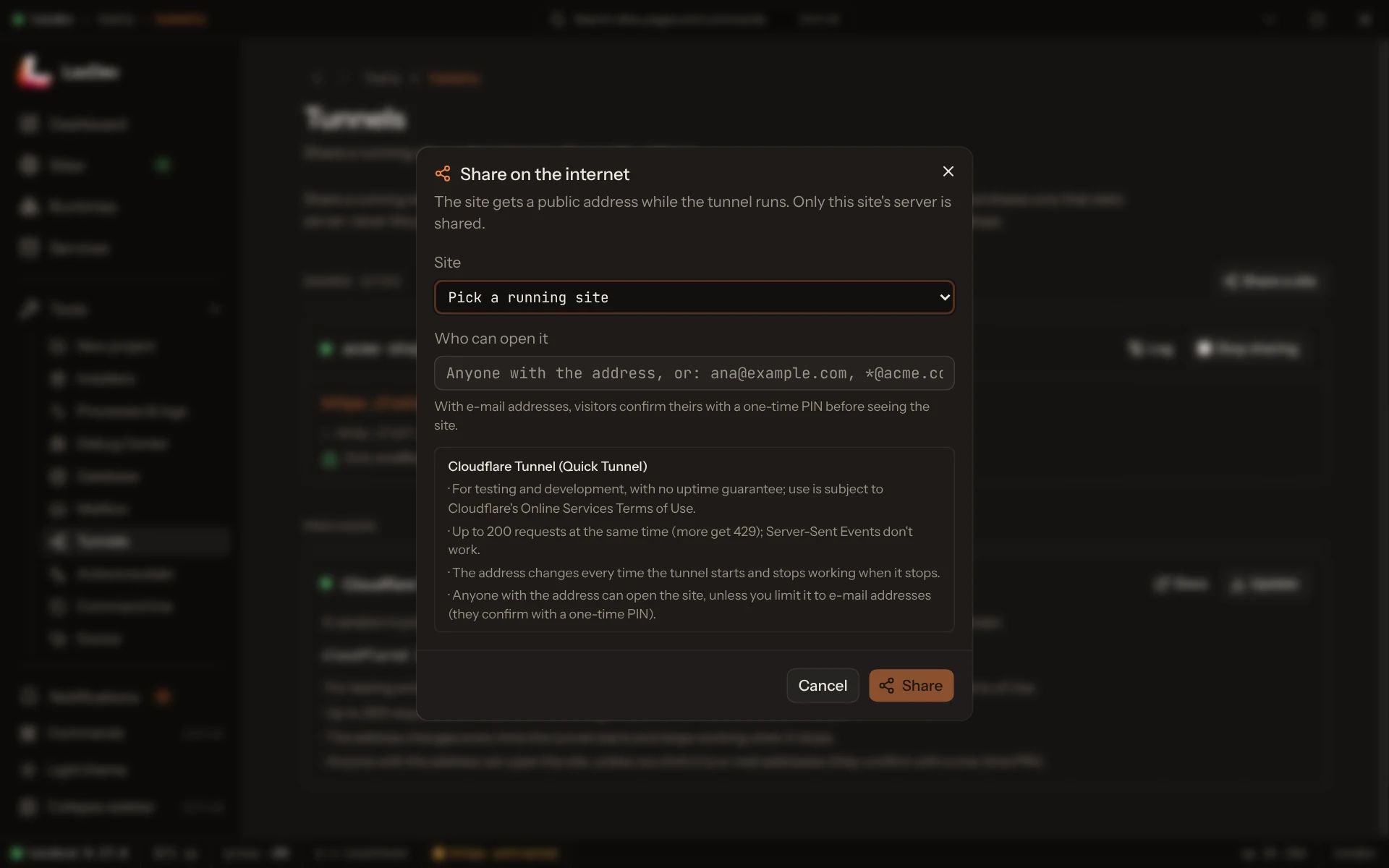
In Who can open it, enter e-mail addresses (ana@example.com) or a whole domain (*@acme.com). The visitor types their e-mail and confirms it with a one-time PIN before seeing the site; no Cloudflare account needed. Without e-mails, anyone with the address can open the site, and the screen says so. To change who has access, stop and share again. Needs cloudflared 2026.9.2 or newer.
Installing cloudflared
Tools → Tunnels → Install (or locdev tunnel install) downloads cloudflared from Cloudflare's official GitHub release and installs it only when two checksum sources agree: the SHA-256 Cloudflare lists in the release notes and the one GitHub computes for the published file. The download is checked against that value; if anything doesn't match, nothing is installed. The program goes to data/tools/cloudflared/<version>/.
A cloudflared already on PATH (installed with Homebrew, apt, winget…) is used as is.
In release 2026.10.7, the checksum of
cloudflared-darwin-arm64.tgzin the notes doesn't match the file GitHub serves. LocDev refuses to install it then; on macOS, install it withbrew install cloudflared.
Sharing
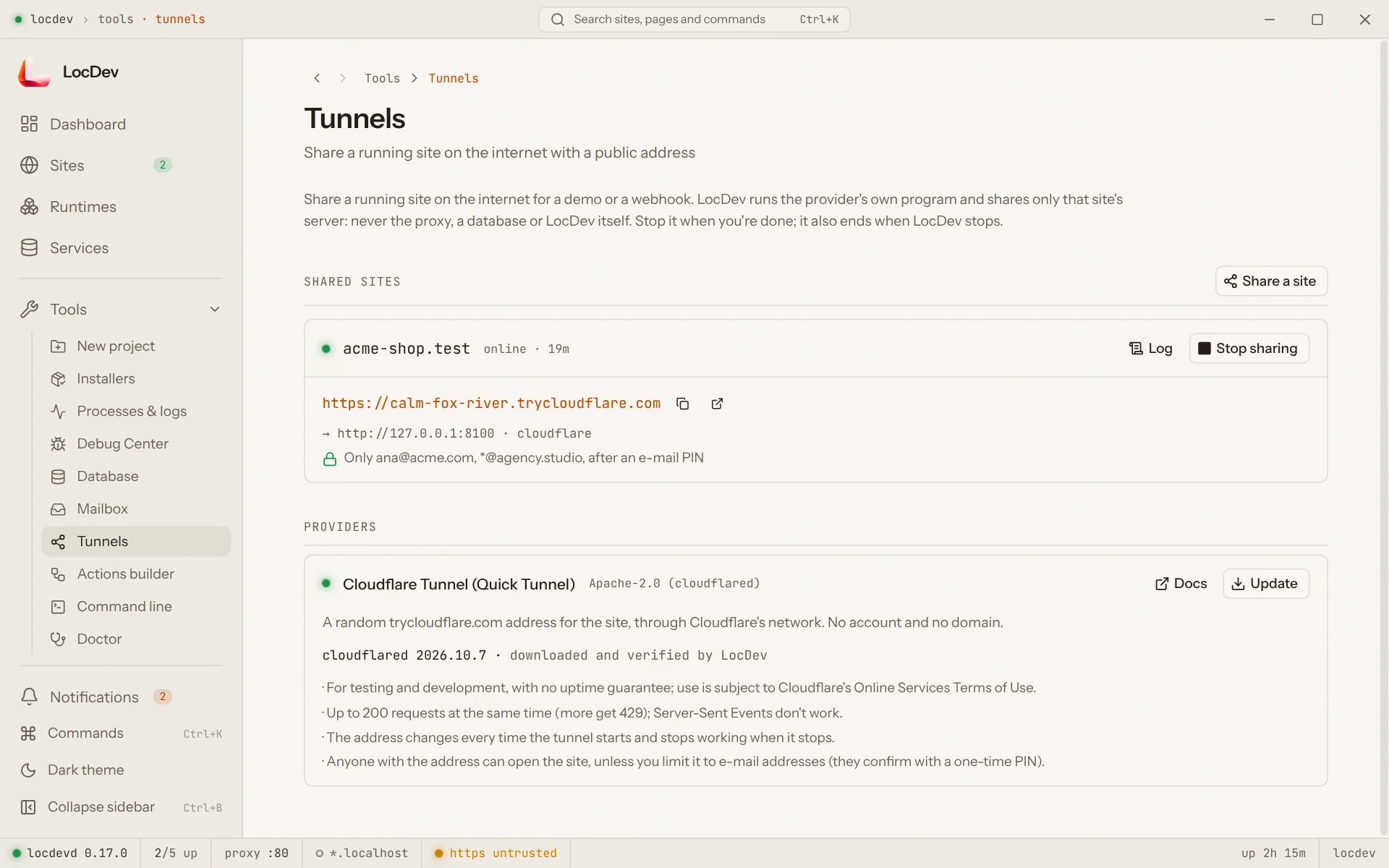
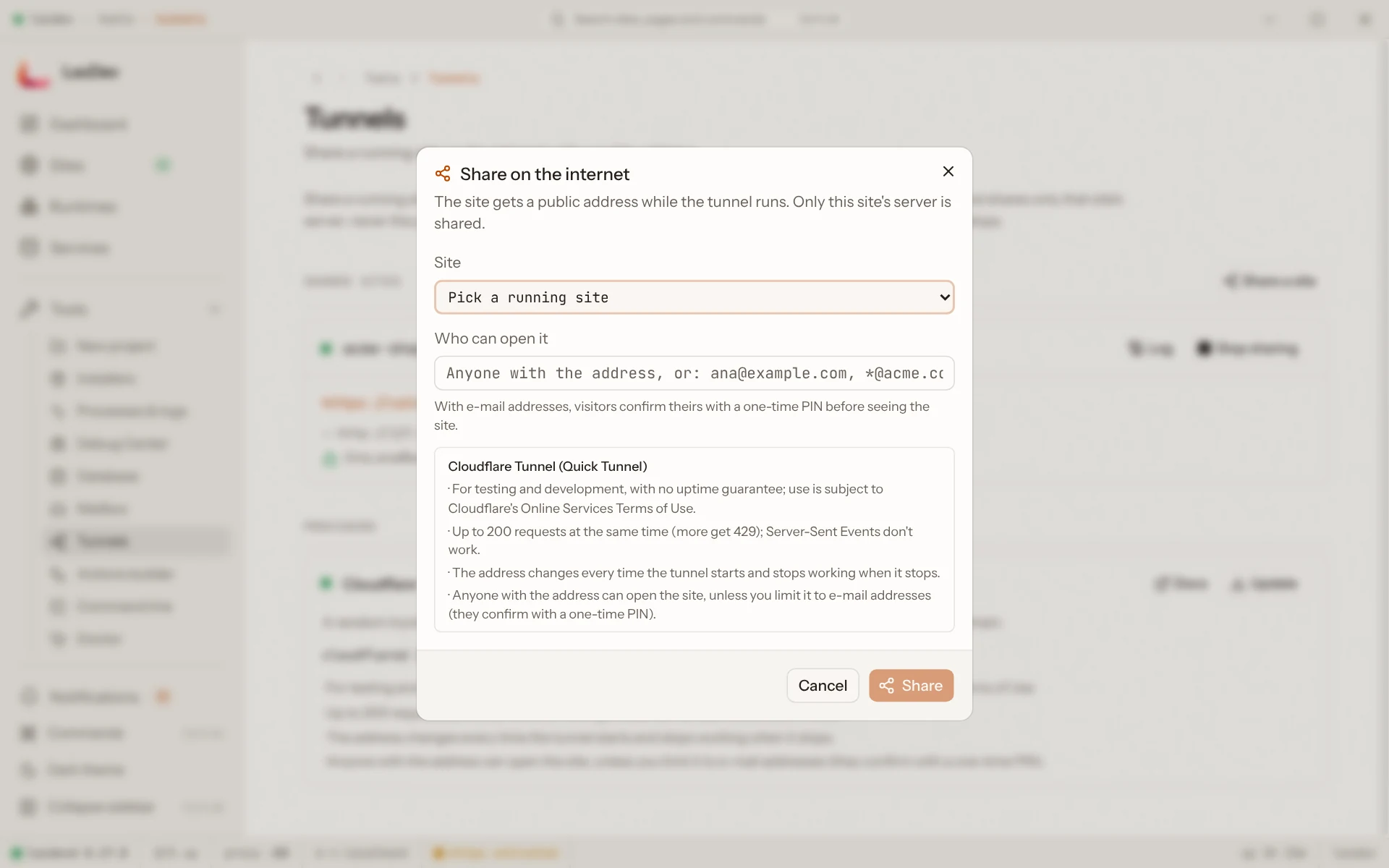
In the app: Share on the internet… in the site's menu or in the address bar, or Share a site in Tools → Tunnels. The dialog shows what sharing means (the limits above) before it starts, and the address once it arrives, with copy and open.
locdev tunnel providers                               # providers, limits and the program
locdev tunnel install cloudflare
locdev tunnel start shop                              # asks first and prints the address
locdev tunnel start shop --allow ana@example.com --allow '*@acme.com'
locdev tunnel list
locdev tunnel logs shop
locdev tunnel stop shop
start shows the limits and asks before exposing the site (--yes skips the question).
Limits
- Helper servers the page loads from another origin (Vite in dev mode next to Laravel, for instance) don't go through the tunnel: the visitor can't reach
*.test. Use the built assets (npm run build) when sharing. - What the site itself allows still applies: the tunnel adds no login to a site shared without e-mails.
- Validated on Linux with a stand-in for
cloudflaredthat mimics its metrics server (start, address, e-mails, stop, removing the site). The realcloudflaredand the verified download weren't run on this machine. Windows and macOS weren't tested.