
Updating LocDev
In Settings → Updates the app looks for new versions, installs them with the signature checked and goes back to an earlier version if a new one misbehaves. The daemon and the CLI come inside the app; a CLI installed on its own updates through its install script. locdev update shows what has been released.
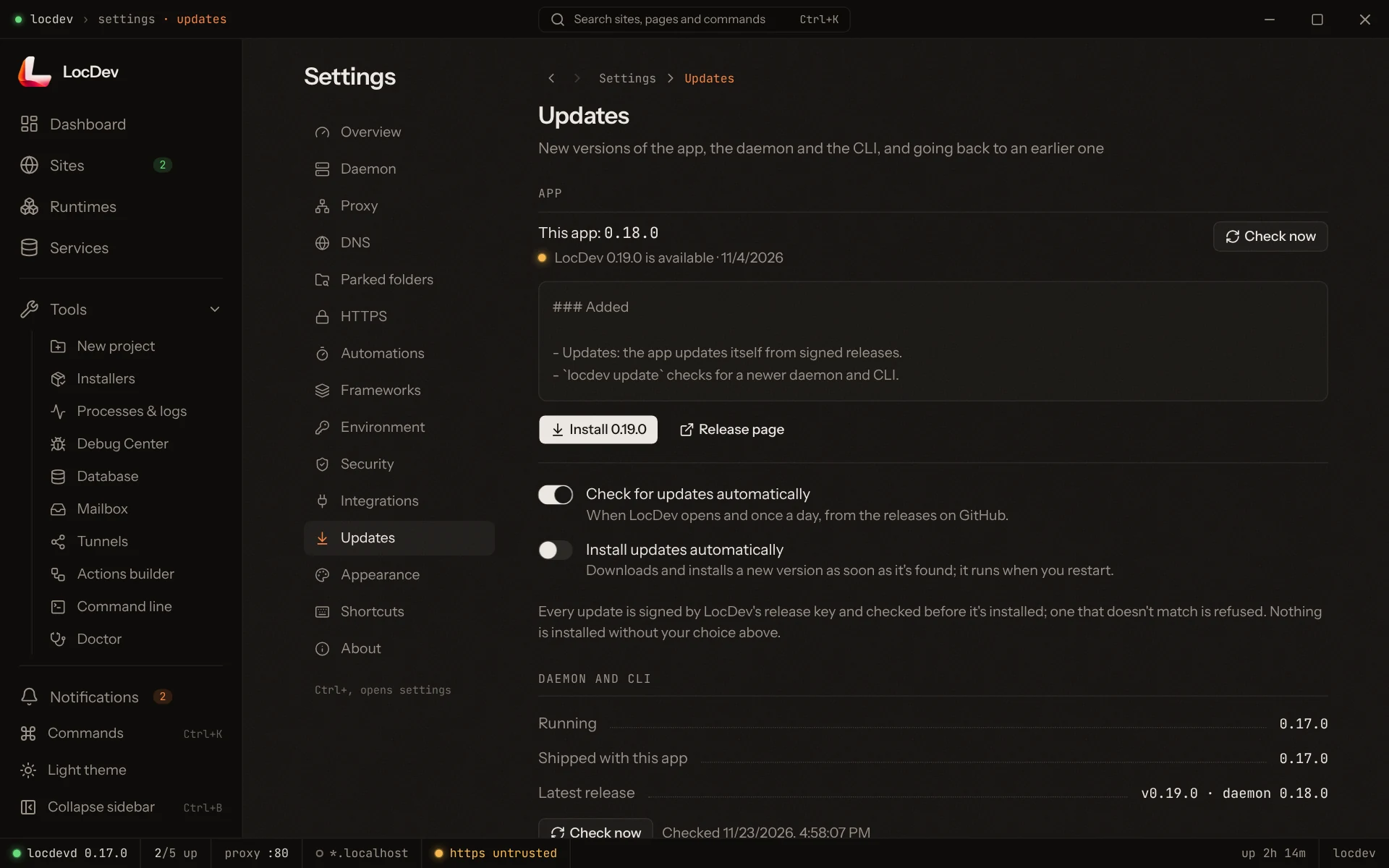
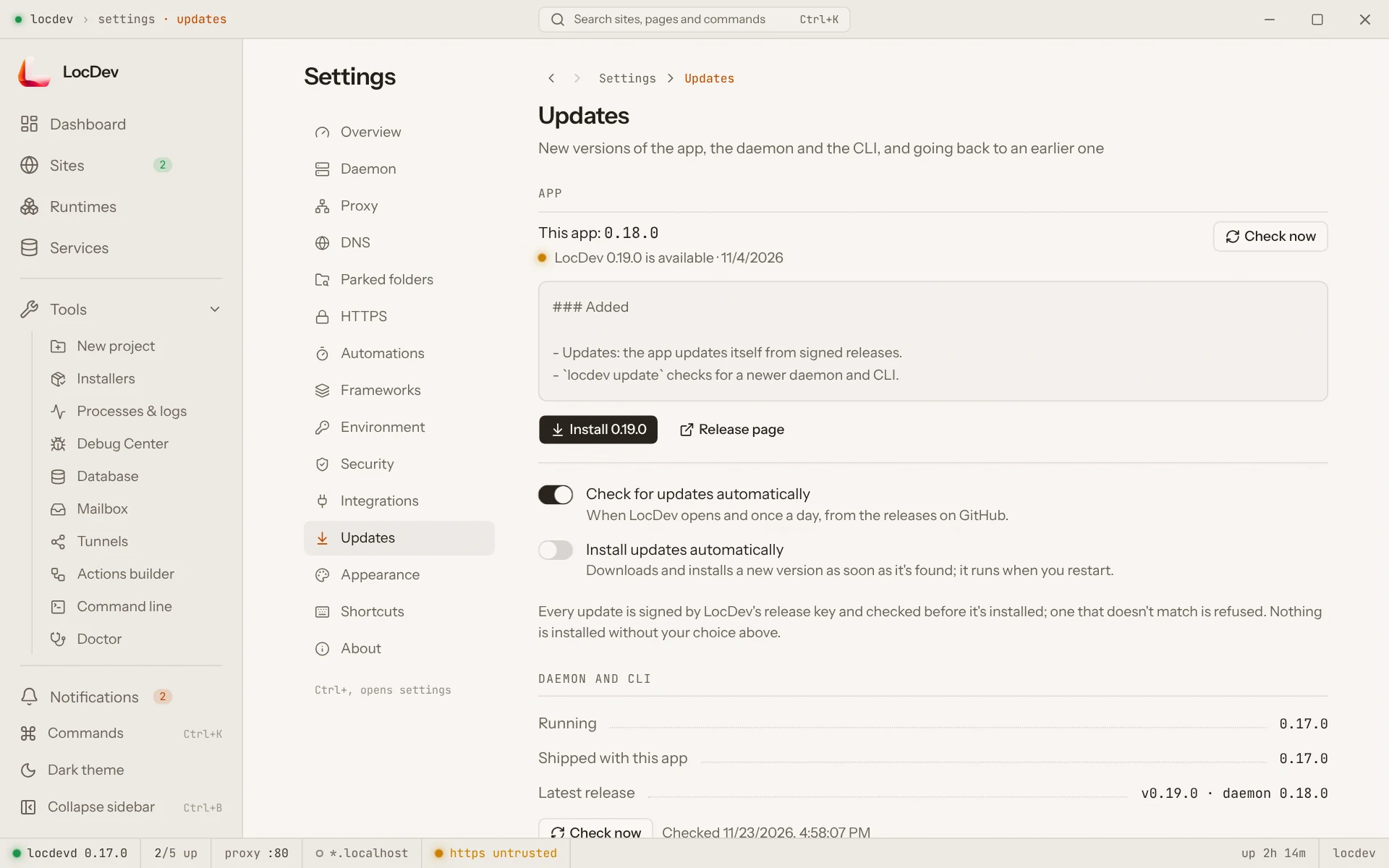
No LocDev release has been published yet. Until the first one, the page says it found no release, and the rest of this page describes how updating works once there is one. Releases must live in a public repository: the app and the daemon read them without a token.
The app
The app uses the Tauri updater. Every release carries a latest.json and update files signed with LocDev's release key; the app installs only what the signature confirms (the public key ships inside the app) and refuses anything else. The interface only picks the version: the app builds the address itself, always on LocDev's releases on GitHub.
| System | Updates through the app |
|---|---|
| Windows | Yes (NSIS installer, no administrator prompt). The daemon stops before installing, because Windows can't replace a running program. |
| macOS | Yes. |
| Linux, AppImage | Yes. |
Linux, .deb or .rpm | Yes: the app downloads the release's package of the same kind and installs it with the system's package tool (pkexec dpkg -i or rpm -U), which asks for your password. A copy installed before this support (0.19.1 or earlier, or the first 0.19.2 builds) needs one update by hand. |
A development copy (make app) doesn't update itself either.
- Check for updates automatically (on by default): when the app opens and once a day. A new version shows up as a notice with a button that opens the page.
- Install updates automatically (off by default): downloads and installs as soon as one is found. LocDev never restarts on its own.
After installing, Restart LocDev closes the app, stops the daemon and opens the new version, which starts the daemon it came with. Sites stop for a moment.
Both options live in the app (local storage), not in settings.toml.
The daemon and the CLI
The daemon reads the published releases on GitHub, without a token, and compares them with its own version. Each release carries a versions.json with the app and daemon versions inside it (the release workflow refuses a tag that isn't the app's version).
locdev update
The answer is kept for 6 hours; --refresh asks GitHub right away and --json gives output for scripts.
- Once a day (not in offline mode), the daemon checks on its own and sends one notification per new release. Turn it off with Notify about new releases or
[automation] updates = falseinsettings.toml. - The daemon never installs anything. With the app, updating the app updates the daemon and the CLI. If the running daemon differs from the one that came with the app (right after an update, for instance), the page shows both versions and a Restart the daemon button.
- The standalone CLI updates with the same script used to install it, which checks the file against the release's
SHA256SUMS:
curl -fsSL https://github.com/trbros/locdev/releases/latest/download/install.sh | sh
irm https://github.com/trbros/locdev/releases/latest/download/install.ps1 | iex
LOCDEV_VERSION=v0.14.0 installs a specific version (that also works for going back).
The repository it reads is [updates] repo in config.toml (default trbros/locdev); see Configuration.
Going back to an earlier version
Under Earlier versions, Go back to this version installs an older release the same way as an update: that release's latest.json, with the same signature check. Your sites, settings and data stay where they are.
An older version doesn't know what newer ones added: it ignores settings it doesn't know and may drop them when it saves, and the job queue and notifications written in a newer format are set aside in a copy (.broken) instead of deleted. If in doubt, stop the daemon and back up the configuration folder first.
Updating by hand
For a local build, a .deb/.rpm installed before that support, or whenever you prefer:
locdev version
locdev stop
With the daemon stopped, copy config.toml, projects.toml and any data you want to keep (paths in Configuration). The local CA's data contains private material: don't post it in issues or public chats. Download the package from the release, check its SHA-256 in SHA256SUMS and install it with the same installer you used the first time. For the standalone CLI, replace locdev and locdevd together. For a local build, follow Installation.
If the executable's path changes, review start at login. An update doesn't require reinstalling DNS or trusting the CA again.
After updating
locdev start
locdev version
locdev doctor
locdev list
Starting may reopen projects with auto_start. Check the client and daemon versions and try a project you know. See Troubleshooting if something fails.
Limitations
- Not validated against a real release: none exists yet. The release reading (against a fake API) and the page (with the mock backend) were tested; downloading and replacing the app through the Tauri updater depend on the first signed release.
- Updating a
.debor.rpmthrough the app hasn't been run against a real release yet: the first one is the update after the version that brought it. - Going back only reaches releases that already carried the signed
latest.json.