
Troubleshooting
Always start with:
locdev doctor
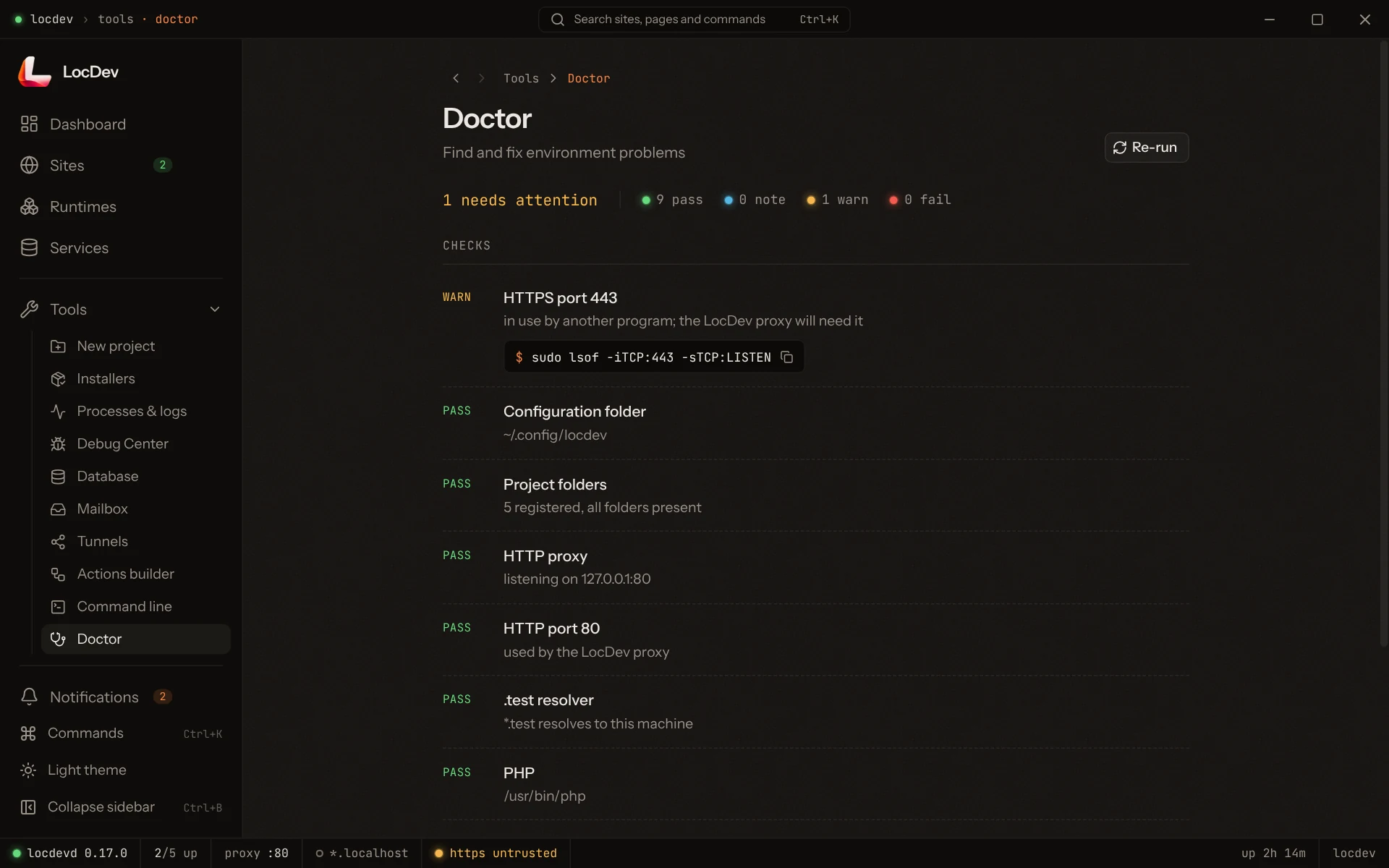
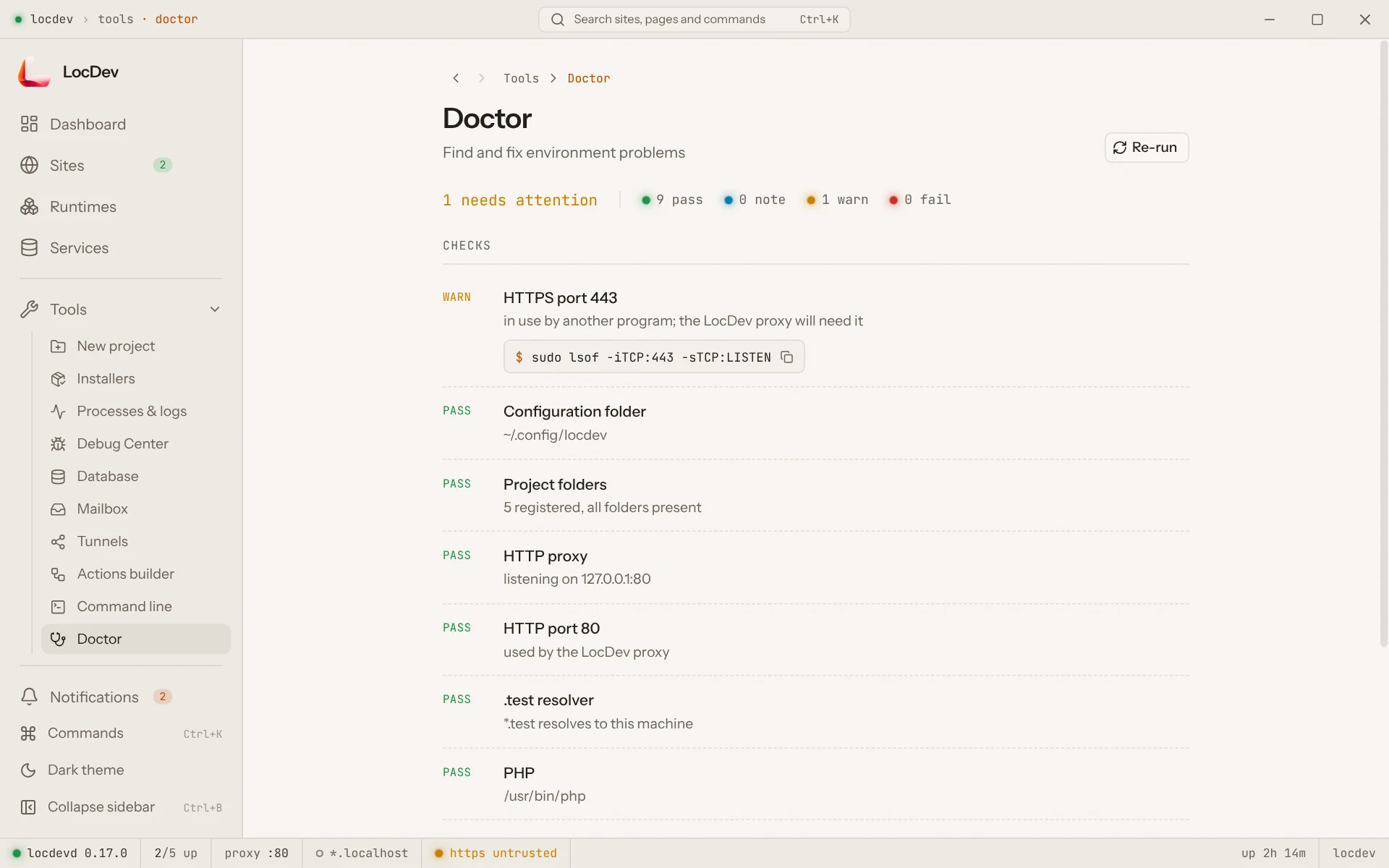
What is checked
| Check | What it means |
|---|---|
| Daemon | Whether the CLI can talk to locdevd, and whether the protocol versions match. |
| Configuration folder | Whether the config folder is writable. |
| Project folders | Whether the registered folders still exist. |
| HTTP proxy / HTTPS proxy | Whether the proxy is listening and whether it had to fall back to the fallback port (and why). |
| HTTP port 80 / HTTPS port 443 | Whether the ports are free, used by another program or by LocDev itself. |
| Local CA | Whether the system trusts the local CA. |
| Browser certificate stores | Whether Chrome/Firefox (Linux) trust the CA. |
| DNS server | Whether the *.test server is up. |
| .test resolver | Where *.test really goes: LocDev, another tool or nowhere. |
| PHP, Composer, Node.js, npm | Whether the tools are on PATH (and whether a registered site needs them). |
| Each site's runtimes | A pinned version that isn't installed, a version outside the range the project declares, a version the publisher no longer supports, a package manager that needs a newer runtime. |
| Each runtime's default | Whether the default set in runtimes.toml is still installed. |
| Secrets vault | Whether the key of the secret variables vault is reachable (keyring or file). |
| Framework definitions | The definitions revision in use, its source (built-in or downloaded with a verified signature) and the last check. |
Common problems
the daemon is not running
locdev start
If it doesn't start, see the daemon log, logs/locdevd.log in the data folder (on Linux, ~/.local/share/locdev/logs/locdevd.log; the folder table is in Configuration).
Port 80/443 in use
Another tool (Apache, nginx, Valet, Herd, Yerd…) holds the port. LocDev switches to 7080/7443 and shows it in the status bar. Free the port or change proxy.http_port / tls.https_port.
*.test → another tool
Another tool configured the resolver for .test. doctor shows its file. Remove it if you no longer use that tool and run locdev dns install.
The browser still warns about the certificate
- Check that
locdev tls statusshowssystem trustedandbrowsers trusted. - Restart the browser completely.
- On Linux, install
libnss3-toolsand runlocdev tls trustagain.
A Vite project answers "Blocked request"
In the processes LocDev starts, the site's names are already allowed (see Dev servers). If you run Vite outside LocDev, add server: { allowedHosts: [".test"] } to vite.config, or use the .localhost URL.
The site fails to start
Open the site in the app or run locdev logs <name>. The process output shows the error, for example a missing PHP extension or a dependency that isn't installed.