
Tutorial: a Laravel site from scratch
In this tutorial you create a new Laravel project with the PHP version you choose, and end with the site at https://blog.test, a SQLite database and the project's e-mail landing in the Mailbox. You don't need PHP or Composer installed: LocDev downloads both from their official sources.
Time: about 5 minutes, mostly downloads.
1. Install PHP
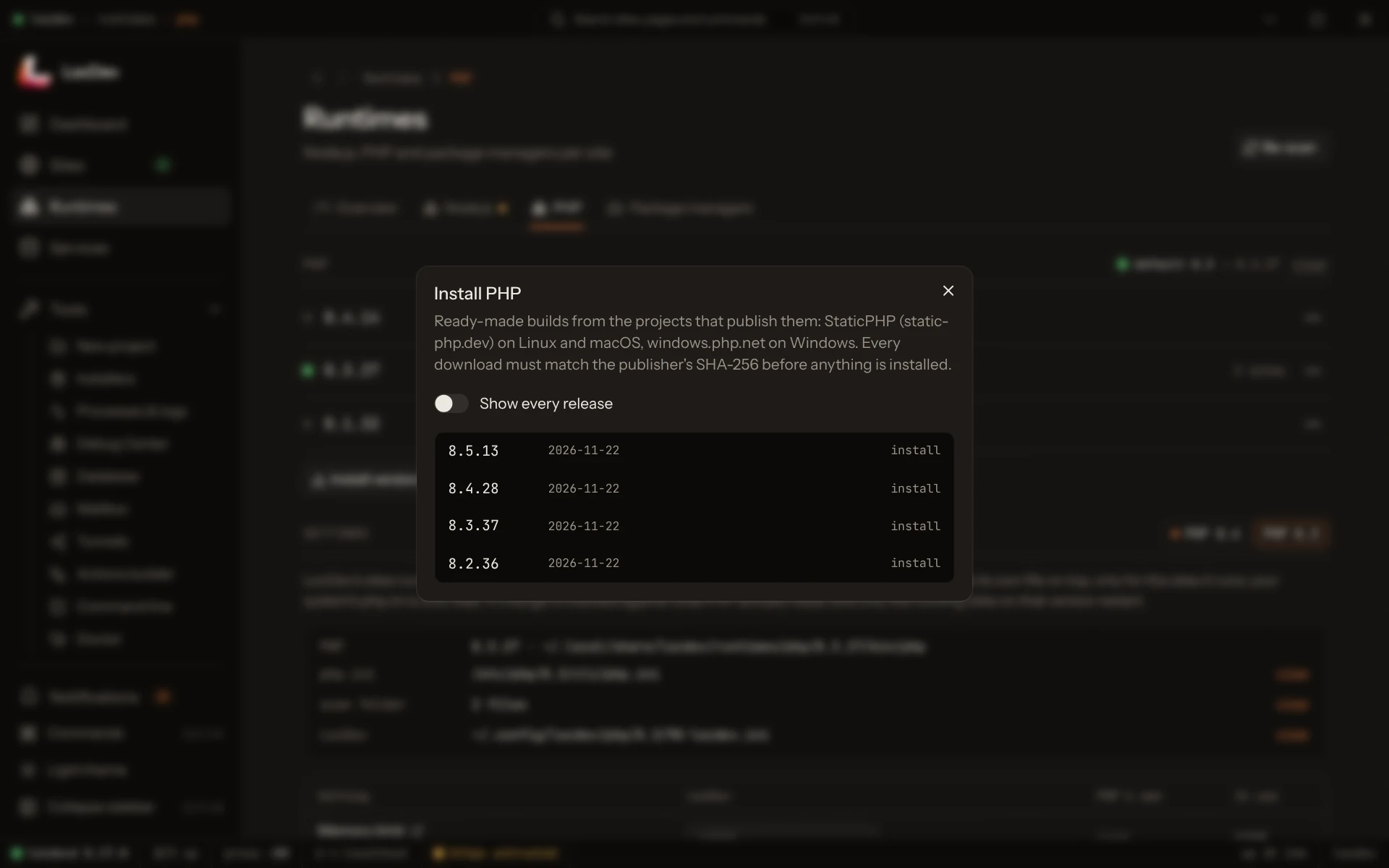
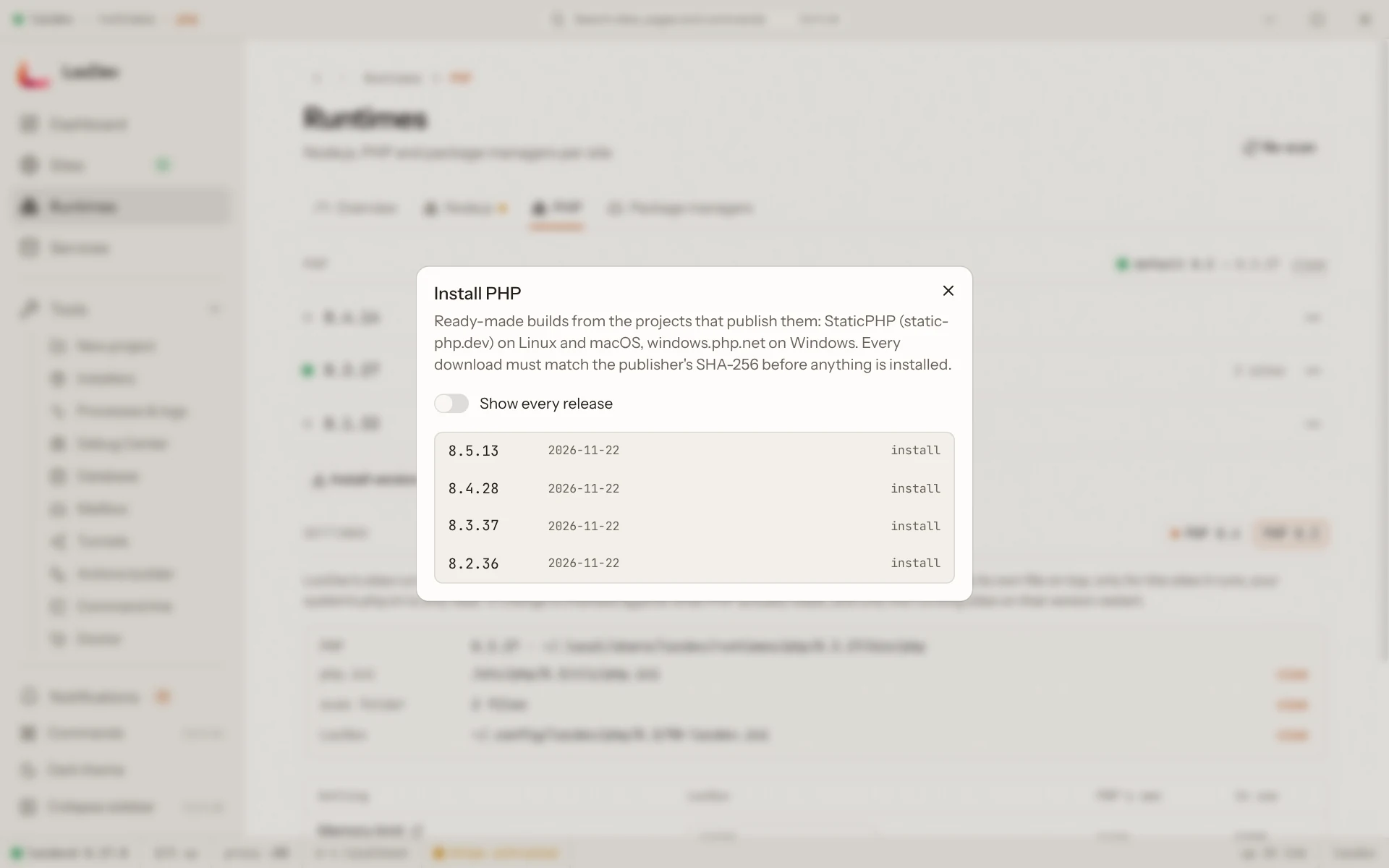
In the app: Runtimes → PHP → Install version… and pick a line (8.4, for example). From the terminal:
locdev runtime install php 8.4
locdev runtime install composer latest
LocDev downloads ready-made PHP from StaticPHP (Linux/macOS) or windows.php.net (Windows) and installs it only if its SHA-256 matches the published one. See Runtimes.
2. Create the project
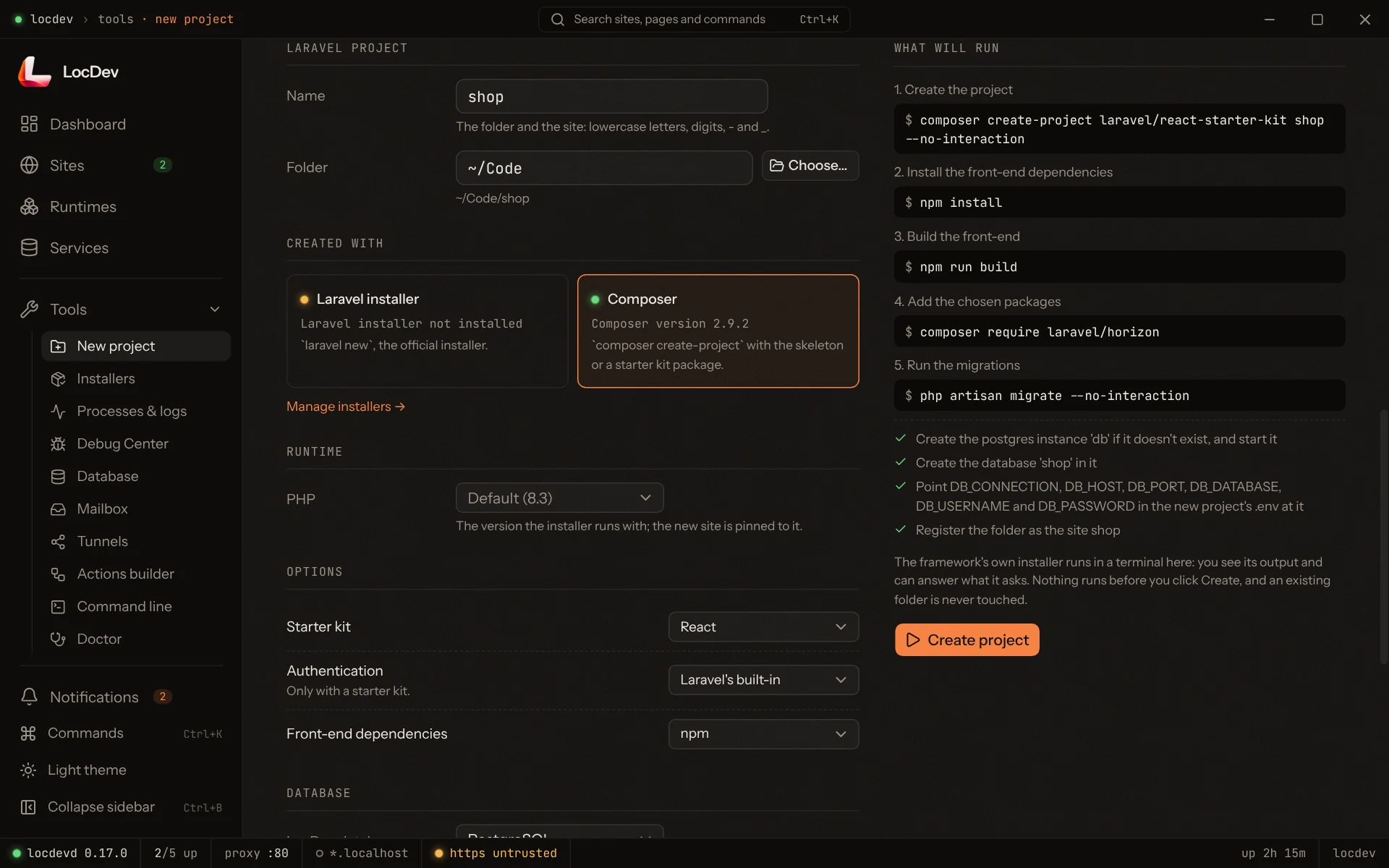
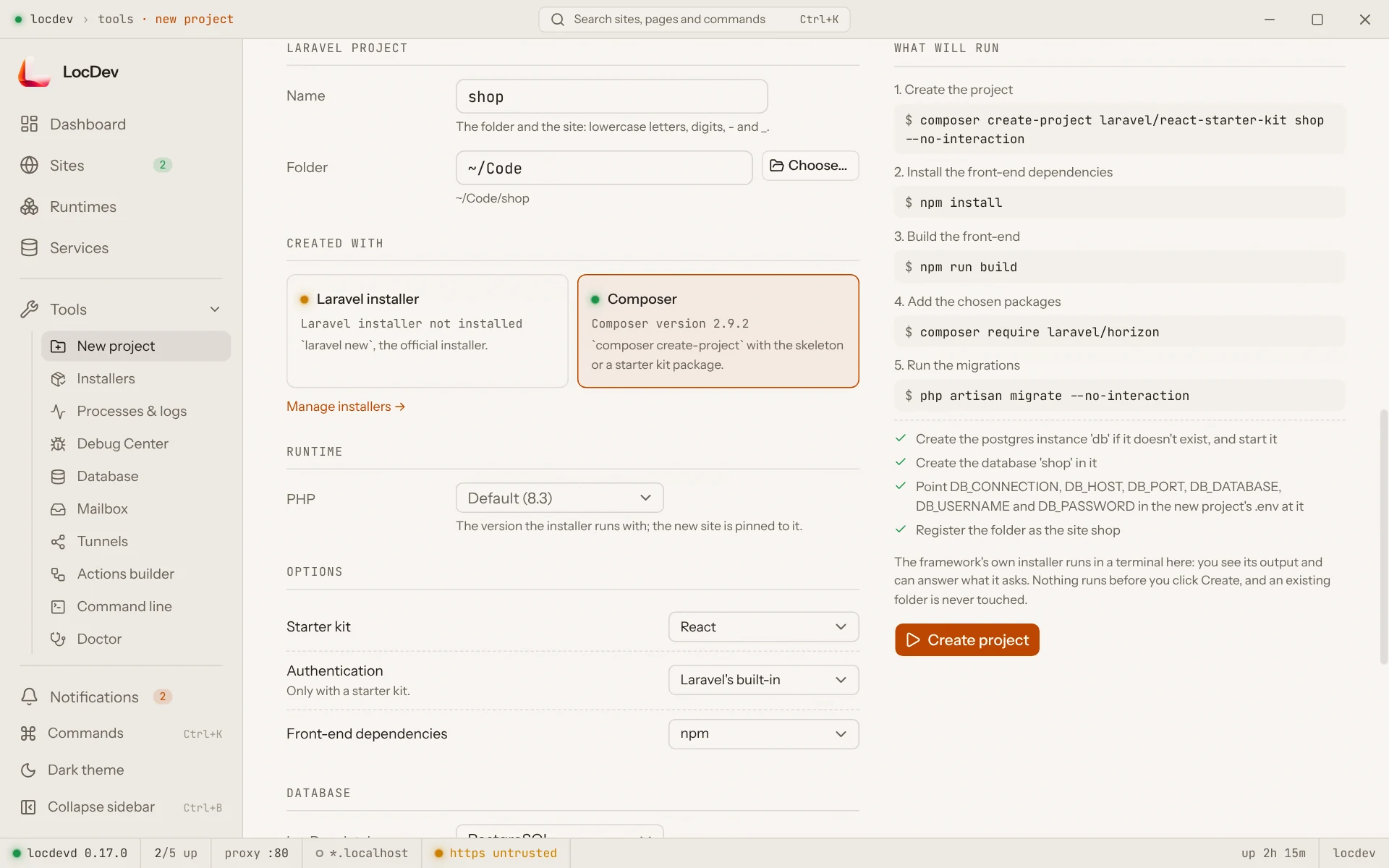
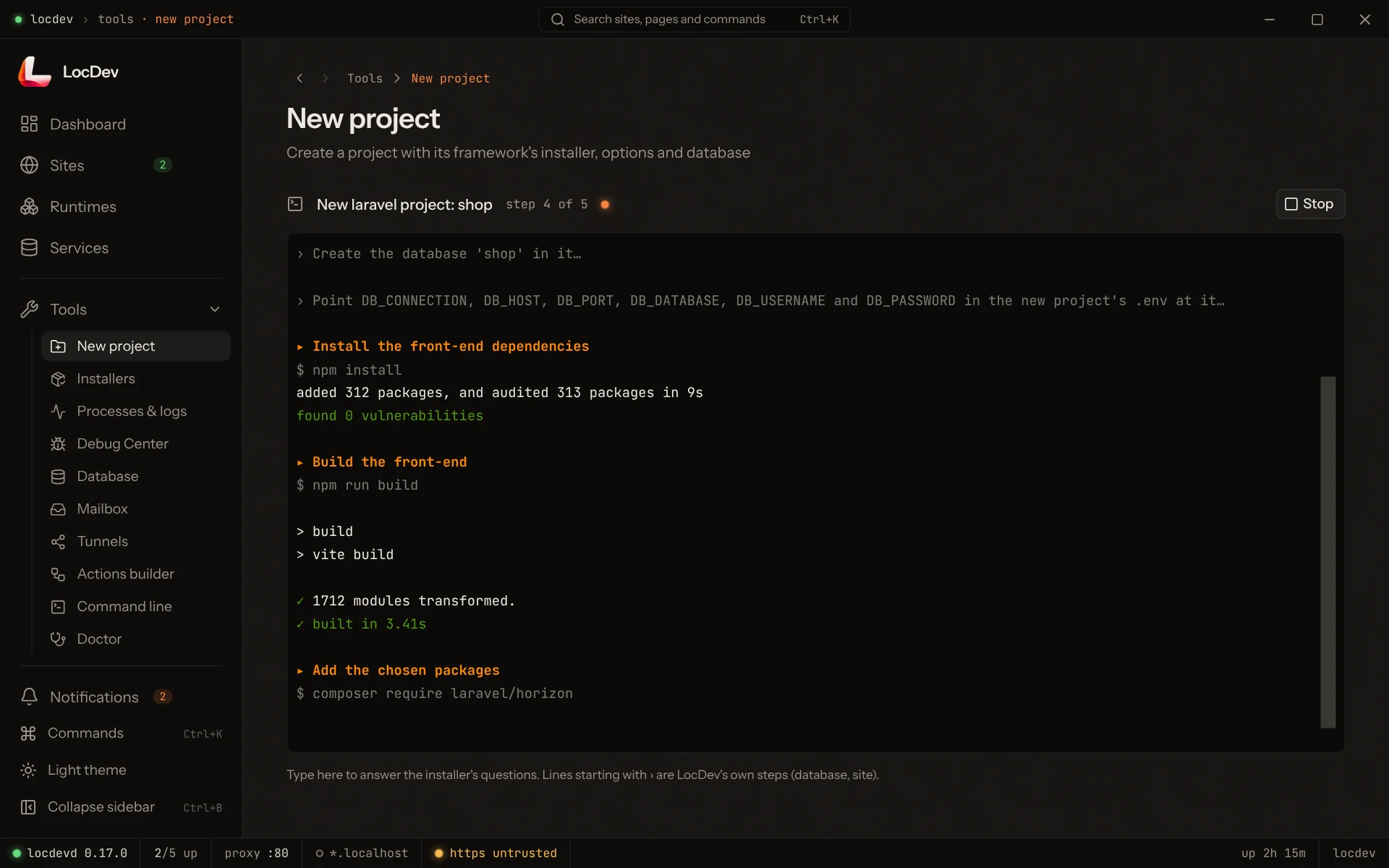
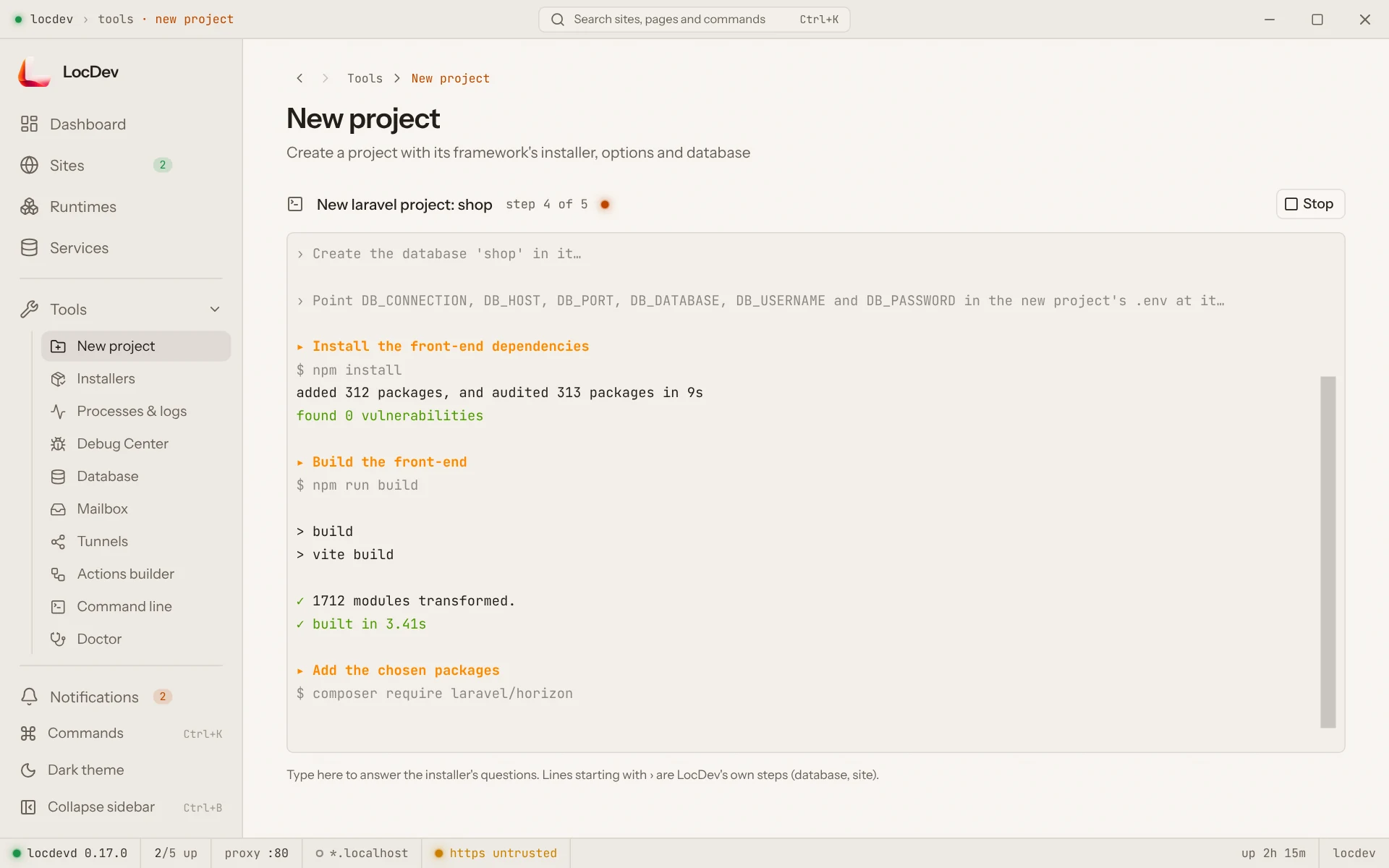
In the app: Tools → New project → Laravel. Choose the name, the starter kit (none, React, Vue, Svelte or Livewire) and the database; the plan shows every command before it runs.
From the terminal, the same in one line:
locdev new project laravel blog --method composer --php 8.4 --in ~/Code -y
--php 8.4 creates the project with that PHP and pins the site to it. The steps run in a terminal inside the app, and at the end LocDev registers the site.
3. Start the site
locdev up blog
locdev open blog
Laravel runs with php artisan serve on the site's port, and the proxy serves it at http://blog.localhost right away. Laravel's default database is SQLite, already migrated when the project was created.
4. .test and HTTPS, once
locdev dns install
locdev tls trust
Each command shows the script it will run and asks before running it. After that, https://blog.test opens in the browser without a warning. Details in Proxy and DNS and HTTPS.
5. E-mail in the Mailbox
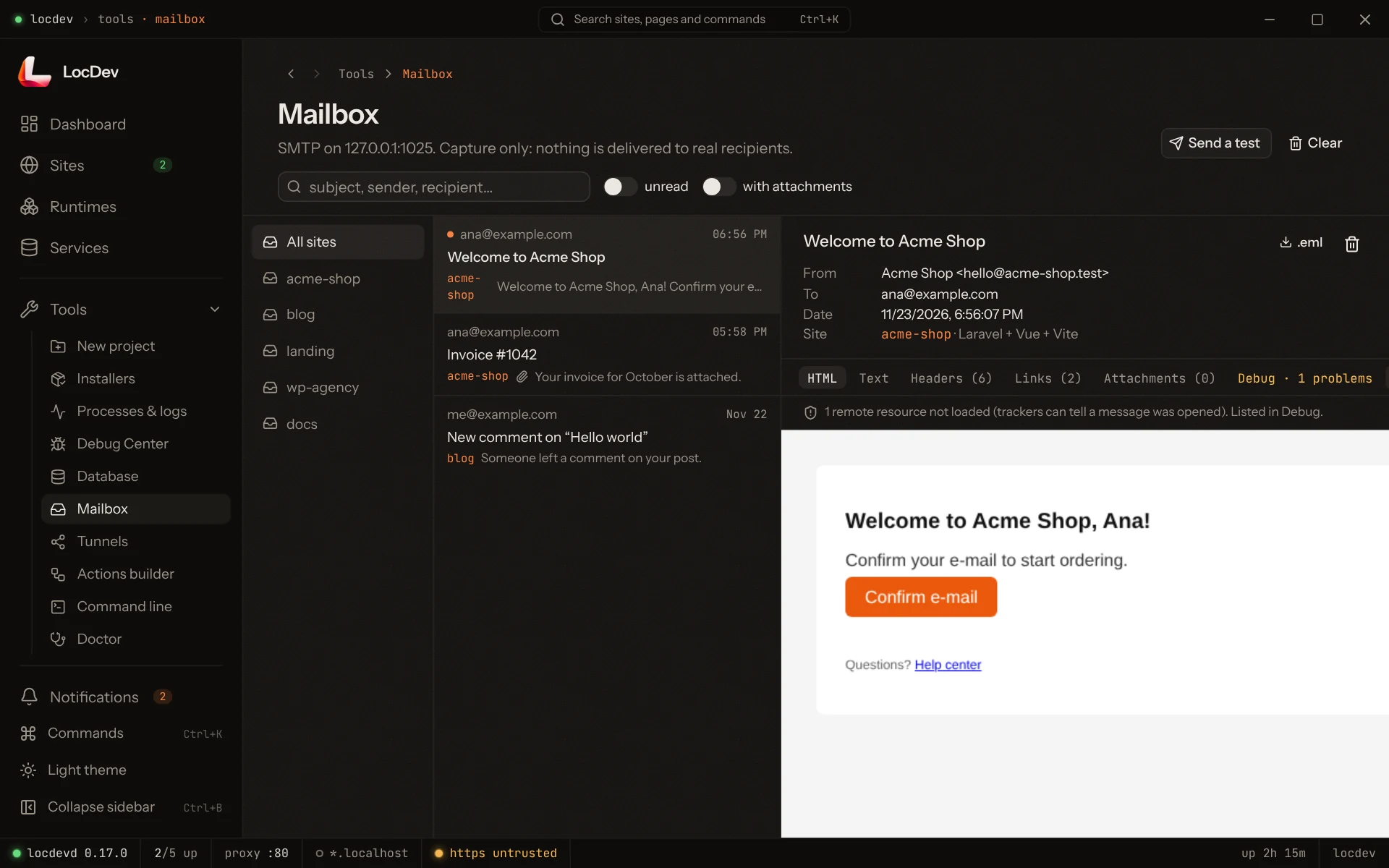
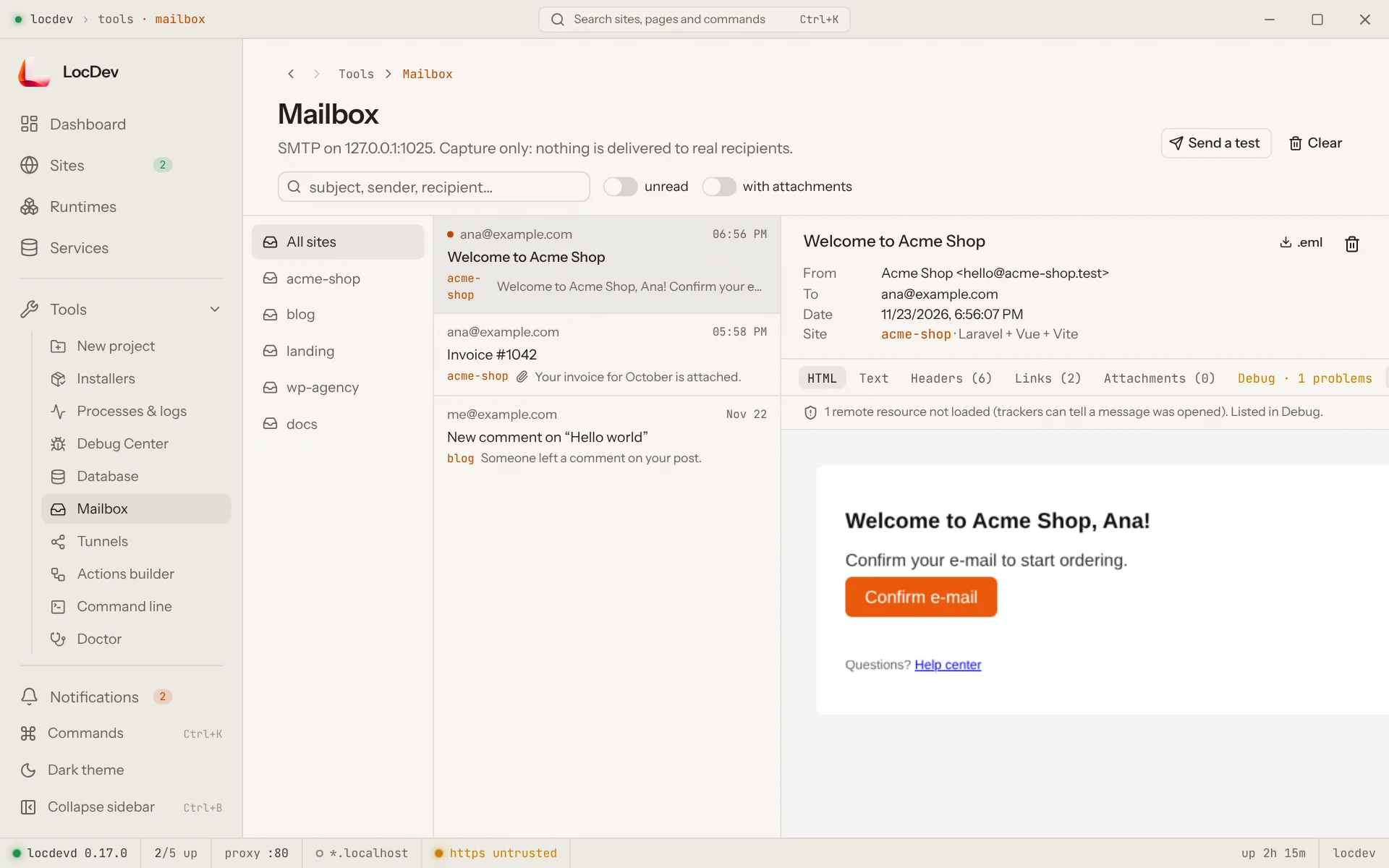
The Mailbox captures what the site sends and delivers nothing:
locdev mail setup blog     # what changes: MAIL_MAILER=smtp, LocDev's host and port
locdev mail enable blog
locdev reload blog
The variables go only into the environment of the site's processes; the project's .env isn't changed. Queue workers and the scheduler get the same variables. Send an e-mail from Laravel and open Tools → Mailbox (or locdev mail list).
6. Check the extensions
locdev runtime extensions blog
LocDev compares what the project asks for (composer.json, the database in .env, Laravel's requirements) with what the site's PHP loads, and says how to fix whatever is missing.
Next steps
- Debug Center: exceptions,
dump()and Laravel log errors on one timeline. - Services: local PostgreSQL or Redis instead of SQLite.
- Dev servers: Vite next to Laravel for the assets.