
Dev servers
LocDev runs each site's dev server as a process supervised by the daemon: it starts with the right Node.js/PHP version, gets a port, sits behind the proxy at https://<site>.test and keeps running with the app window closed.
Detection
When you register a folder, LocDev reads the project's files (package.json, lockfiles, vite.config.*, artisan, composer.json, wp-config.php…) to pick the command. It never runs a project script just to find out the technology.
| Project | Main server | How the port is passed |
|---|---|---|
| Laravel | php artisan serve --no-reload (without --no-reload, Laravel drops the variables LocDev injects) | --port {port} |
| Laravel + Vite | artisan serve + Vite as an auxiliary (with consent) | --port on Vite |
| React/Vue/Svelte + Vite, SvelteKit | the dev script | --port {port} --strictPort --host 127.0.0.1 |
| Next.js | the dev script | --hostname localhost --port {port} |
| Nuxt, Astro | the dev script | --port {port} --host 127.0.0.1 |
| Generic Node.js | dev or start | PORT variable |
| PHP, WordPress | php -S | on the command line |
| HTML/CSS/JS | no process | — |
Vite ignores the PORT variable, so LocDev passes --port and --strictPort (with the port taken, Vite fails instead of jumping to another one the proxy doesn't know). The package manager comes from the lockfile (pnpm-lock.yaml, yarn.lock, bun.lock, otherwise npm). locdev info shows what was detected, and the site detail warns when the registered command differs from what LocDev would use today.
The auxiliary (Vite next to Laravel)
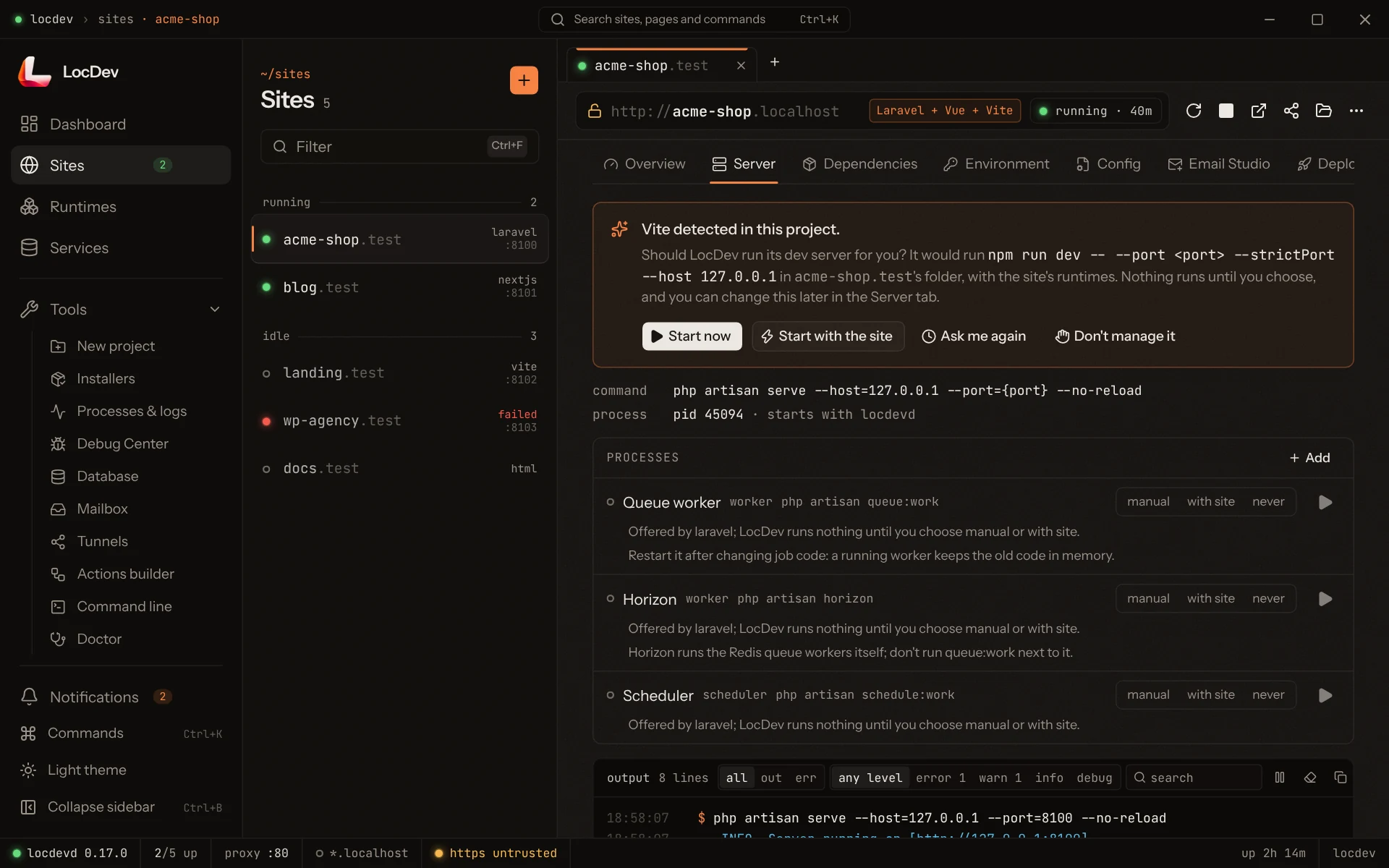
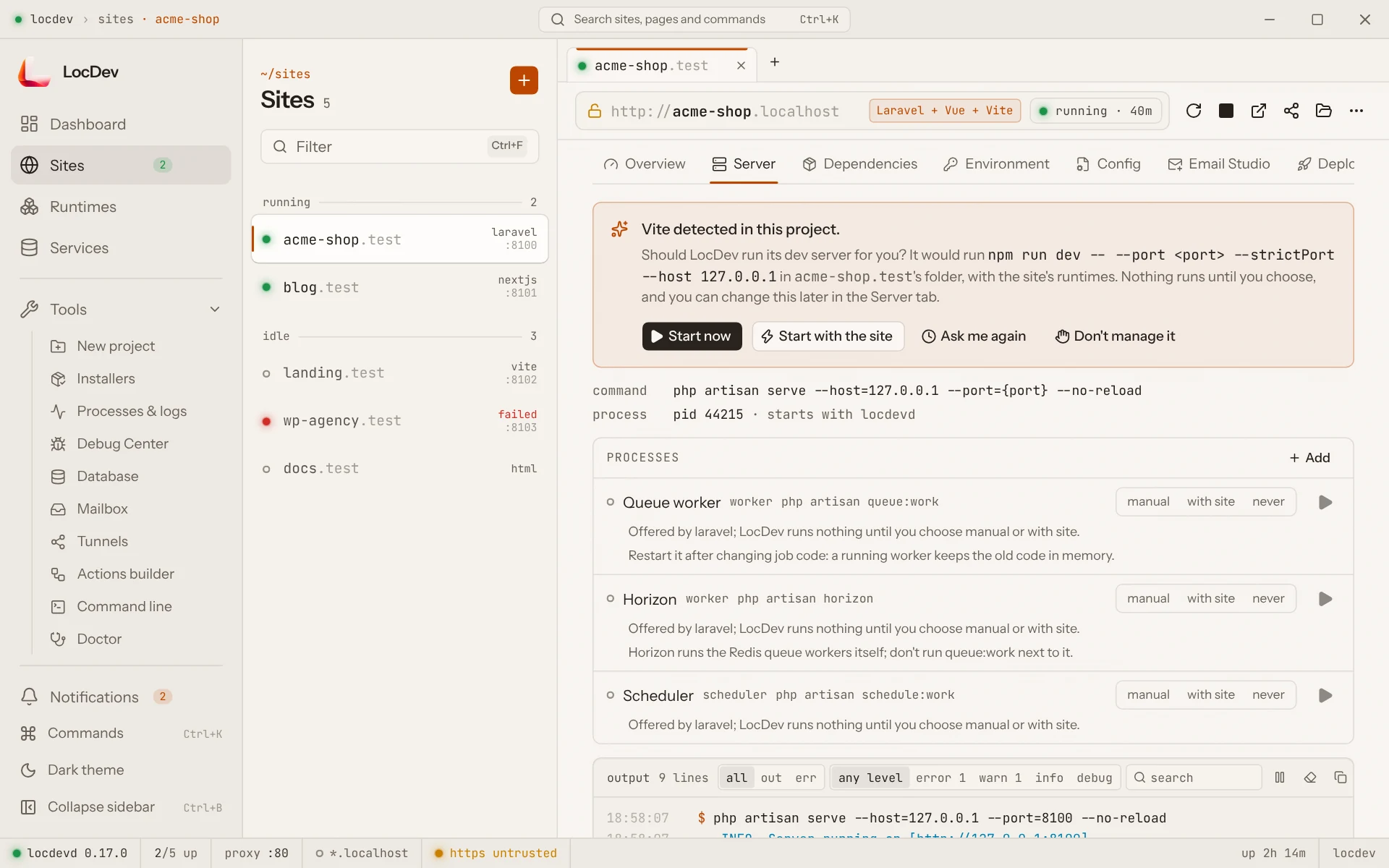
In a Laravel project with Vite, PHP serves the pages and Vite serves the assets with hot reload: that's two processes. LocDev detects Vite, but runs nothing until you decide:
| Option | Effect |
|---|---|
| Start now | Runs Vite now; next times, you start it when you want. |
| Start with the site | Starts and stops together with the site. |
| Ask again | Nothing runs; the question stays. |
| Don't manage | LocDev stops asking and never runs Vite. |
The decision can be changed at any time in the site's Server tab or through the CLI:
locdev dev mode auto            # start with the site
locdev dev mode manual --start  # now, and afterwards only by hand
locdev dev mode never
locdev dev status | start | stop | restart
locdev dev logs -f
The auxiliary gets its own port and its own output (locdev logs --dev). Stopping the site stops both; Vite gets SIGTERM (on Windows, the tree shutdown), so laravel-vite-plugin deletes the public/hot file by itself.
Proxy, HMR and HTTPS
- Allowed hosts: Vite refuses unknown hosts (
.localhostis always accepted). LocDev passes the process the__VITE_ADDITIONAL_SERVER_ALLOWED_HOSTS=<site>.test,.<site>.testvariable, which Vite reads, without editing the project'svite.configand without allowing other hosts. - HMR: Vite's client connects to the same host and protocol as the page, so the WebSocket goes through the proxy (
ws://orwss://). Validated with Vite 8: the101handshake and thefull-reloadarrive through the proxy when a file is edited. - Laravel + Vite over HTTPS: the page comes from
https://<site>.testand the assets from Vite. When LocDev's CA is trusted and*.testresolves to LocDev, the Vite process getsVITE_DEV_SERVER_CERT,VITE_DEV_SERVER_KEY(a site certificate issued by the local CA, with the key readable only by your user) andAPP_URL=https://<site>.test.laravel-vite-pluginthen serves the assets over HTTPS, without mixed content. The certificate also coverslocalhost,127.0.0.1and::1: with Vite 8.3 or newer, the plugin writeshttps://127.0.0.1:<port>topublic/hot(the site host it sets is lost when Vite gets--host 127.0.0.1), and the page loads its assets from that address. Without those conditions, Vite stays athttp://127.0.0.1:<port>, which Chrome and Firefox accept on an HTTPS page because it's loopback. - The plugin also allows CORS for
*.testorigins.
None of this changes project files: everything goes only into the process environment.
Next.js 15+ may warn about dev requests coming from another origin. If hot reload doesn't work through
<site>.test, add the domain toallowedDevOriginsinnext.config. LocDev doesn't change that file for you.
Supervision
- One instance: starting a site that is already running doesn't start another process.
- Port taken: before starting, LocDev checks the port and, if it's in use, says who holds it (process and PID).
- Process tree: each site runs in its own process group (Unix) or tree (Windows); stopping takes down everything the command created (npm → node, artisan → php). After 8 s without exiting, the process is killed.
- Restart on failure: optional per site (the site's Settings, or
locdev edit <site> --restart-on-failure true), with growing waits (1 s, 2 s, 4 s…) and at most 5 attempts in 2 minutes. - After a daemon crash: LocDev records the running processes; a new daemon ends what the previous one left behind (their output can't be reattached) and auto-start brings back what was marked.
Processes and logs
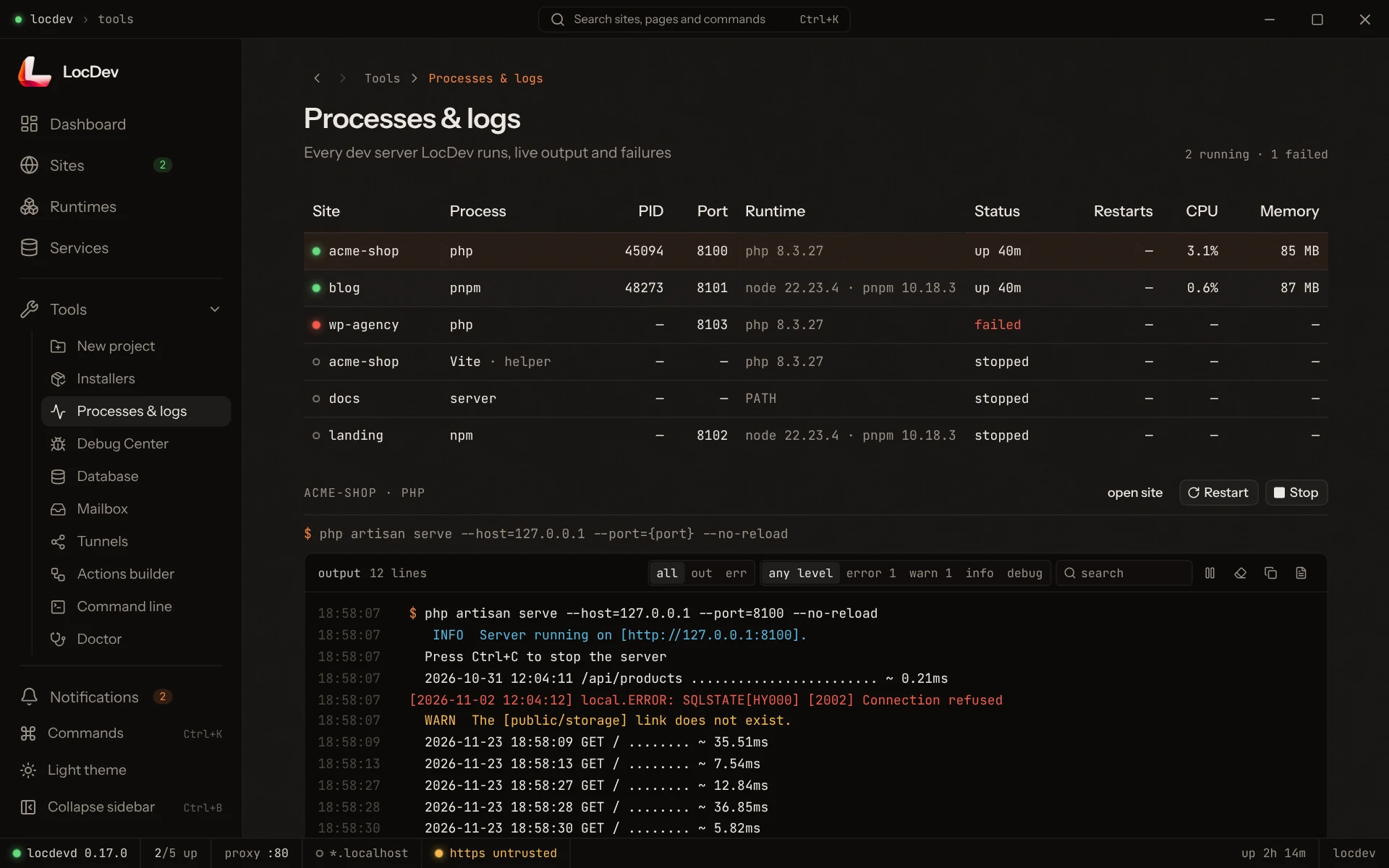
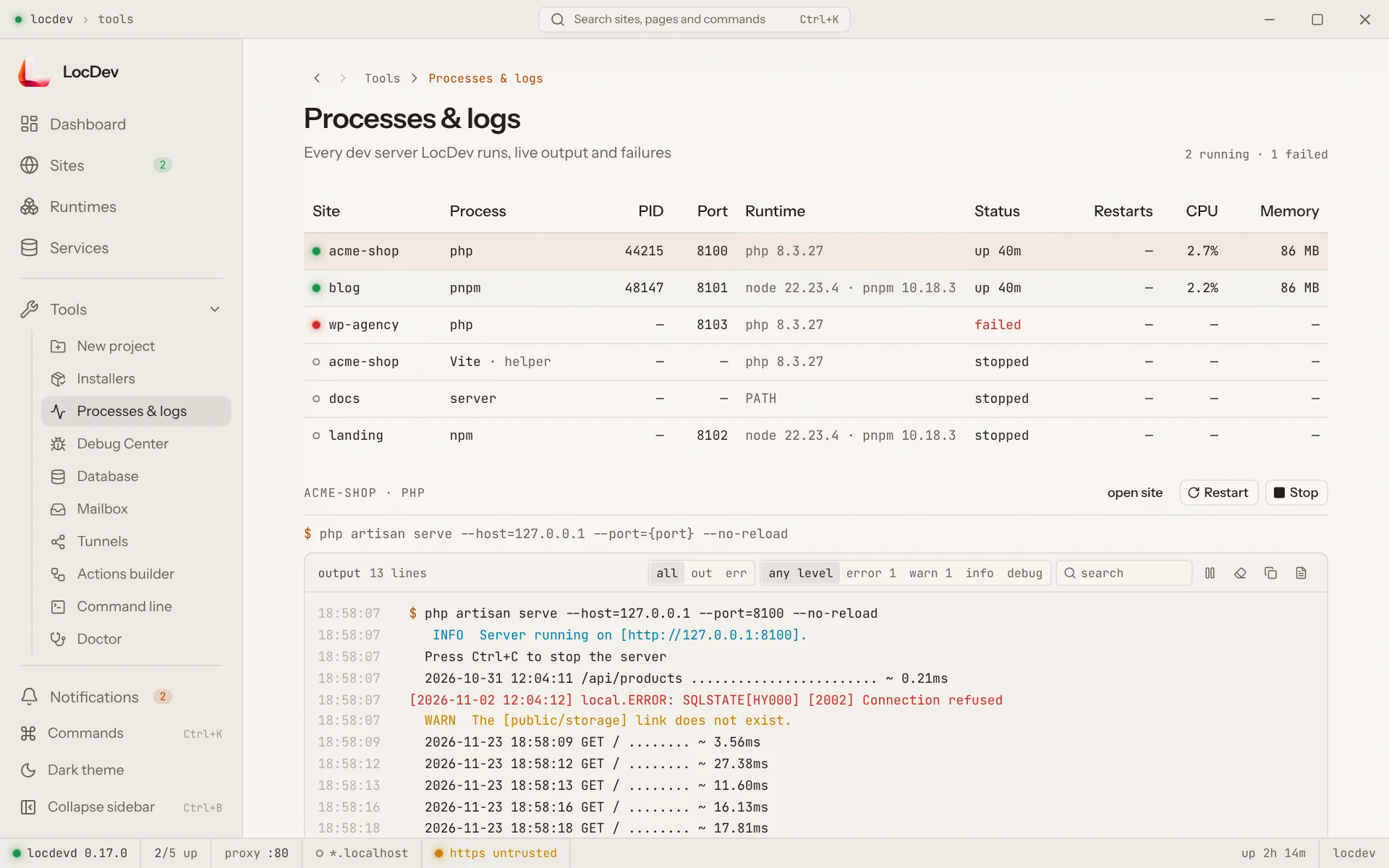
In Tools → Processes & logs (or locdev ps): every process, with PID, port, runtime, uptime, state, restarts, CPU and memory (summed over the process tree). The console shows stdout, stderr and LocDev's notes, with filters by stream and level, search, pause, auto-scroll and copy.
The level (error, warn, info, debug) only shows when the line itself declares it: ERROR:, [warn], npm ERR!, PHP Fatal error:, Laravel's local.ERROR:. Plain output has no level, and stderr isn't treated as an error by itself.
The output is kept in memory (2000 lines per process) and on disk, in logs/sites/<site>.log (rotates at 5 MB, keeping one previous file). That's why it stays visible after the process ends and after the daemon restarts. The limits are in config.toml:
[logs]
lines = 2000
file_mb = 5
This is diagnosis through the process output. Interactive debugging (Xdebug, the Node inspector) isn't part of LocDev today.
Auxiliary processes
Besides the dev server and the Vite auxiliary, a site can have auxiliary processes: queue workers, schedulers, WebSocket servers and tools with their own server. Framework adapters offer the ones the project has installed:
| Stack | Offered processes | Condition |
|---|---|---|
| Laravel | Queue worker (php artisan queue:work), Scheduler (php artisan schedule:work) | always |
| Laravel | Horizon (php artisan horizon) | laravel/horizon in composer.json |
| Laravel | Reverb (php artisan reverb:start) | laravel/reverb in composer.json |
| Rails | Solid Queue (bin/jobs) | the solid_queue gem and bin/jobs |
| Rails | Sidekiq (bundle exec sidekiq) | the sidekiq gem |
| Django | Celery worker and Celery beat (celery -A <project> …) | celery in the dependencies; the project comes from manage.py |
| Any JS | Storybook (<pm> run storybook --port <port> …) | storybook and a storybook script |
Like the Vite auxiliary, nothing runs before a decision: each offered process starts as ask. The modes are manual (you start it), with site (starts with the site) and never.
Alternatives that would consume the same jobs (Horizon and queue:work, Solid Queue and Sidekiq) don't run together: starting one while the other runs is refused, and choosing one as with site takes the other out of that mode. Workers and schedulers restart by themselves if they crash (with the same backoff as the server). Each process has its own log, gets the site's runtimes and shared variables, and stops with it.
You can also add your own processes (a worker for another queue, a watcher); {port} in the command gets a free port:
locdev process list
locdev process mode queue auto
locdev process start scheduler
locdev process mode queue manual --command "php artisan queue:work --queue=high,default"
locdev process add mailer --command "php artisan queue:work --queue=mail" --label "Mail queue"
locdev process logs queue -f
In the app, the site's Server tab lists the processes with each one's mode, controls and console. Tools → Processes & logs shows the ones that are on.